Raise Demands
May 22, 2026●
1
Please note that Demands in Veco Plus are raised automatically overnight, and pulled through from the scheduled charges. However, should you wish to raise the demands manually, the process is as follows
2
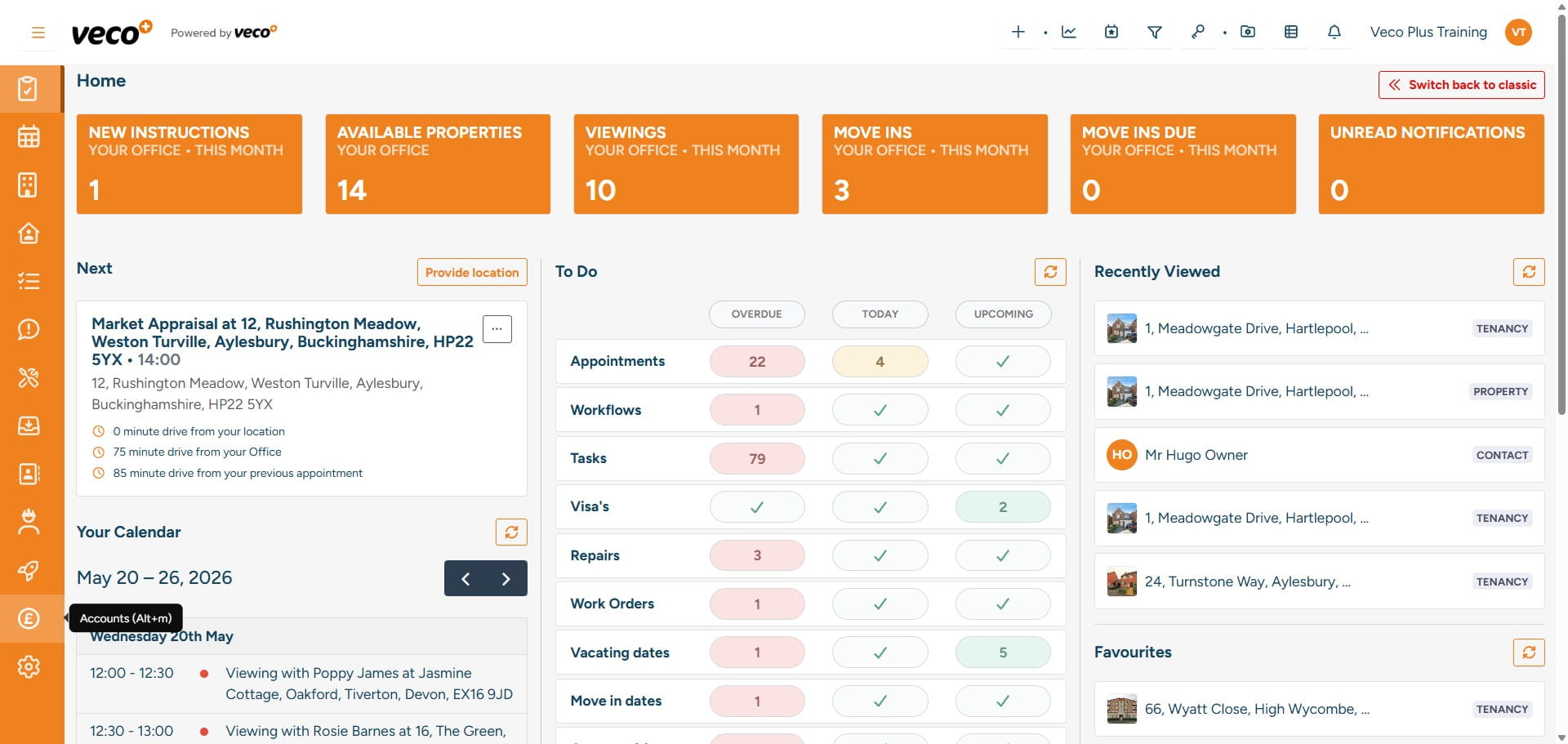
Select 'Accounts' on the navigation bar
3
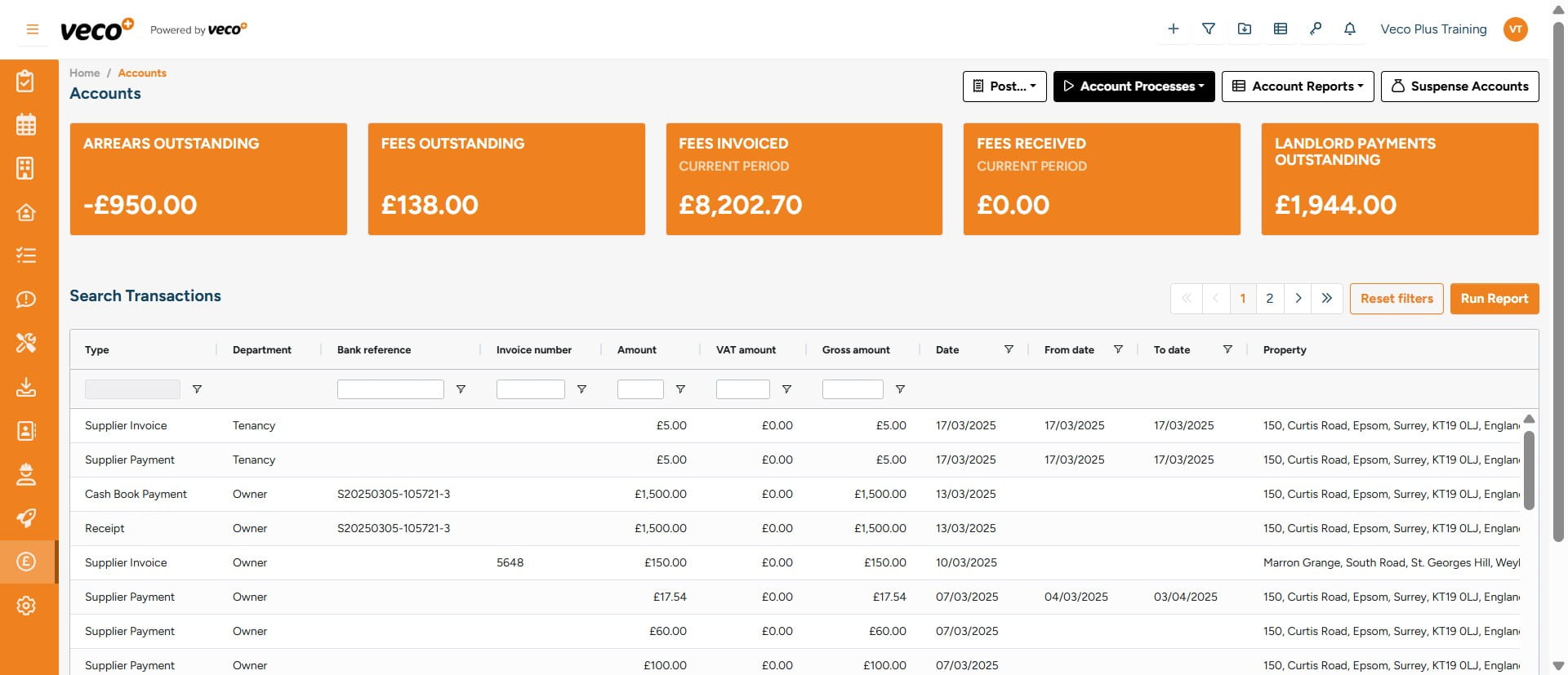
Select ' Account Processes'
4
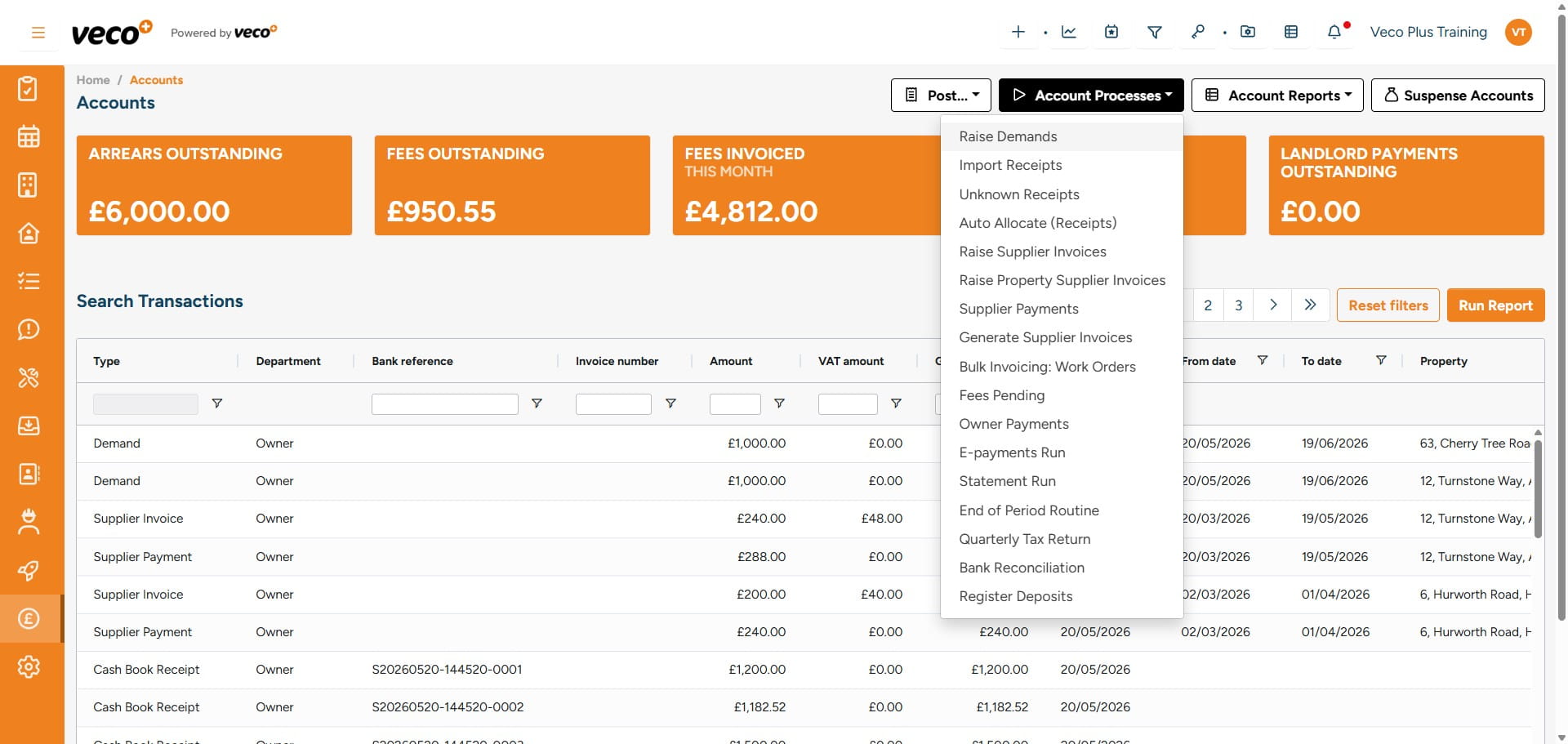
Select 'Raise Demands'
5
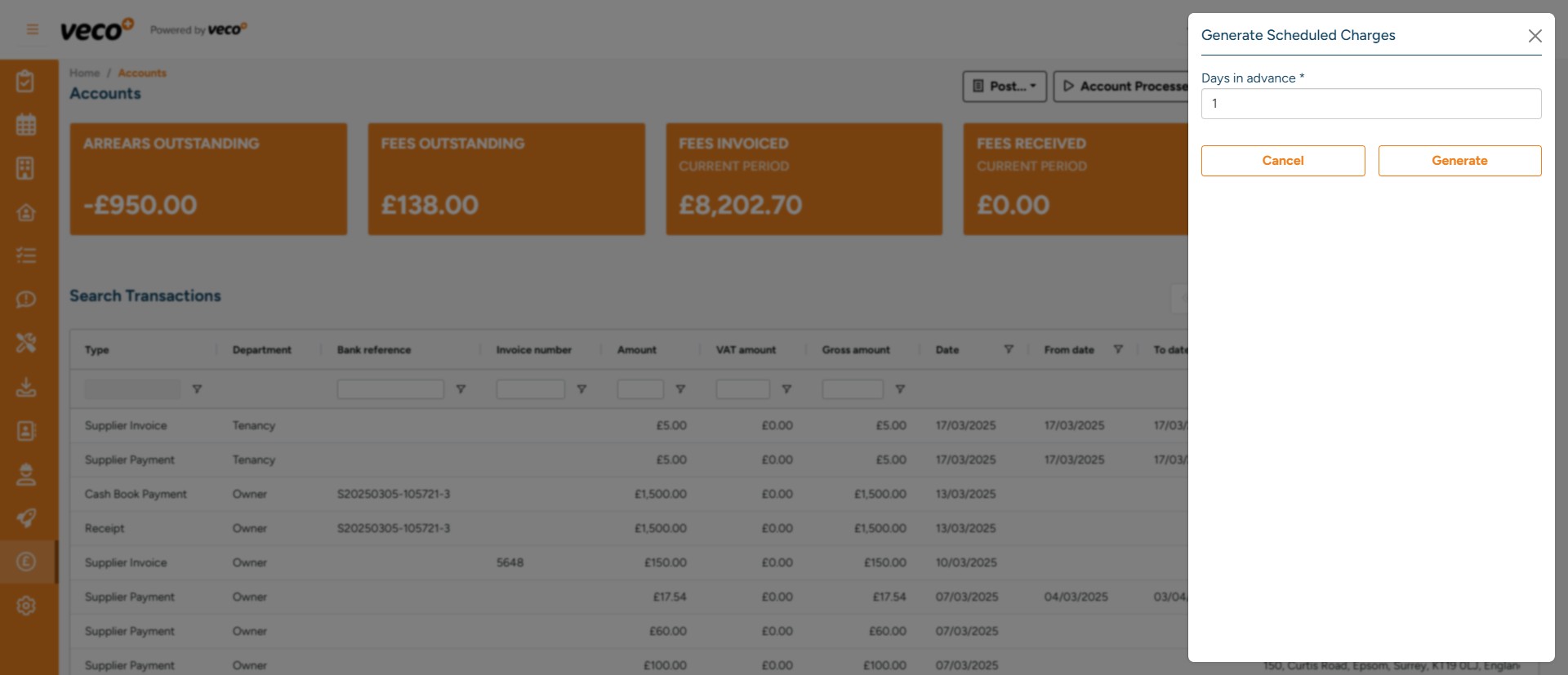
You will need to type how many days in advance you would like to manually raise the demands. For example on a Monday, you may want to raise all demands for that week, so you would raise 7 days in advance. Then select 'Generate'
6
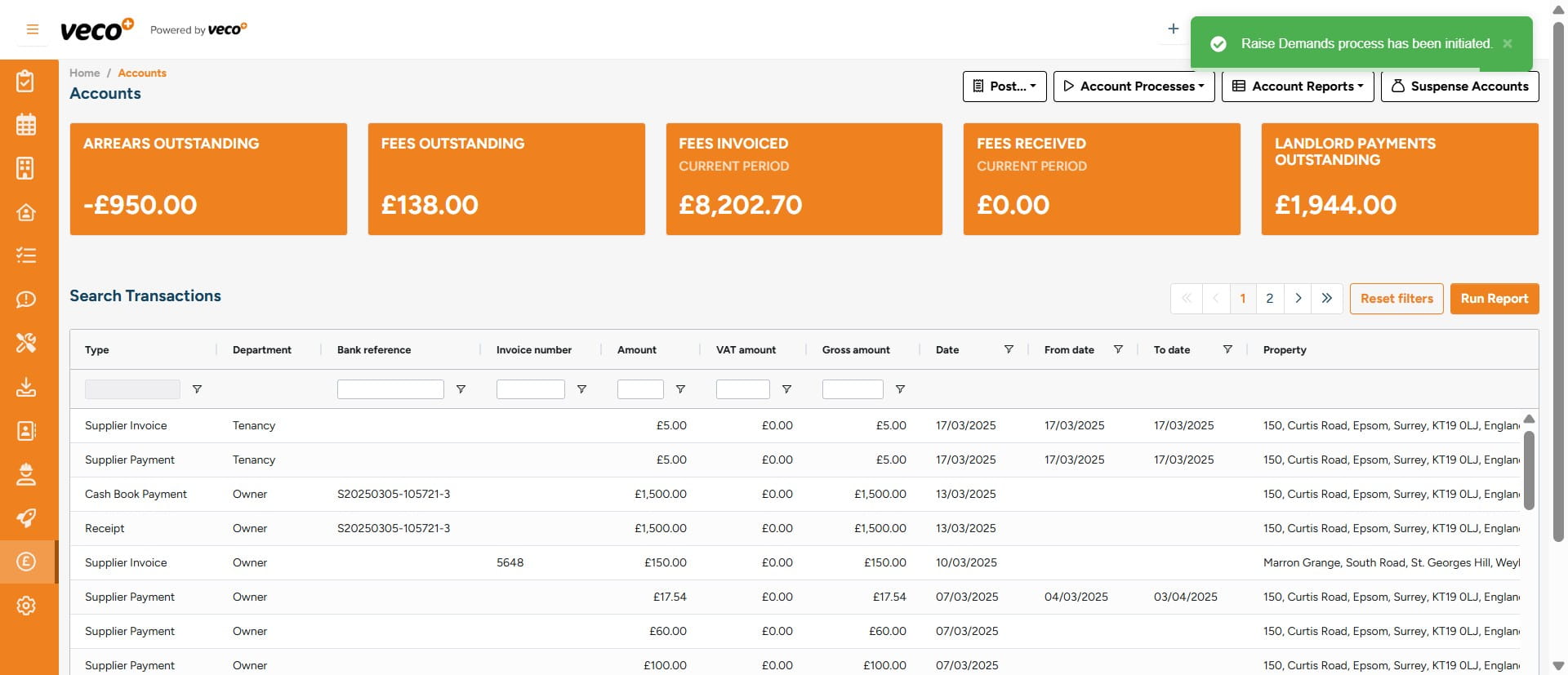
This process will then run in the background, and you will be notified in the notification centre once all the demands have been processed