Adding a Property & Owner
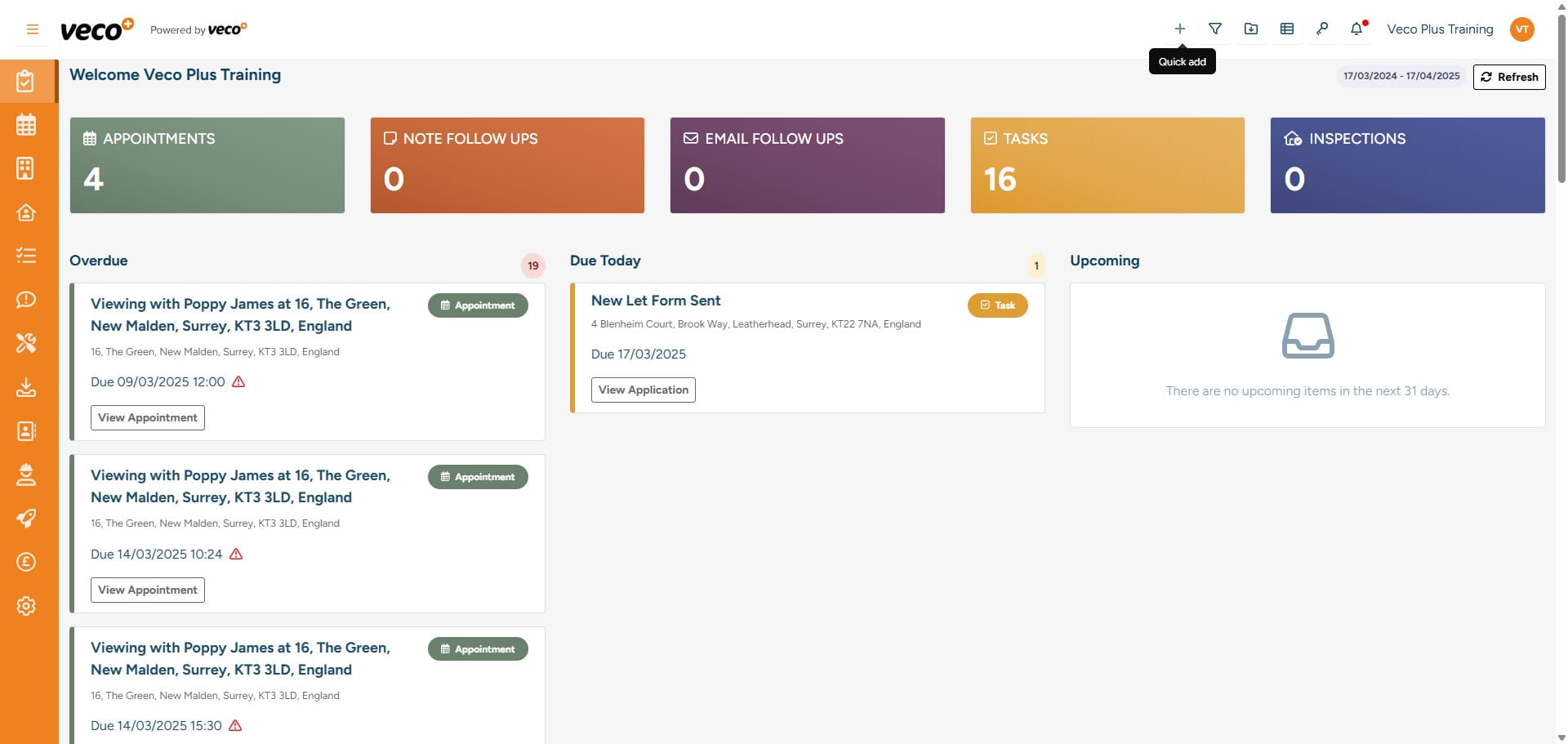
Select the ‘+’ icon in the upper right corner, which can be found on most screens, here you can add multiple types of data. This is one of the ways that you can add a Property and an Owner
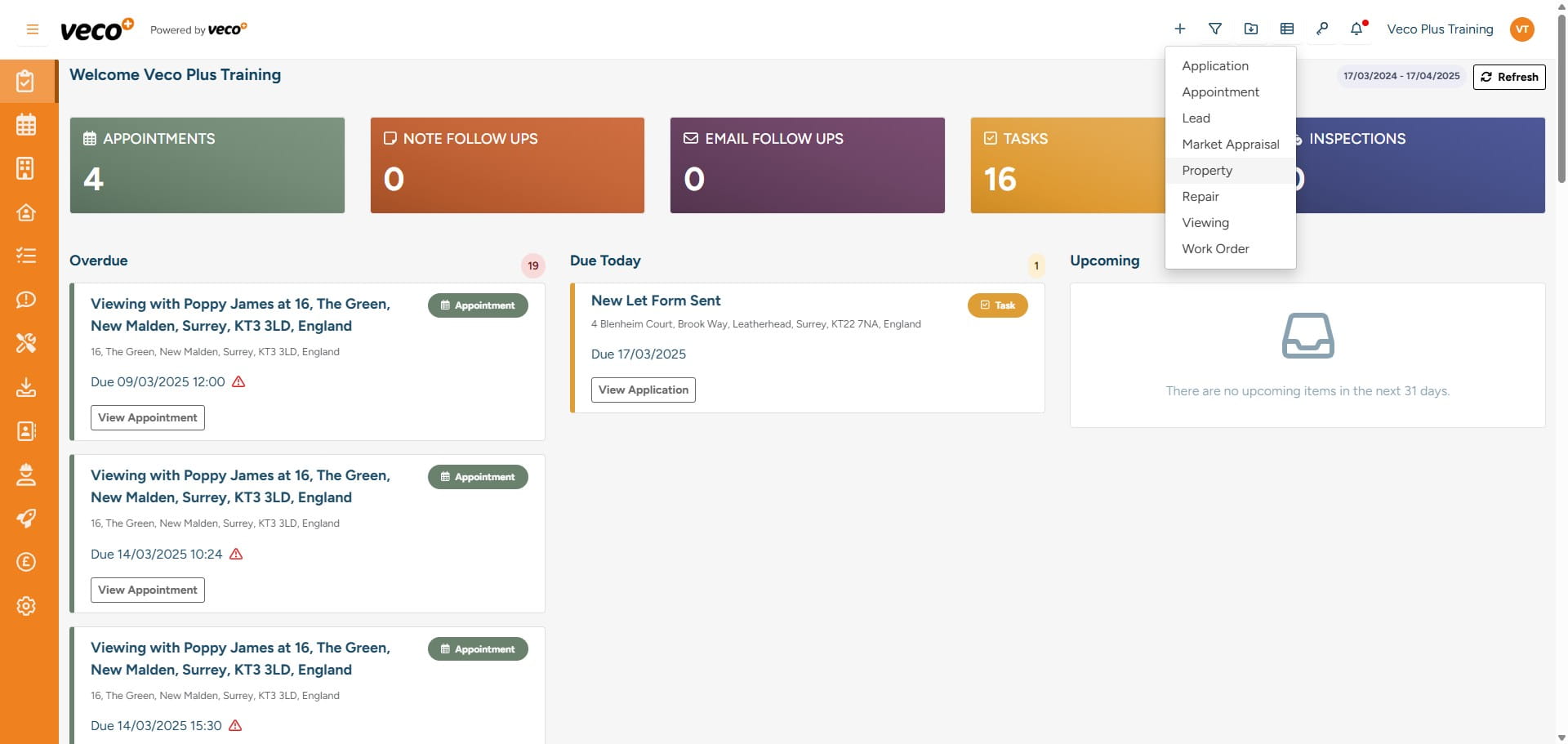
Select 'Property'
Select 'Search'
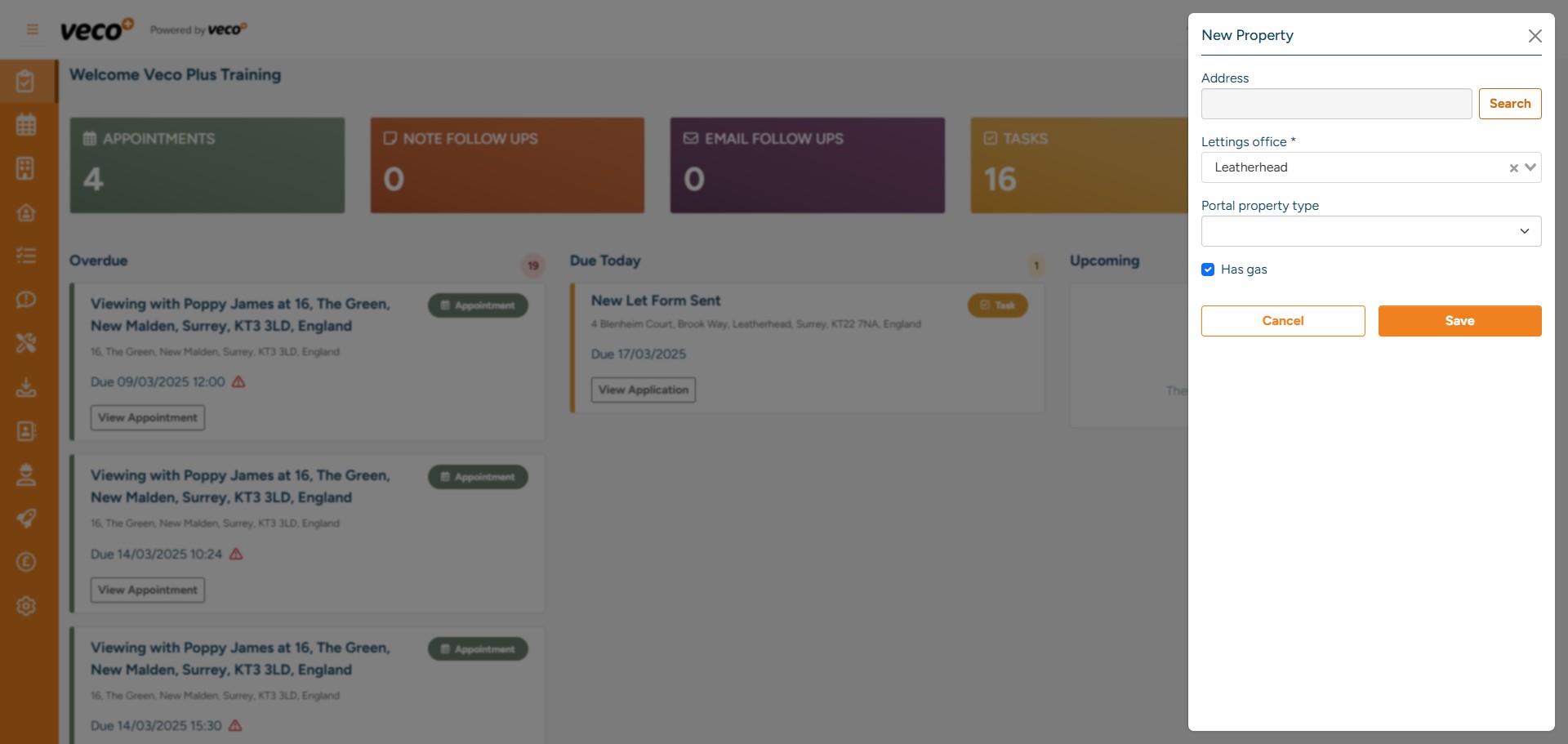
Enter the postcode of the property then select ‘Search’. You can optionally add the building identifier
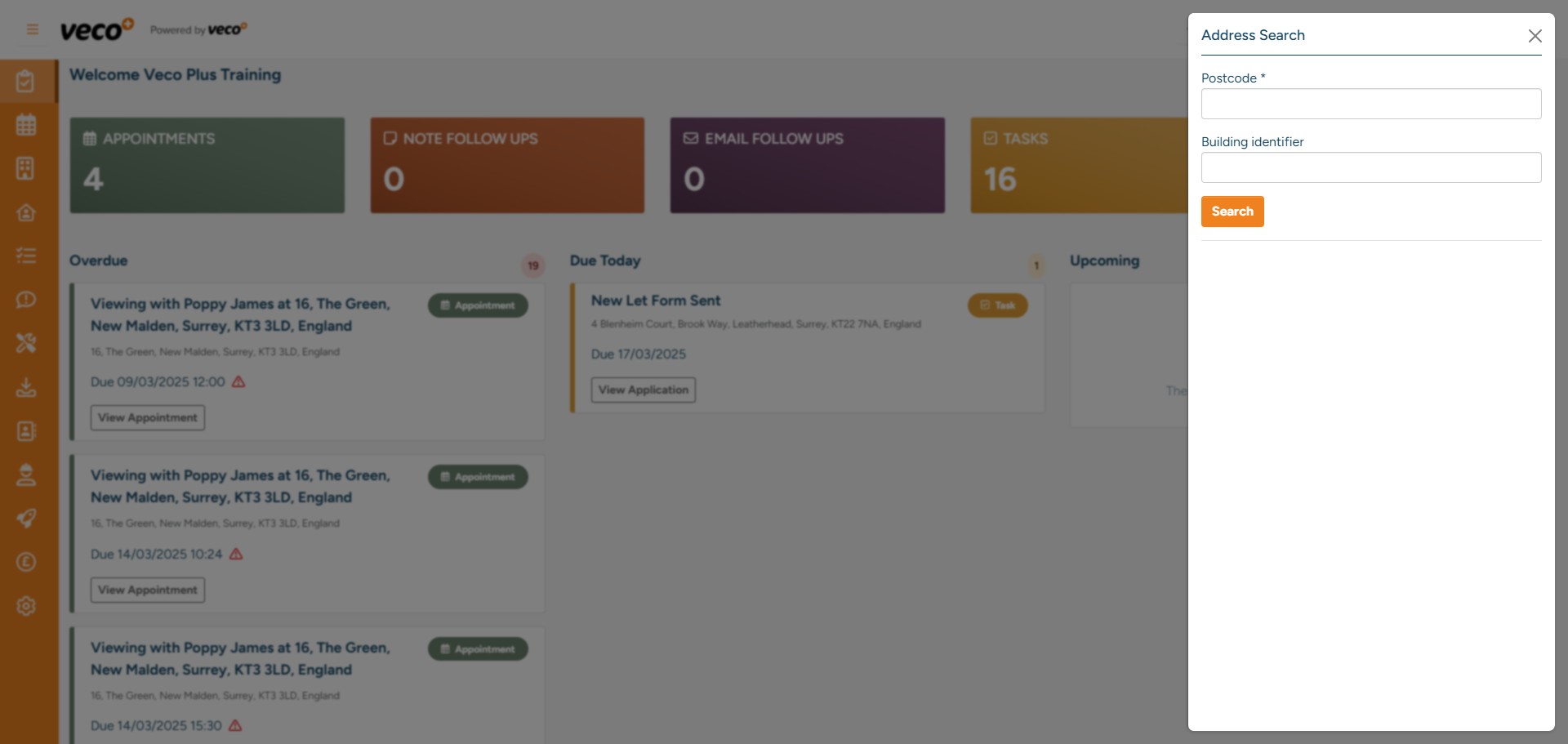
Select the address
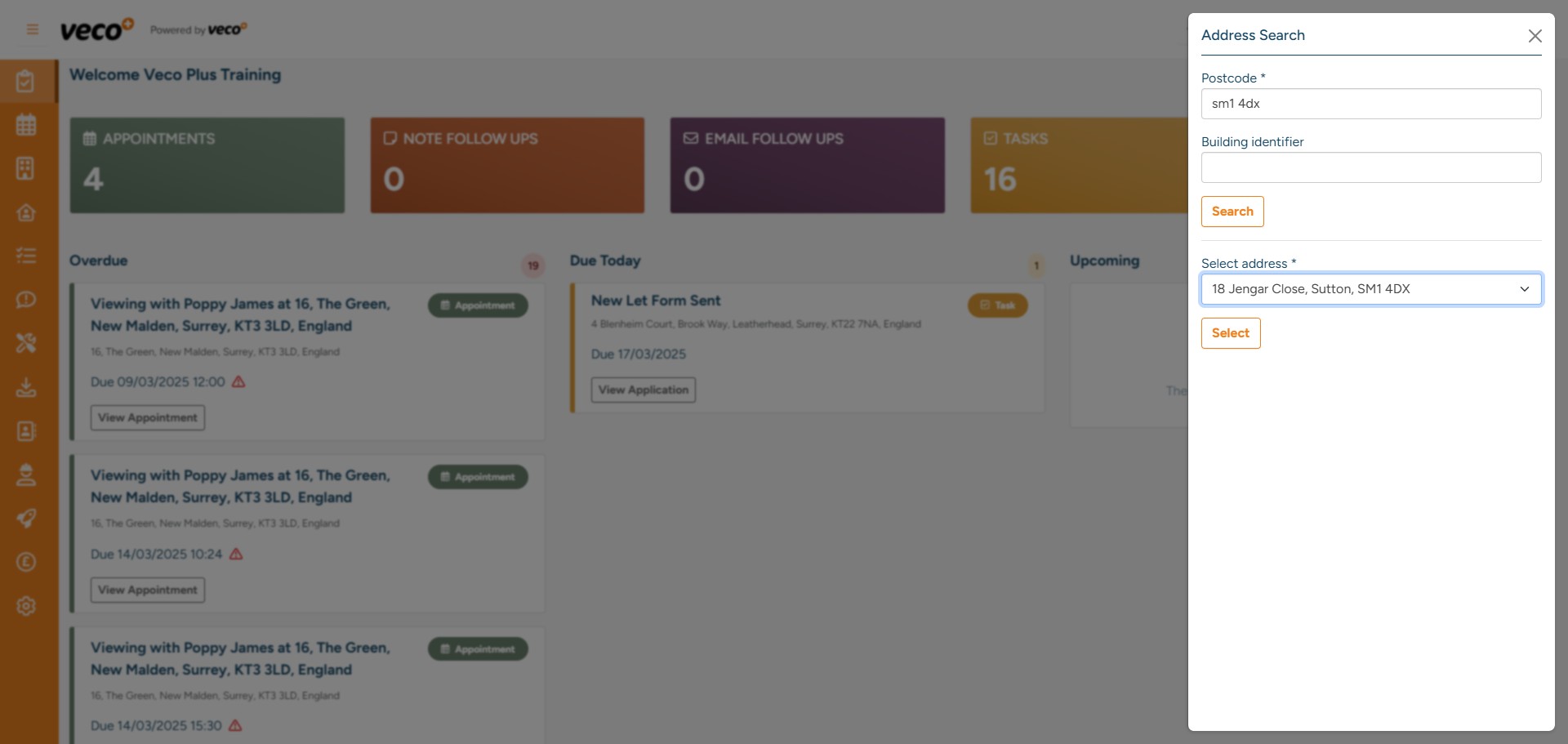
Select a 'Portal Property Type' and then 'Save'
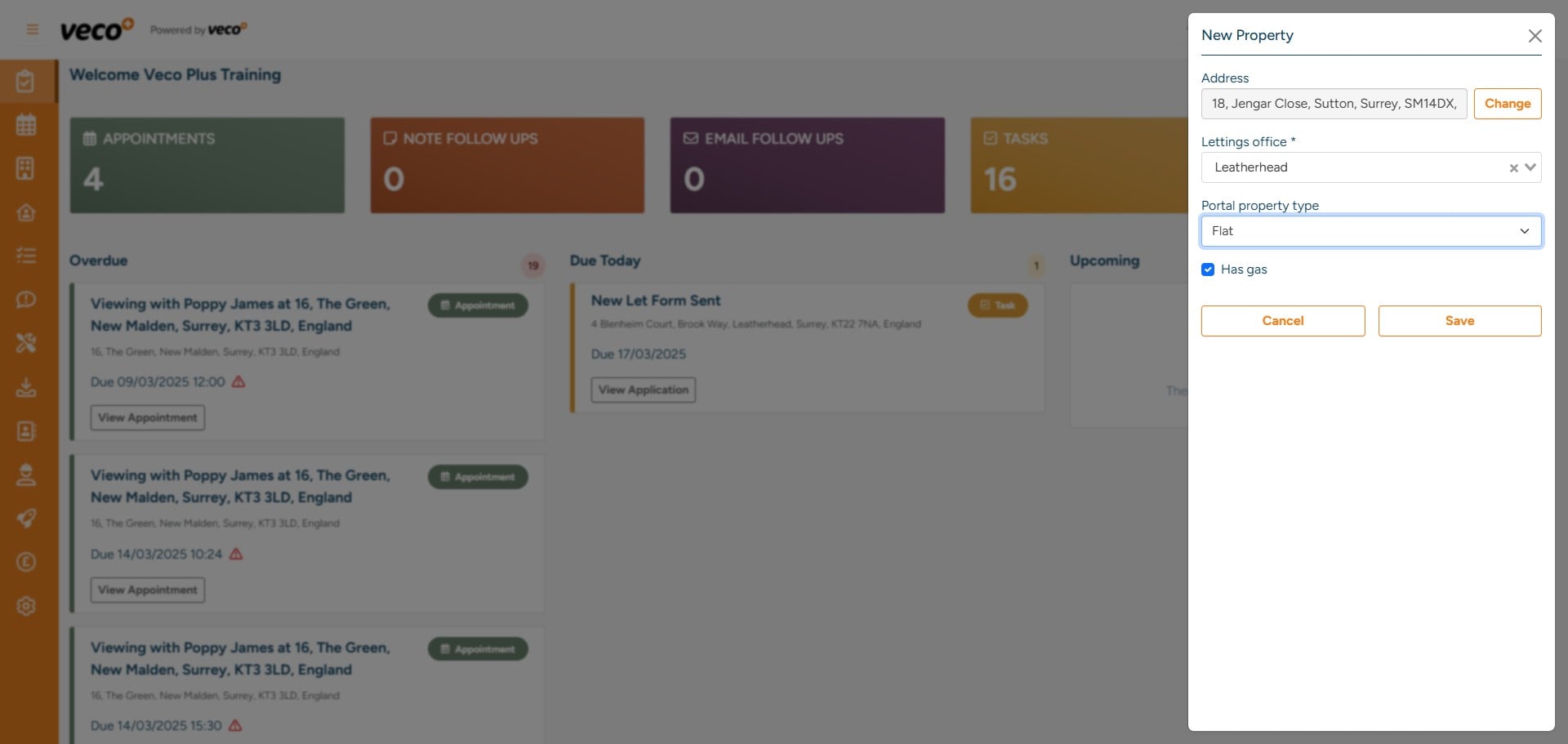
You can then either search for an existing owner or add a new one by selecting 'New Contact'
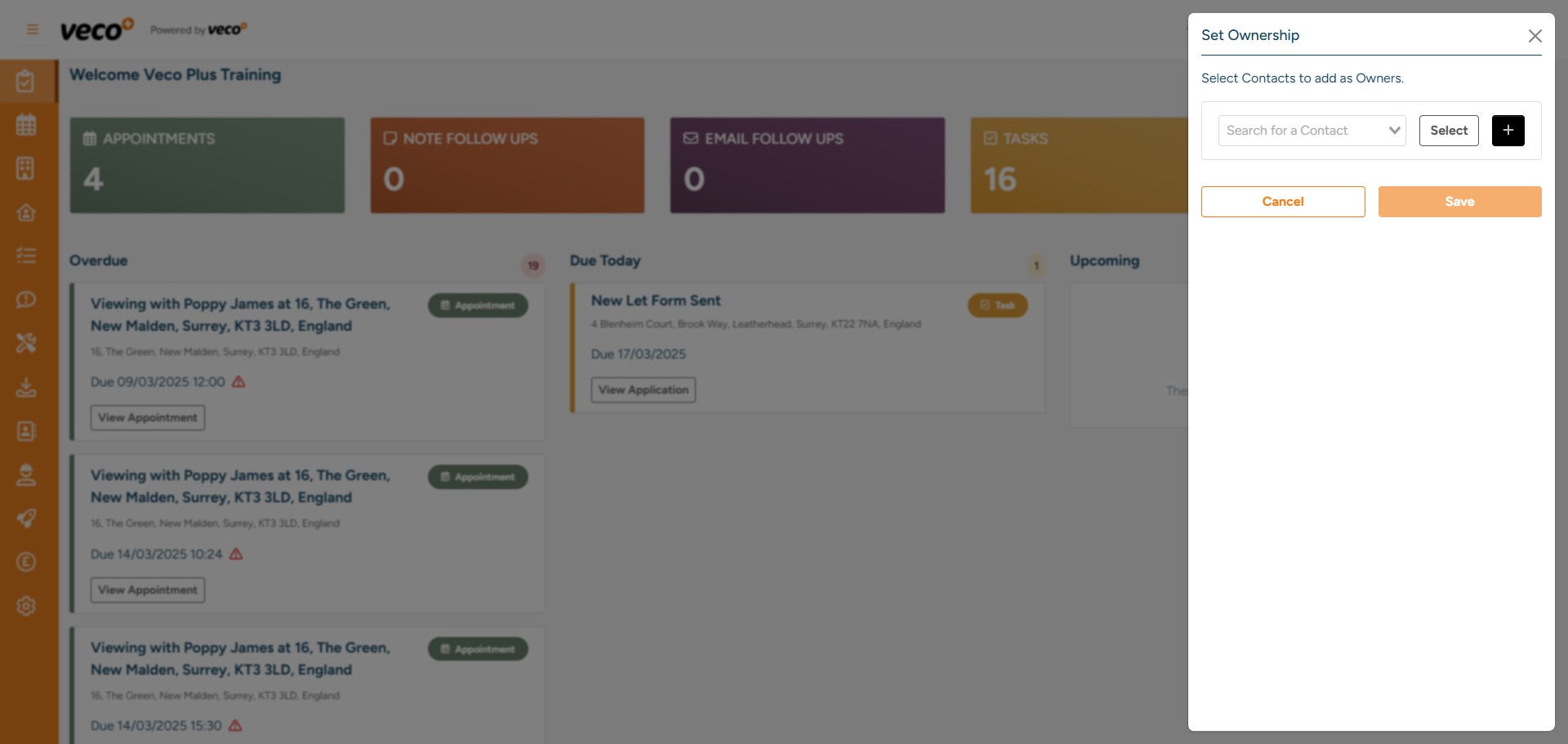
You can change ‘Type’ to ‘Company’ when adding new contact details if it is a company
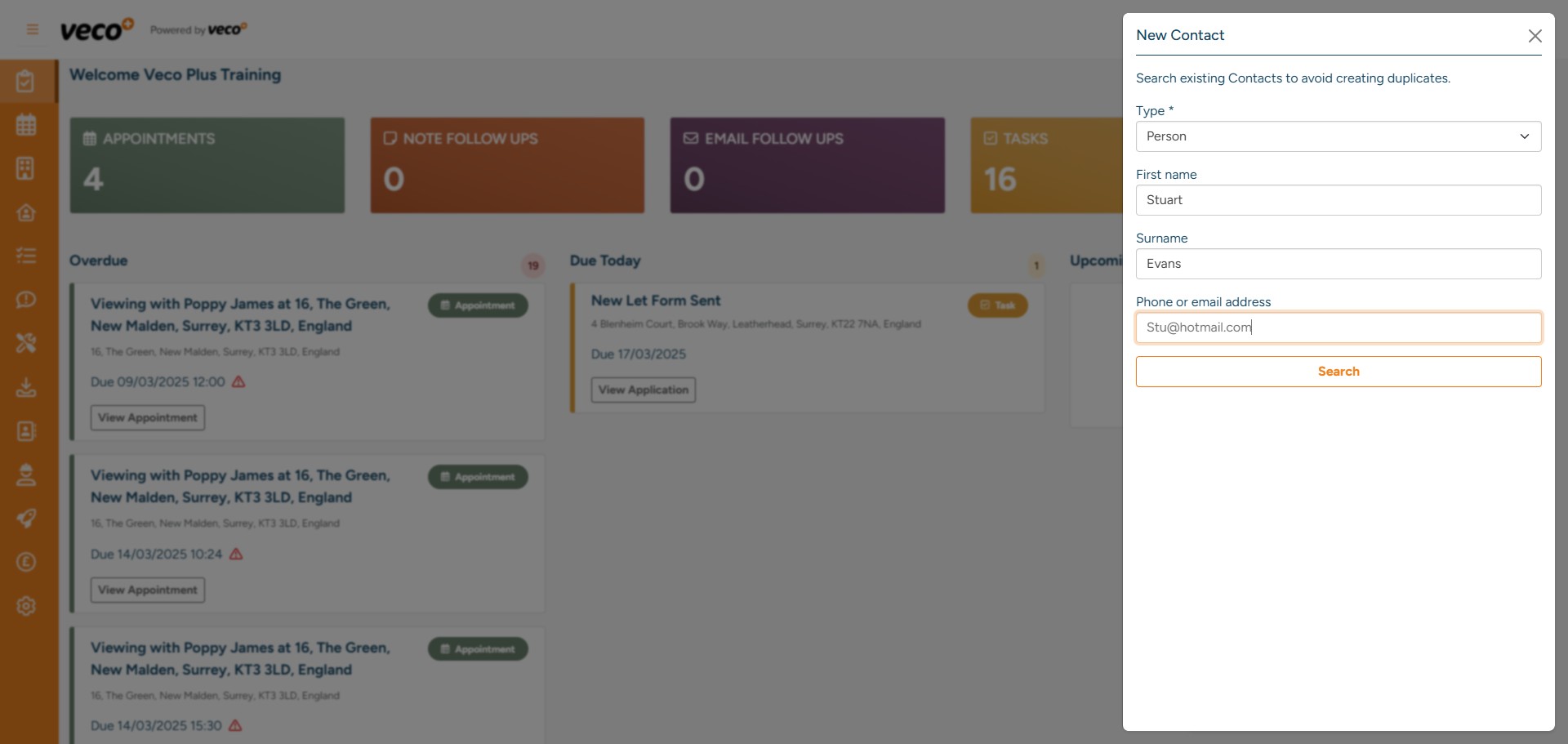
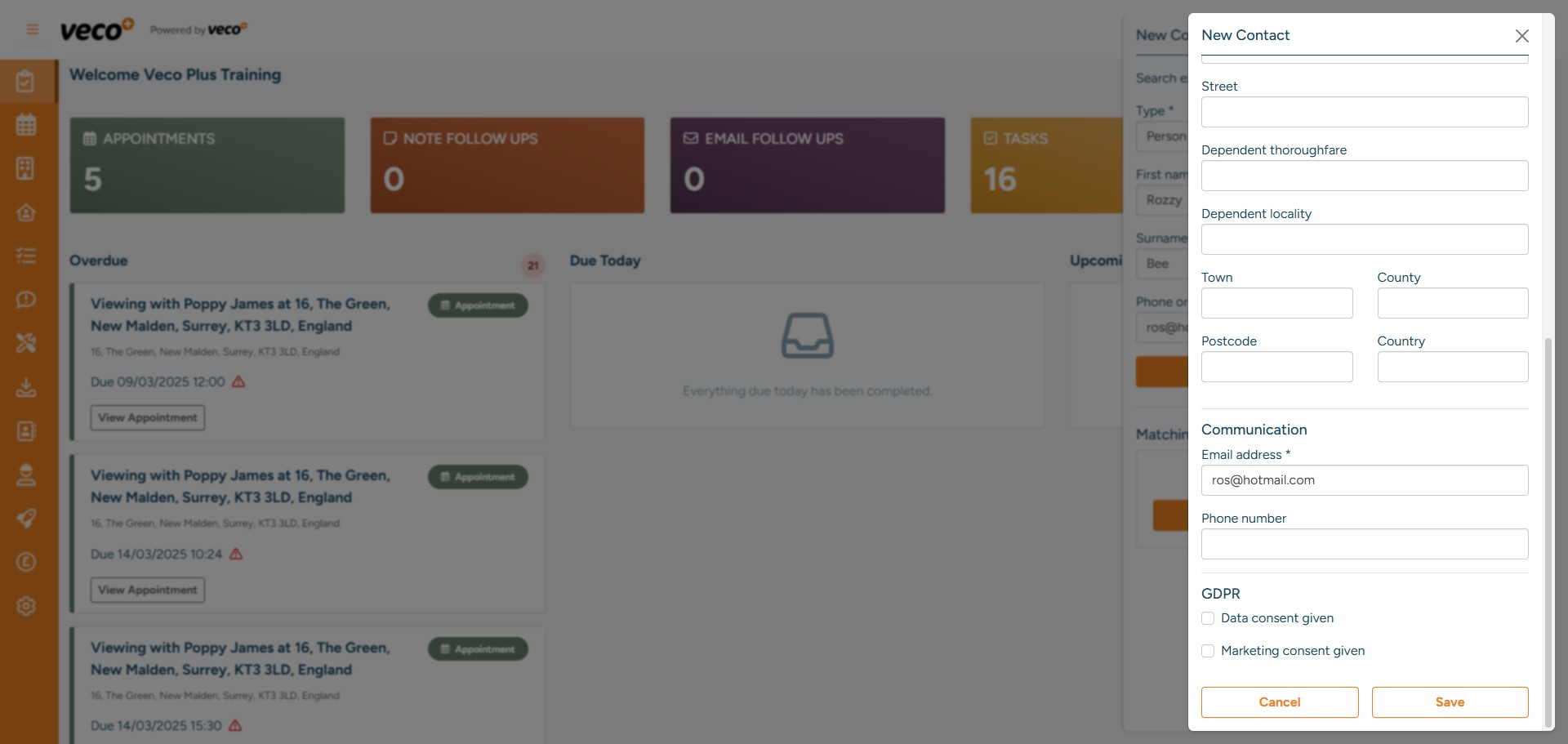
You will then need to populate the owner's address and communication details
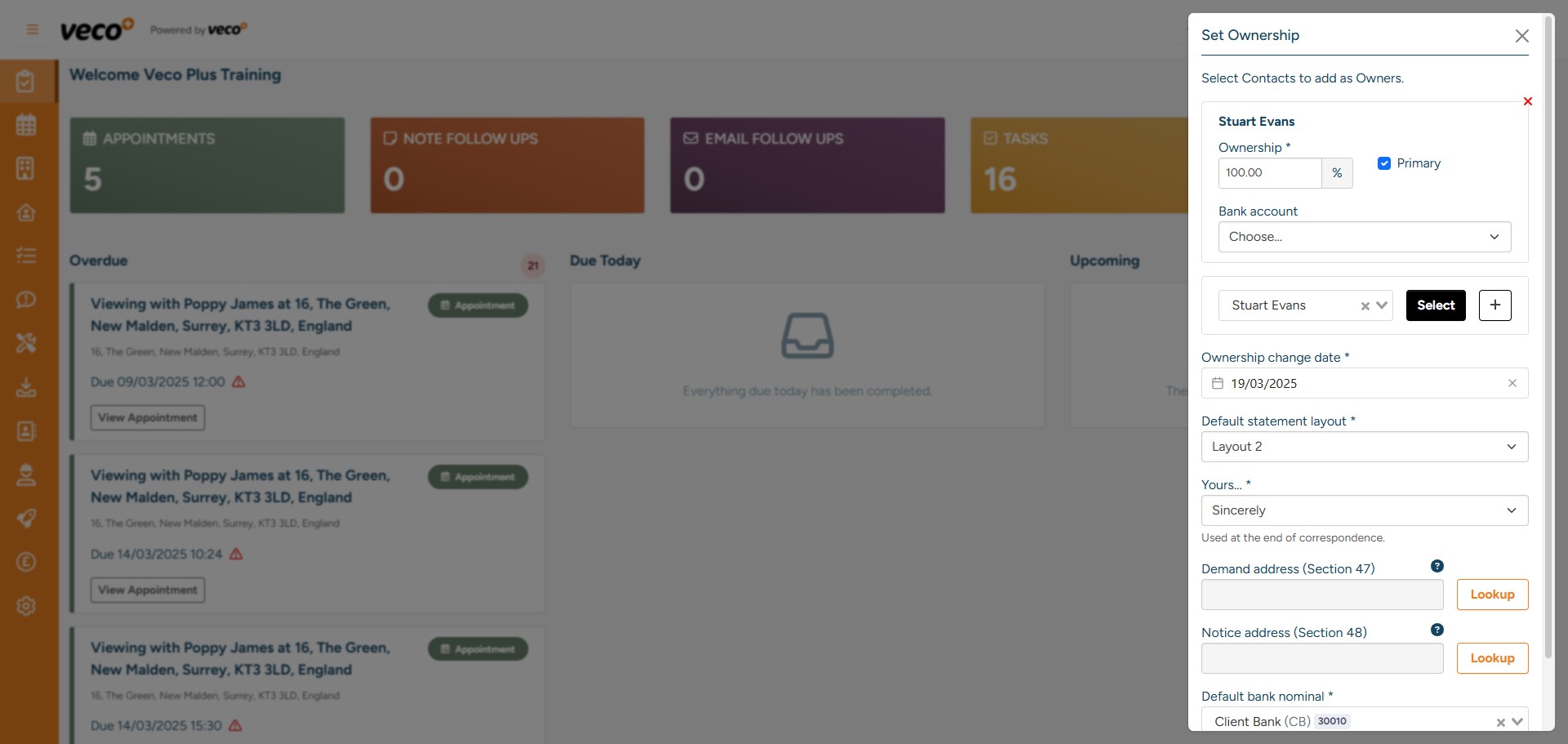
If there is more than one Owner, you can select the ‘+’ icon and add an additional Owner and their details. ‘Ownership’ will allow you to specify what percentage of ownership each Owner has, and you can also select a ‘Primary Owner’
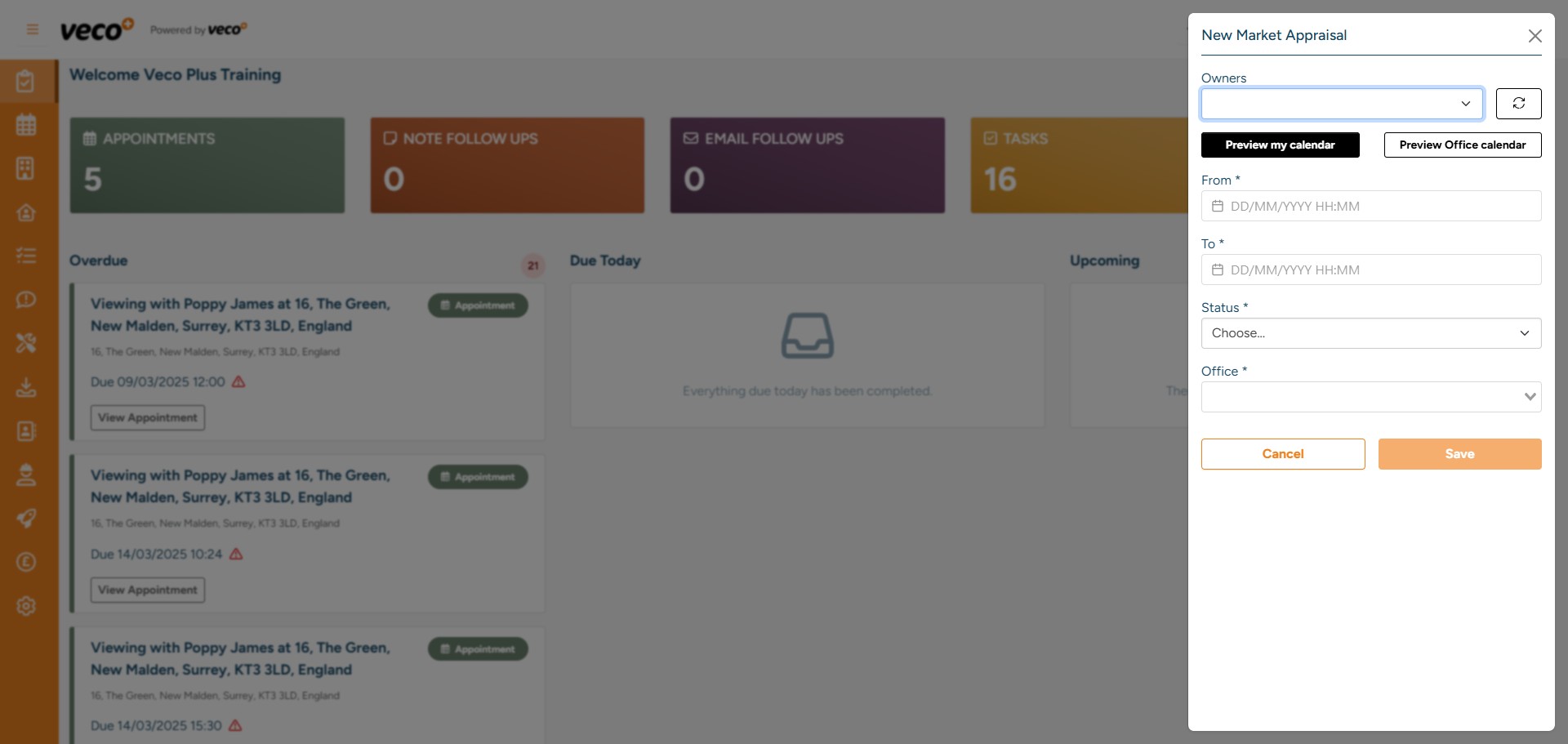
Once the Property and Owner have been saved, you will be prompted to add a ‘New Market Appraisal’
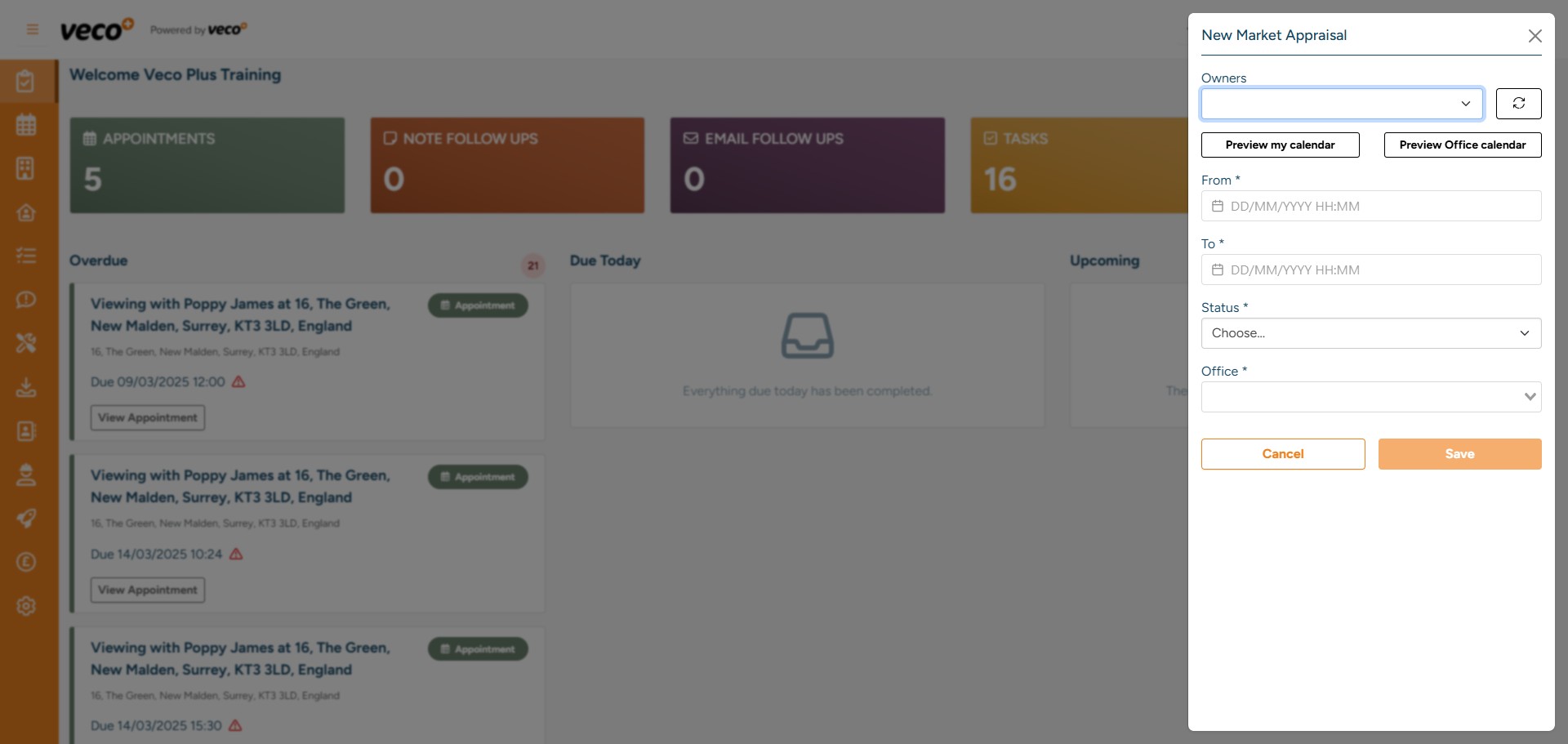
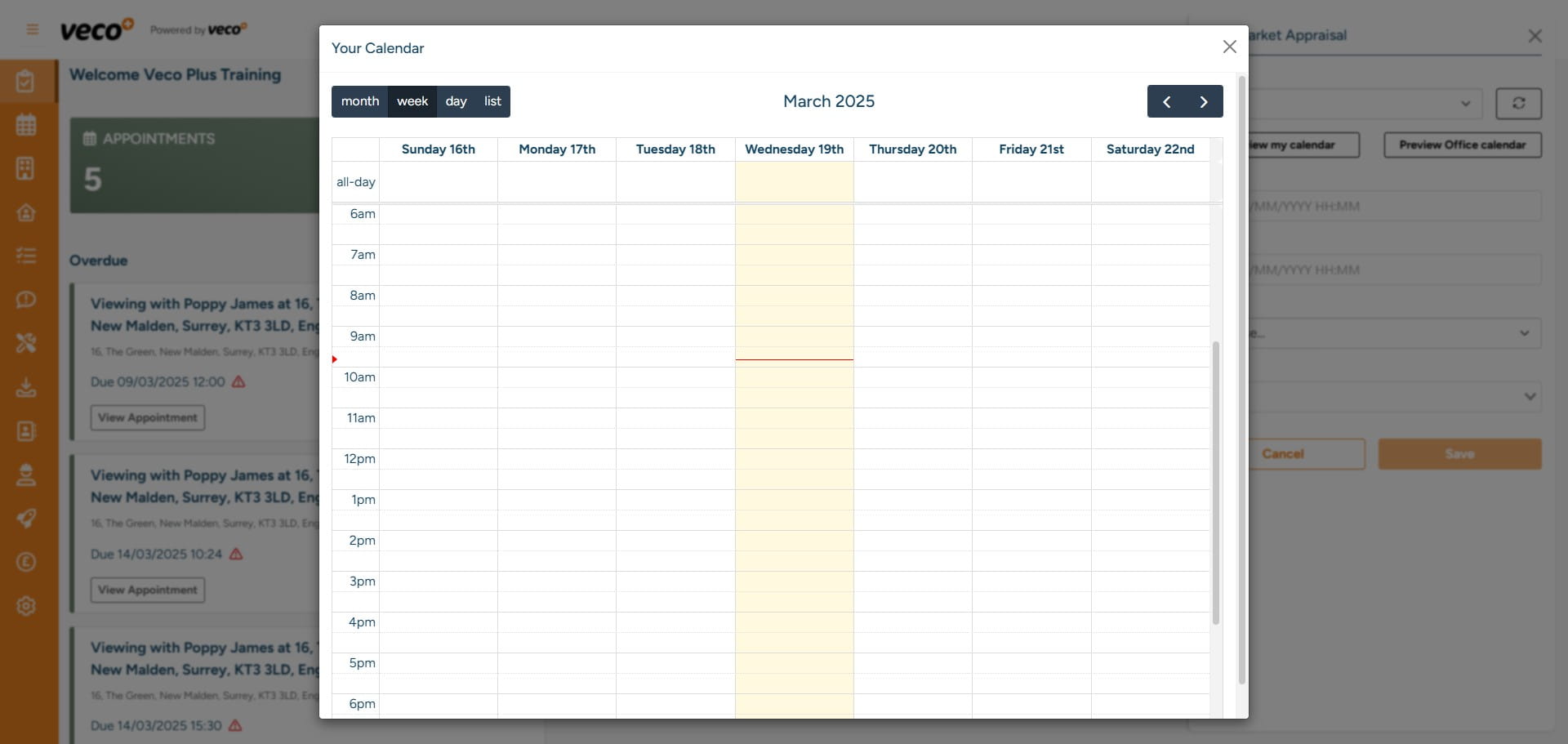
You can ‘Preview Calendar’ to check your availability for attending a market appraisal
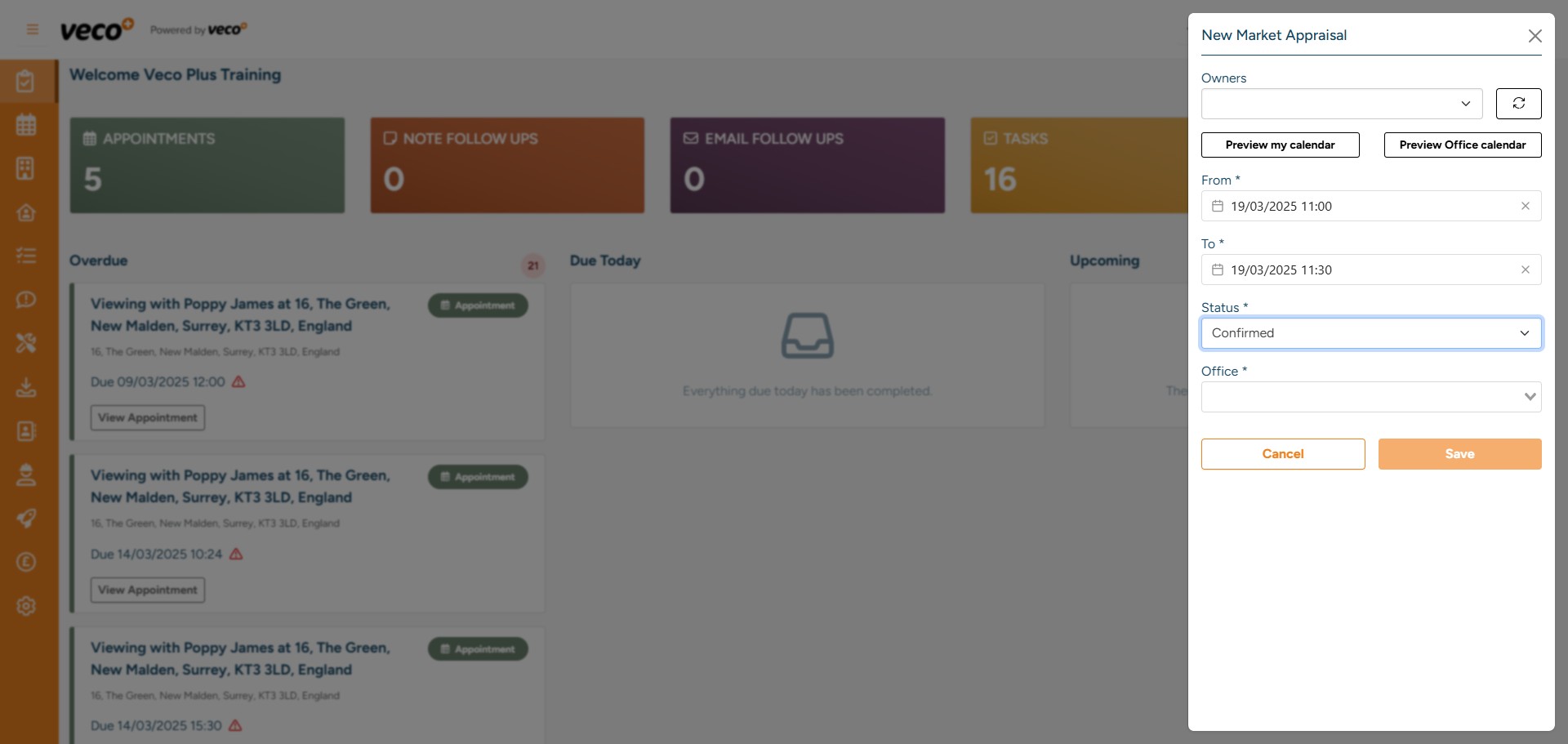
The calendar will open and you can select the date and time of the appointment
Select a 'Status' for the appointment and 'Save'
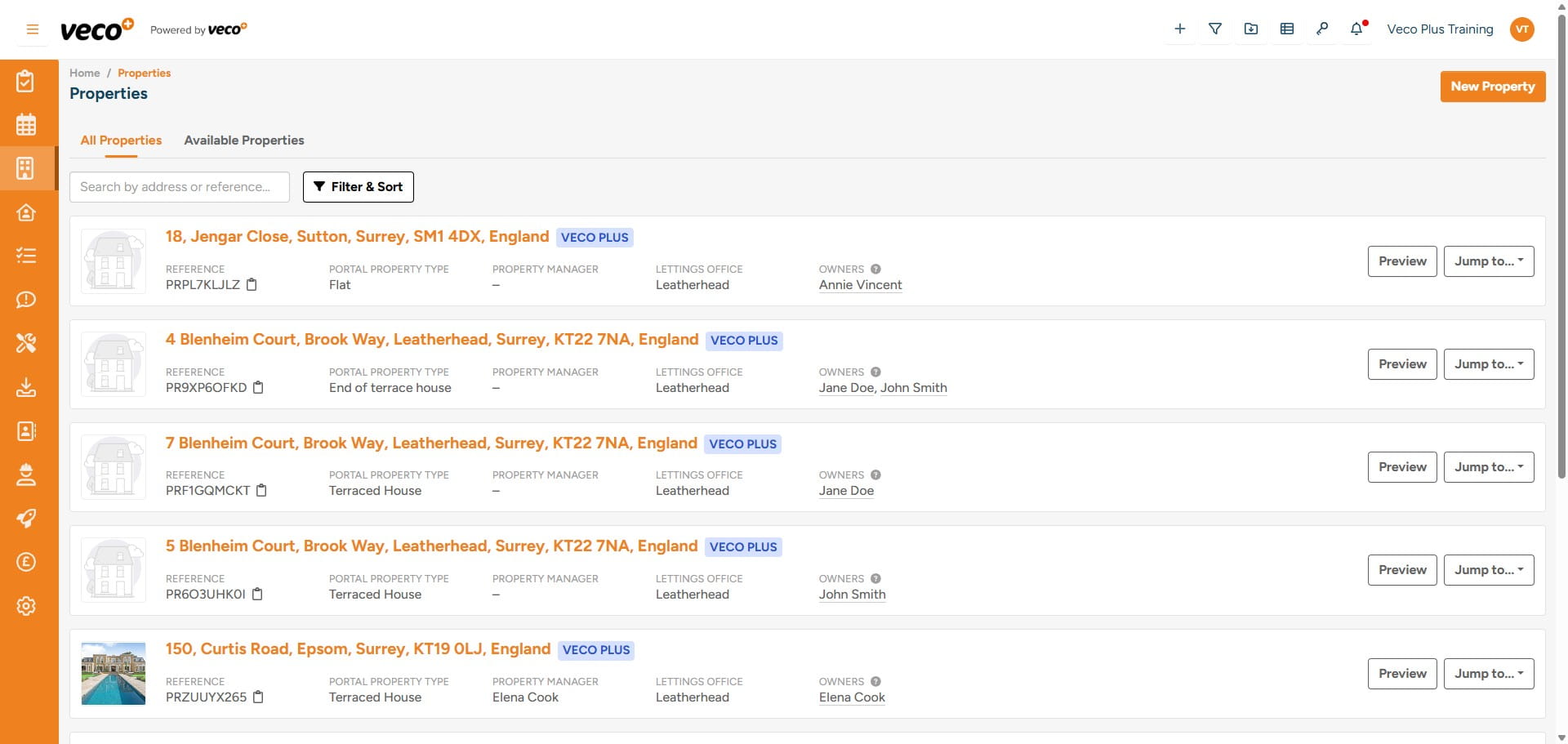
You will now have the Property and the Owner added. The most recently added Properties will appear at the top of the list when in the Properties area