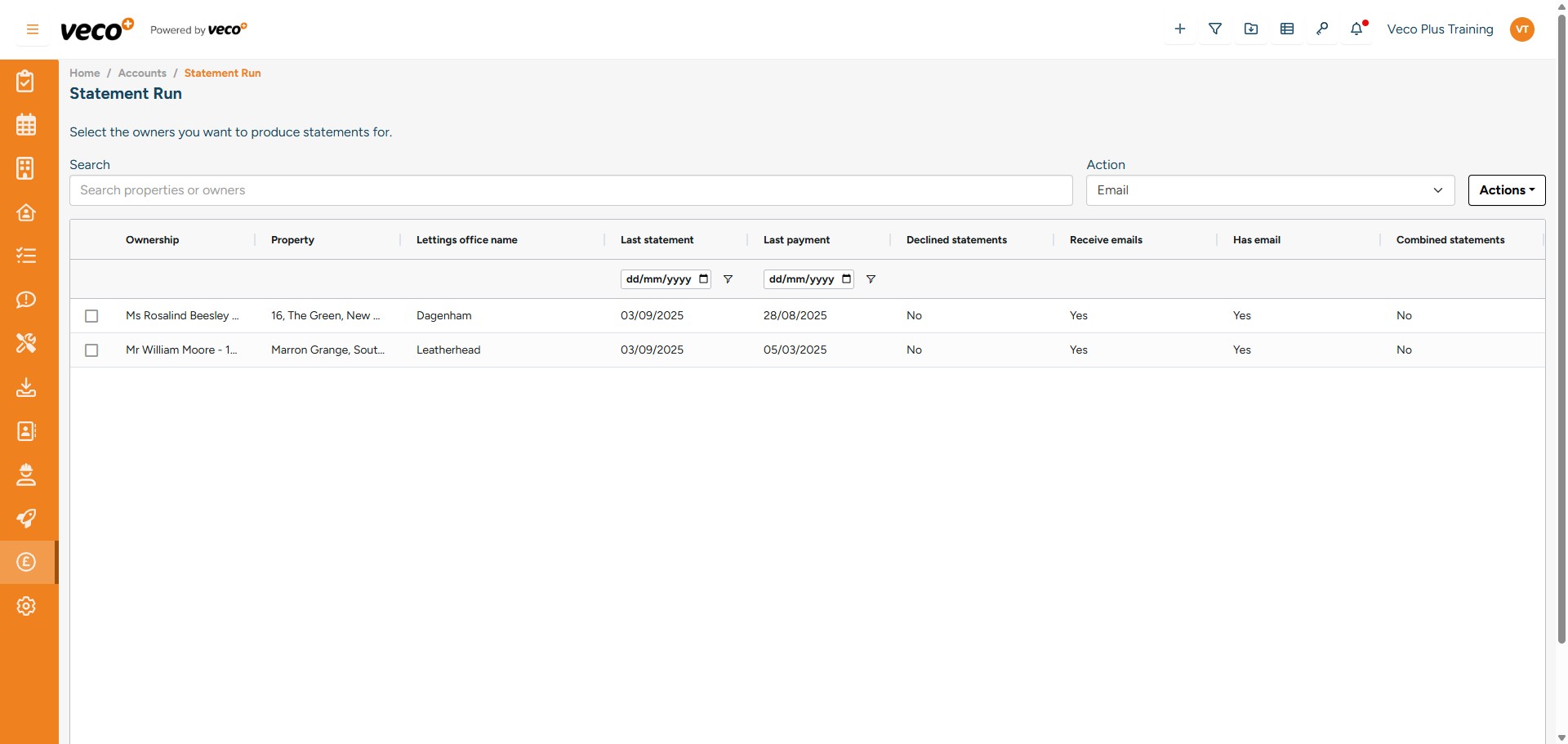
Statement Run
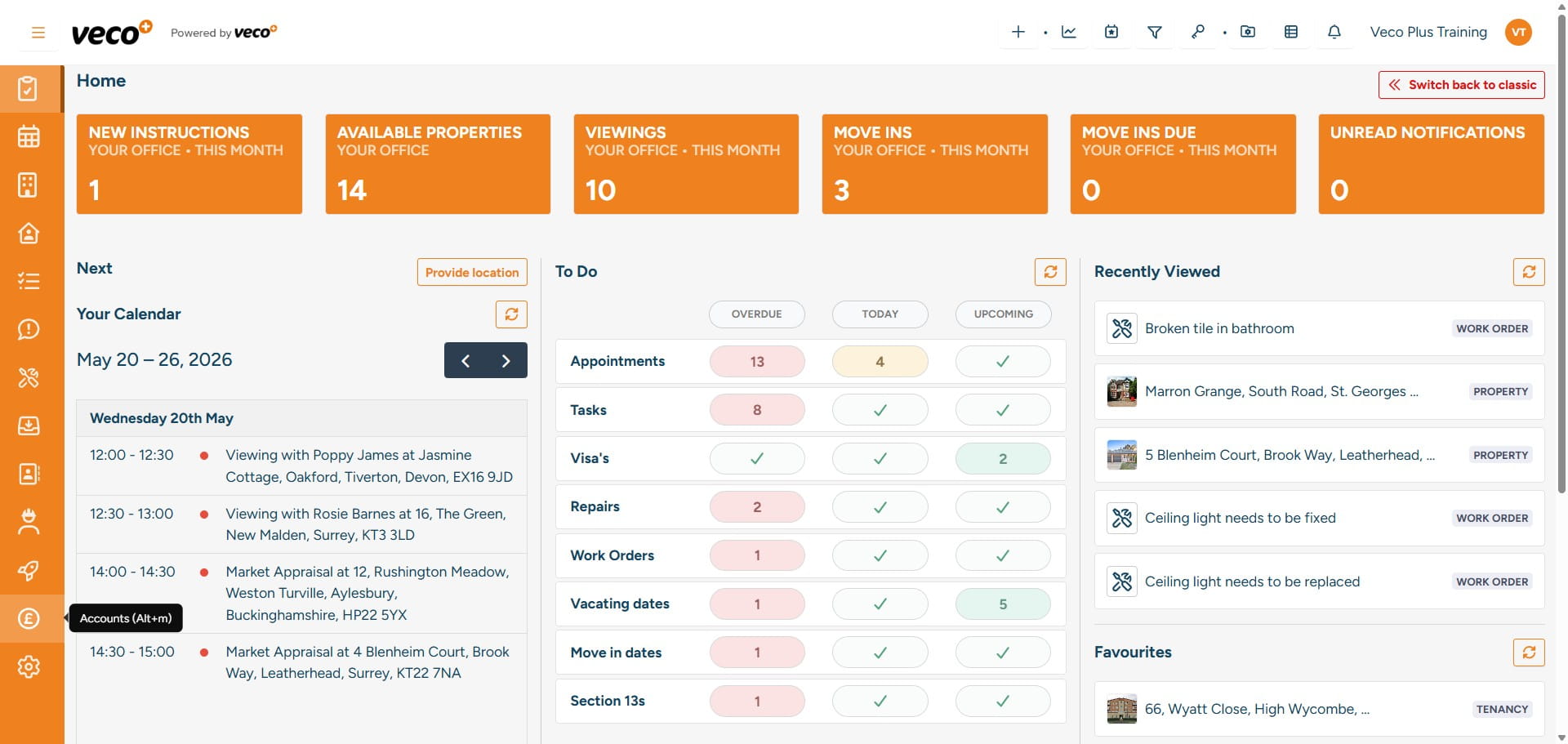
Select 'Accounts' on the navigation bar
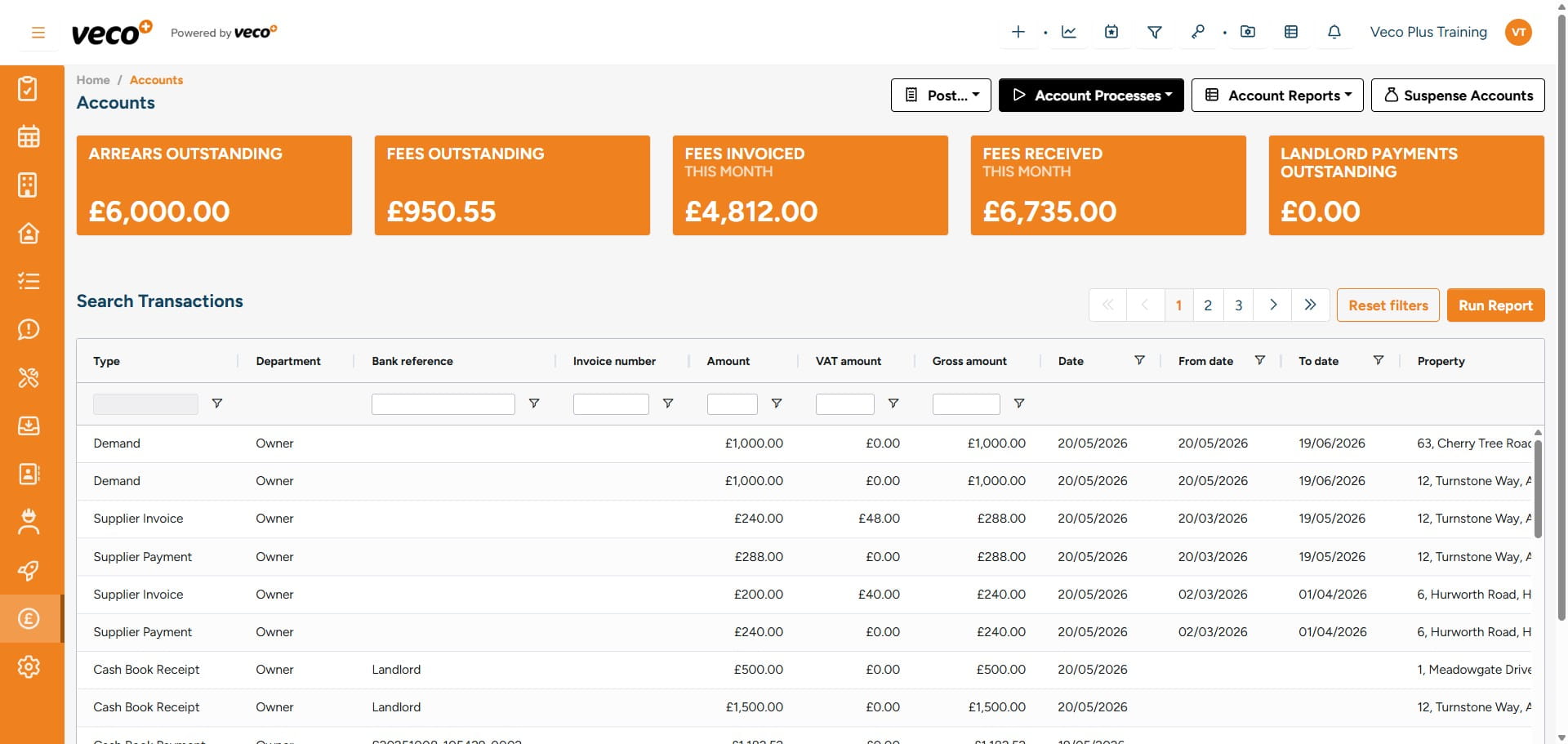
Select 'Account Processes'
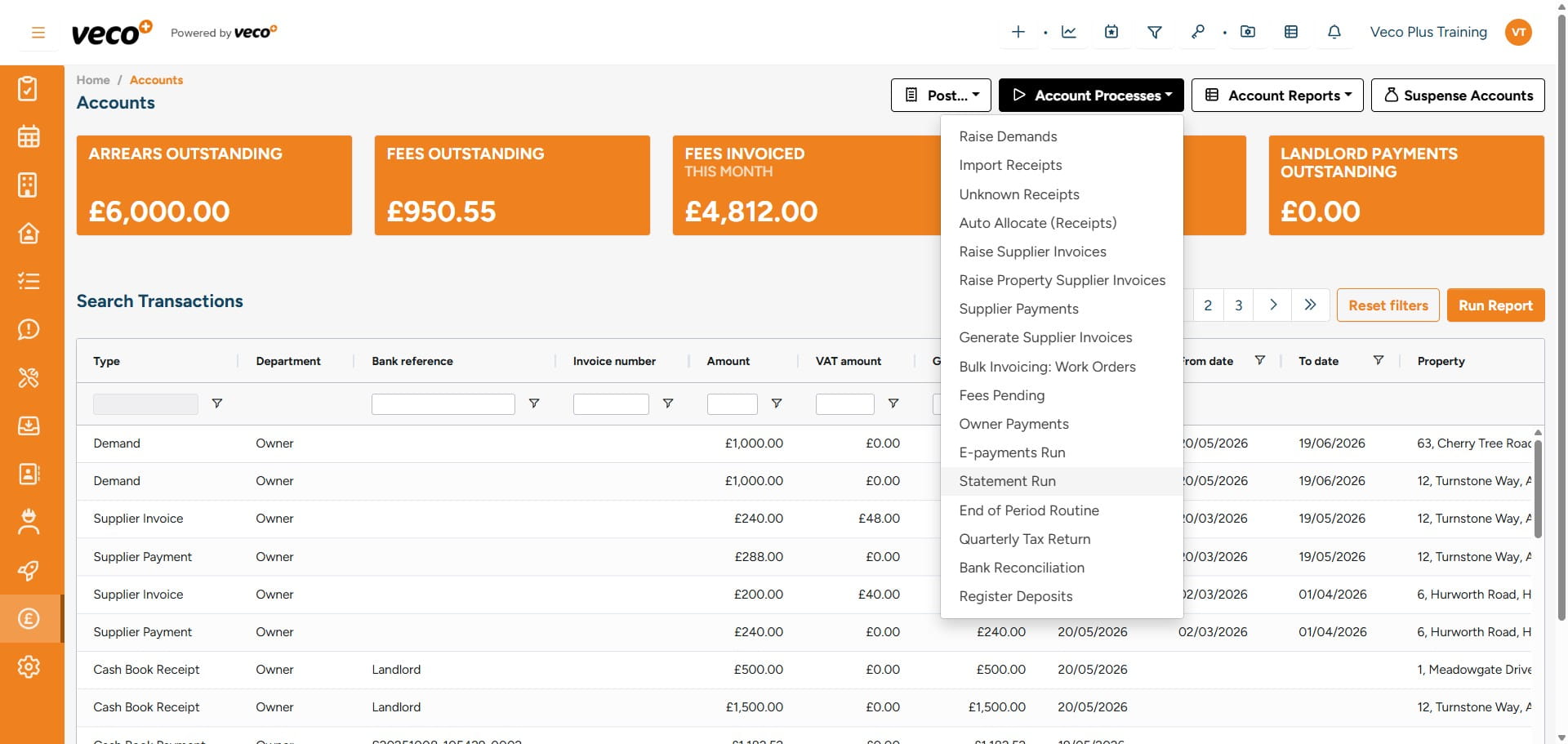
Select 'Statement Run'
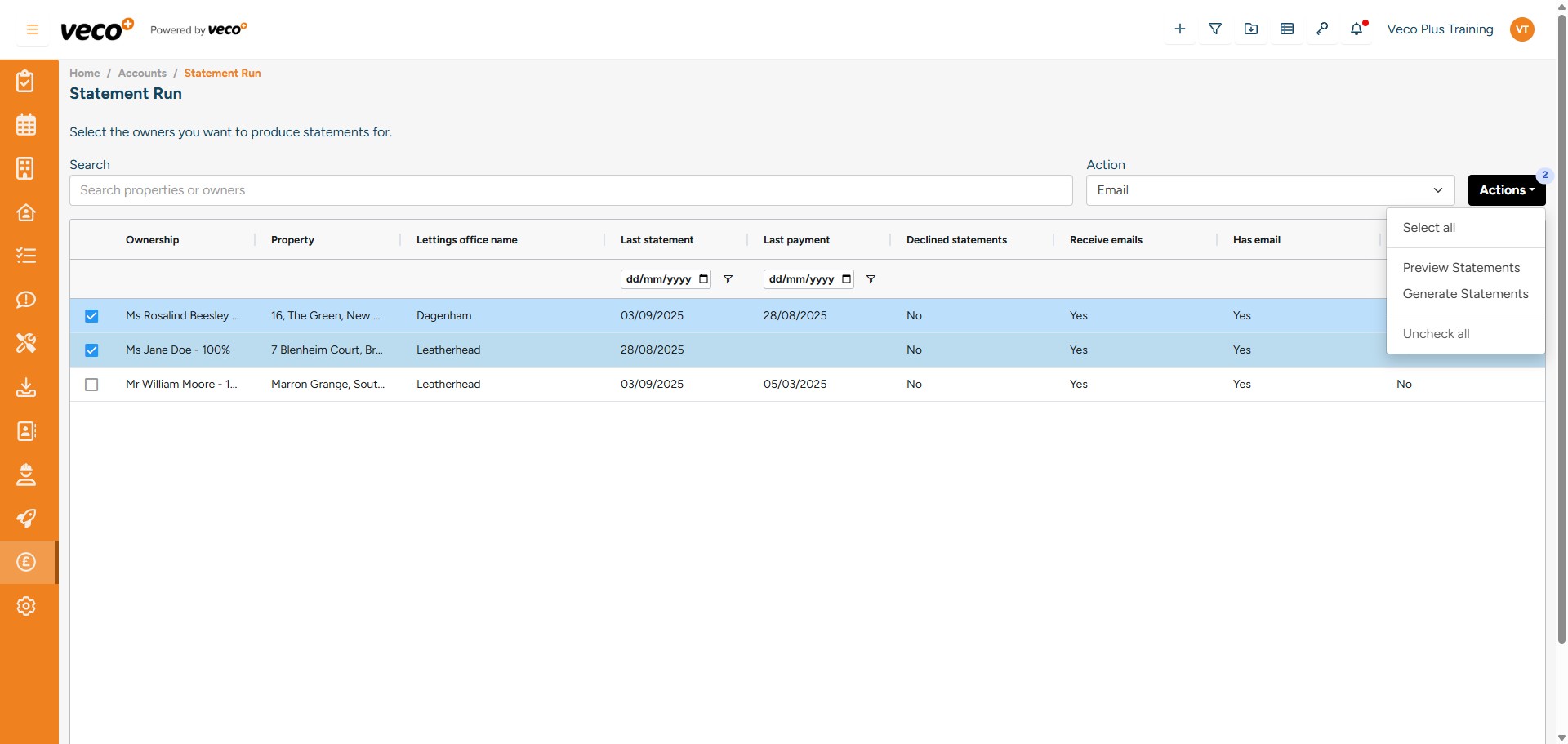
You can then select which Statements you would like to process
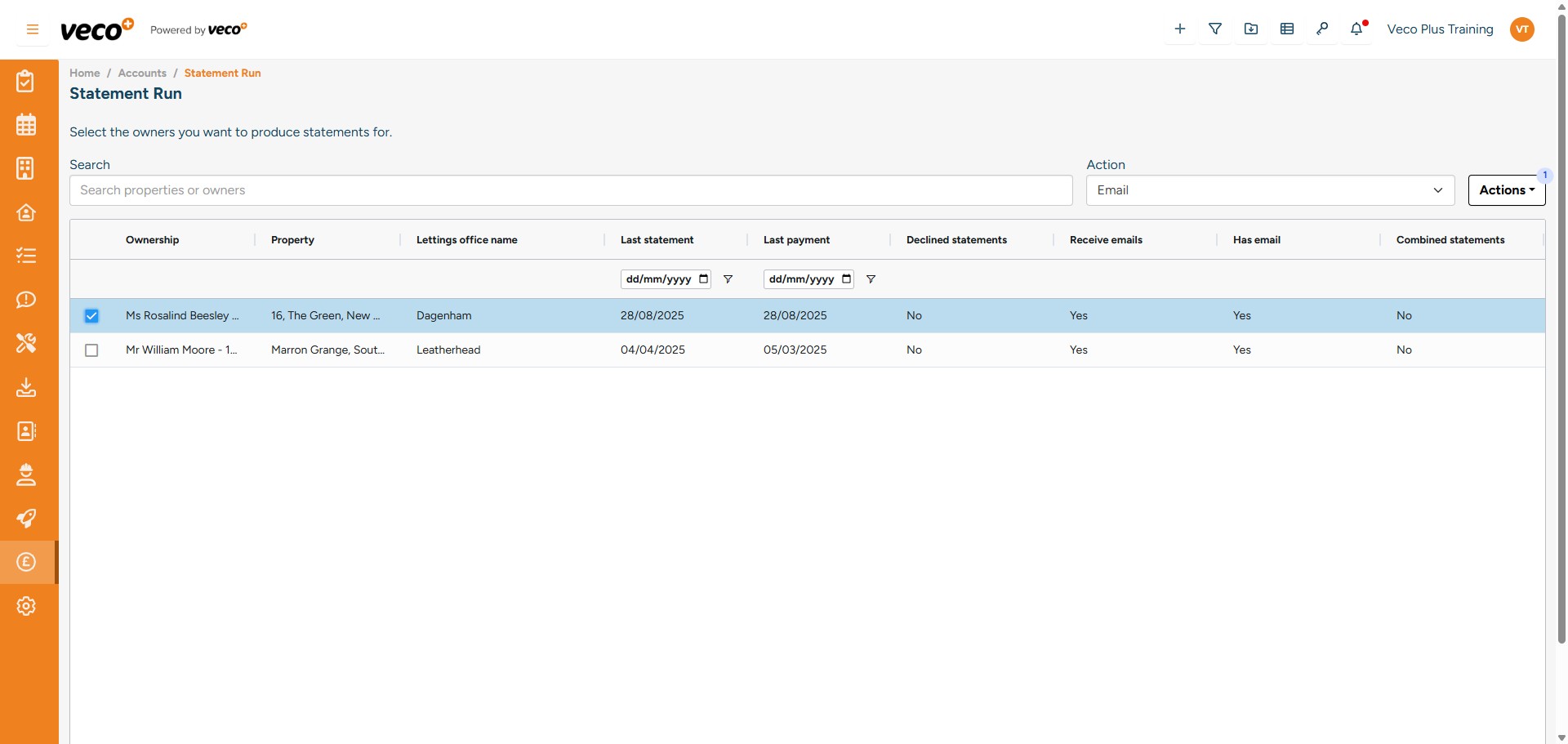
The Action of how you wish to process the Statements wil default to 'Email'
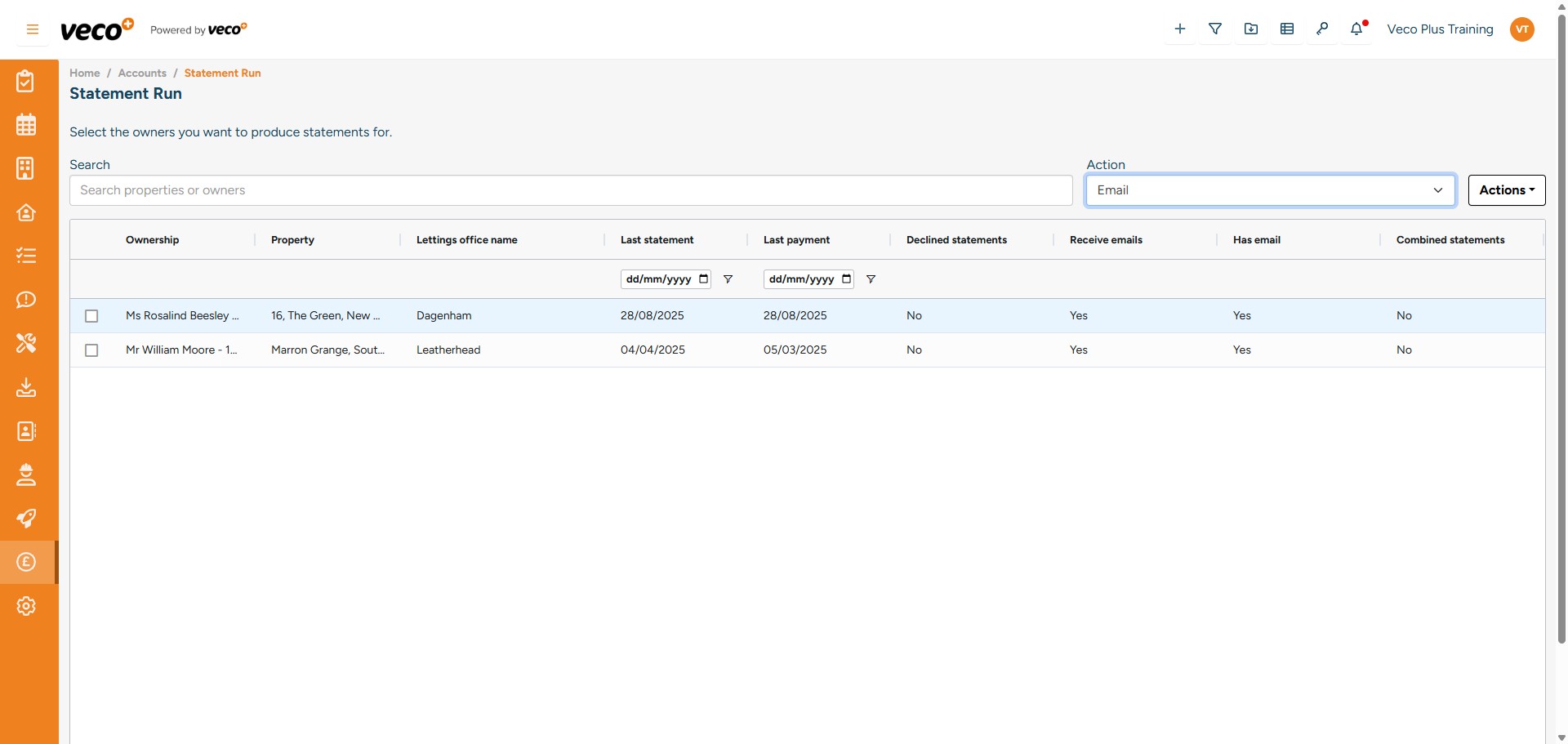
If the Owner is not ticked to receive the Statement by email, the Statement can be found under the Action 'Print'
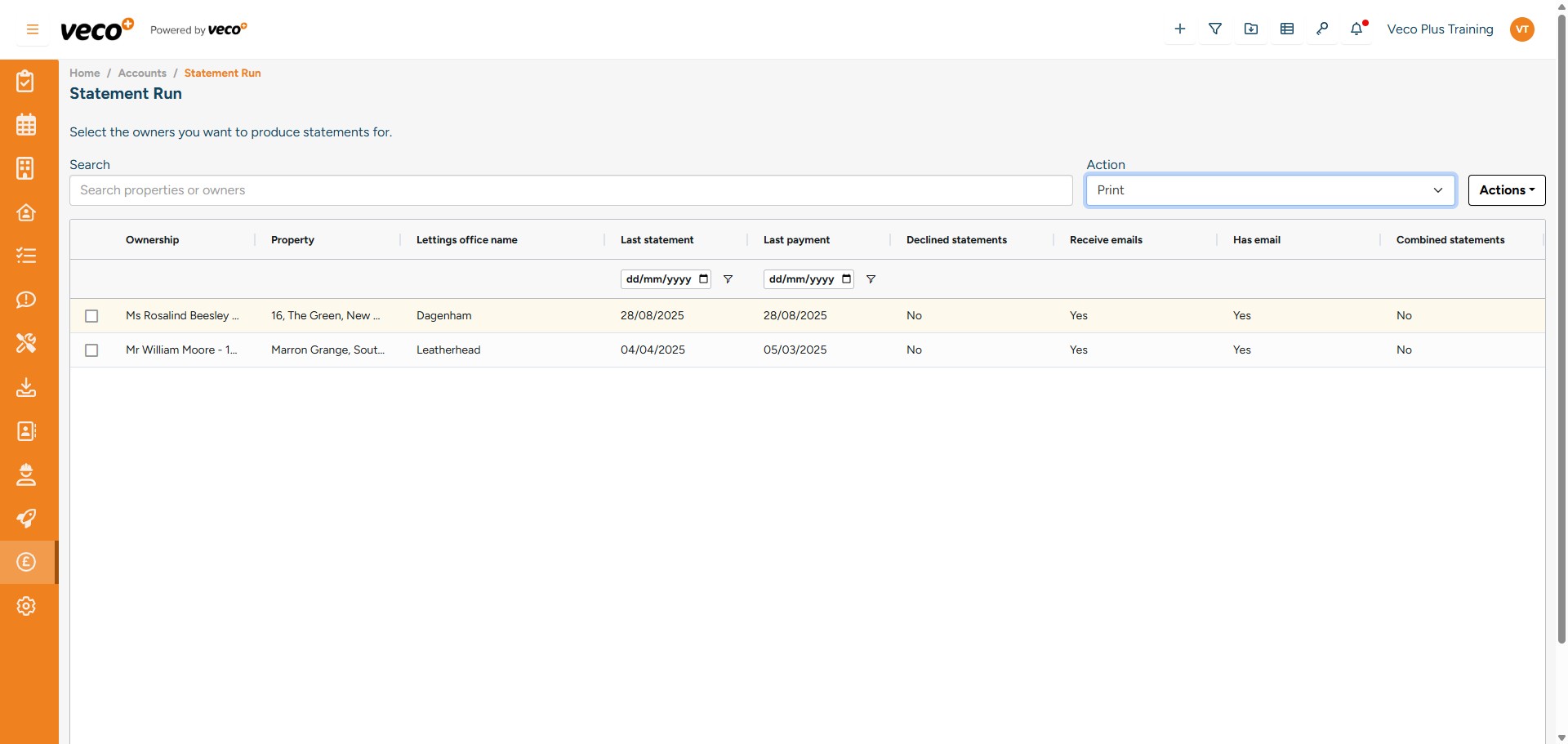
Or, if you would like to process all Statements, select 'Actions' then 'Select all'
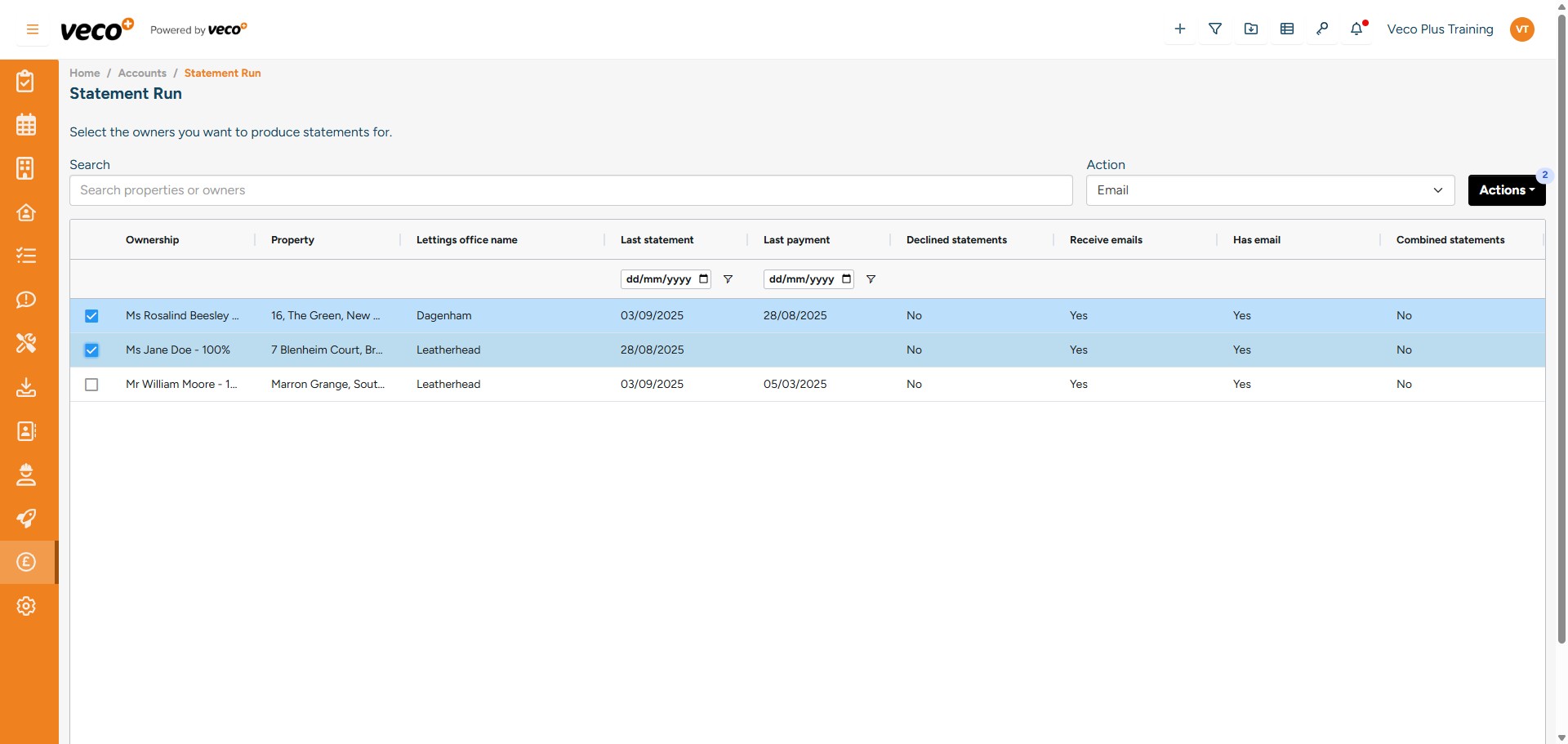
Select 'Generate Statements'. There are other options to Preview Statements and Uncheck all
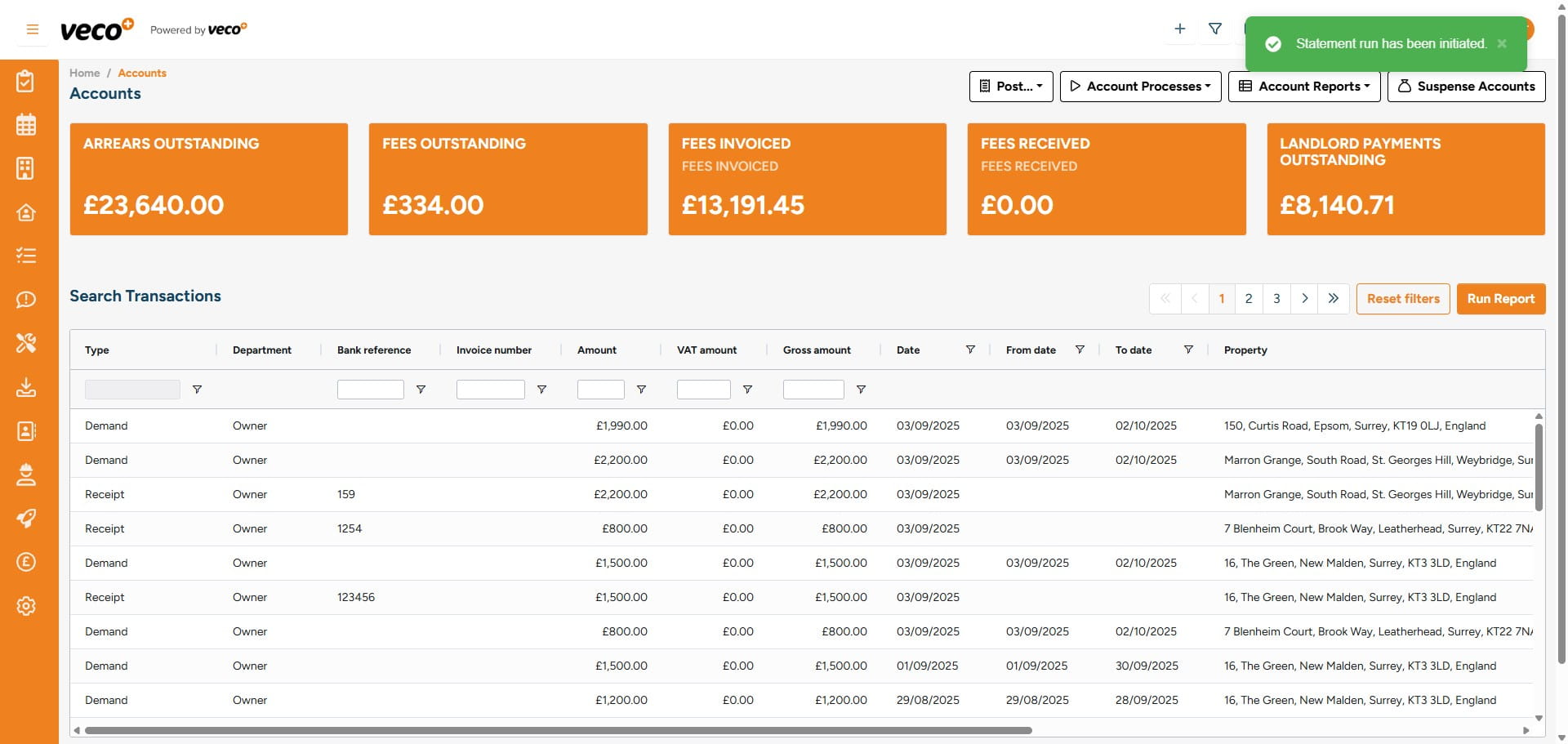
The background process to run the Statements will then be initiated, you will get a notification in the notification centre when this process has been completed
There is also the ability to search for a Property or Owner you wish to send a Statement to via the search bar, which is useful when you have several pages of Statements