Quarterly Tax Return
May 22, 2026●
1
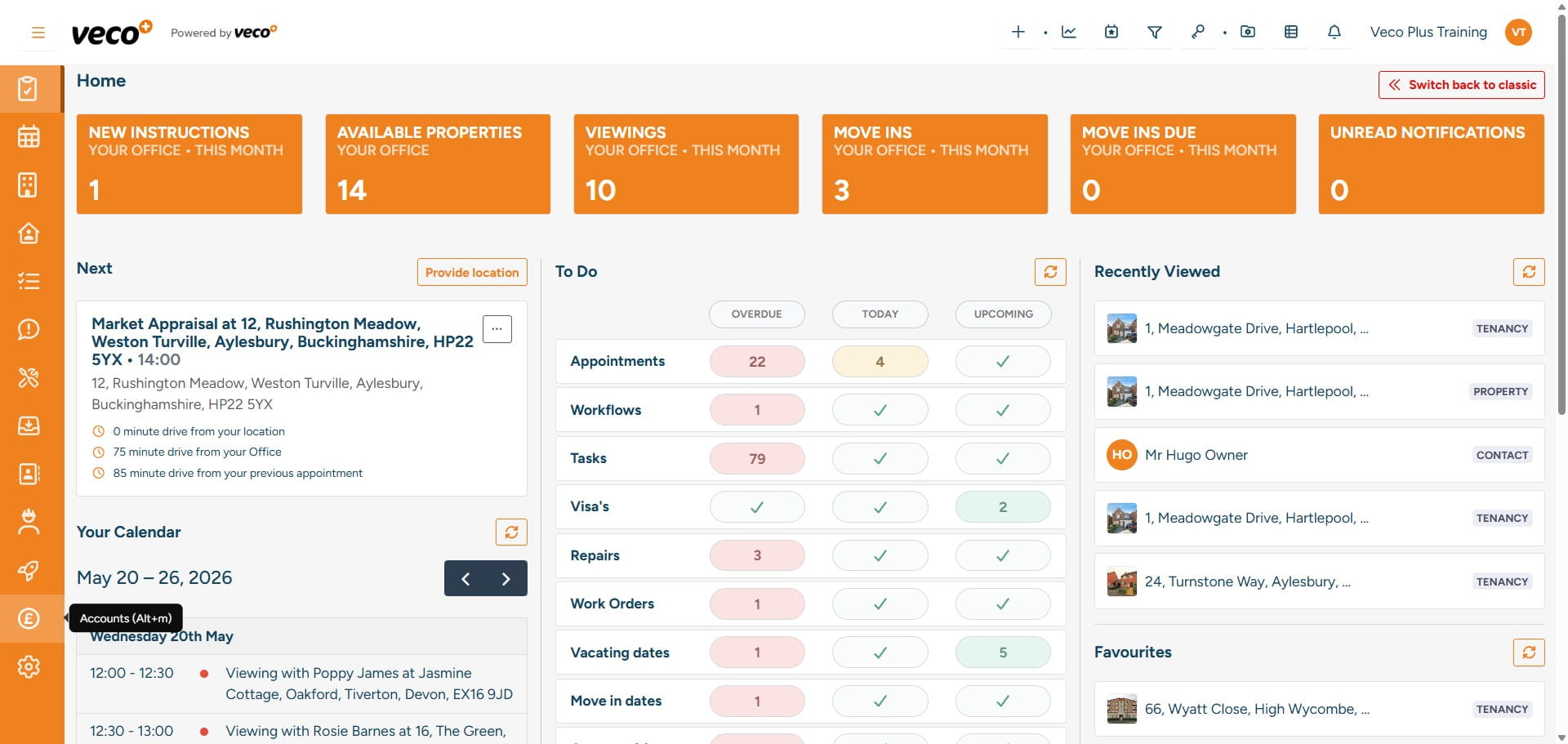
Select 'Accounts' on the navigation bar
2
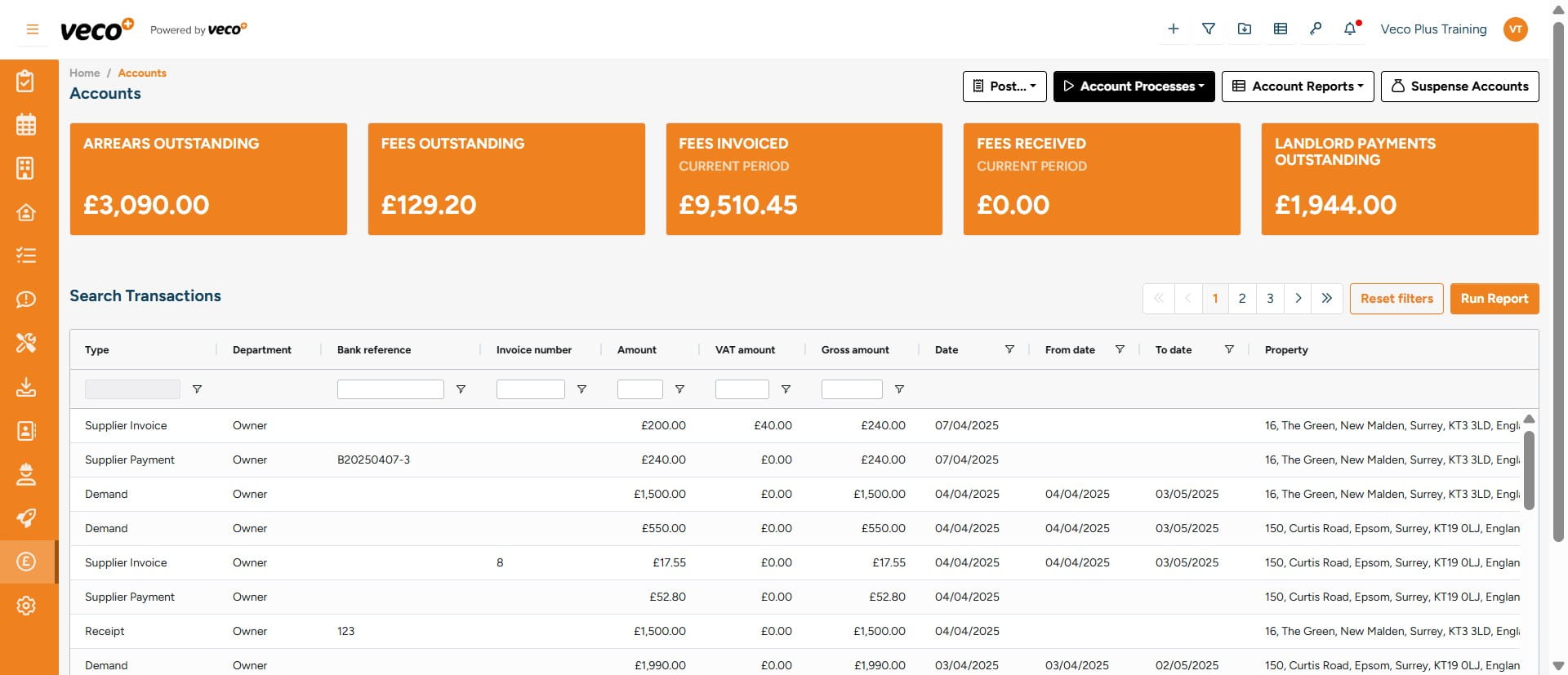
Select 'Account Processes'
3
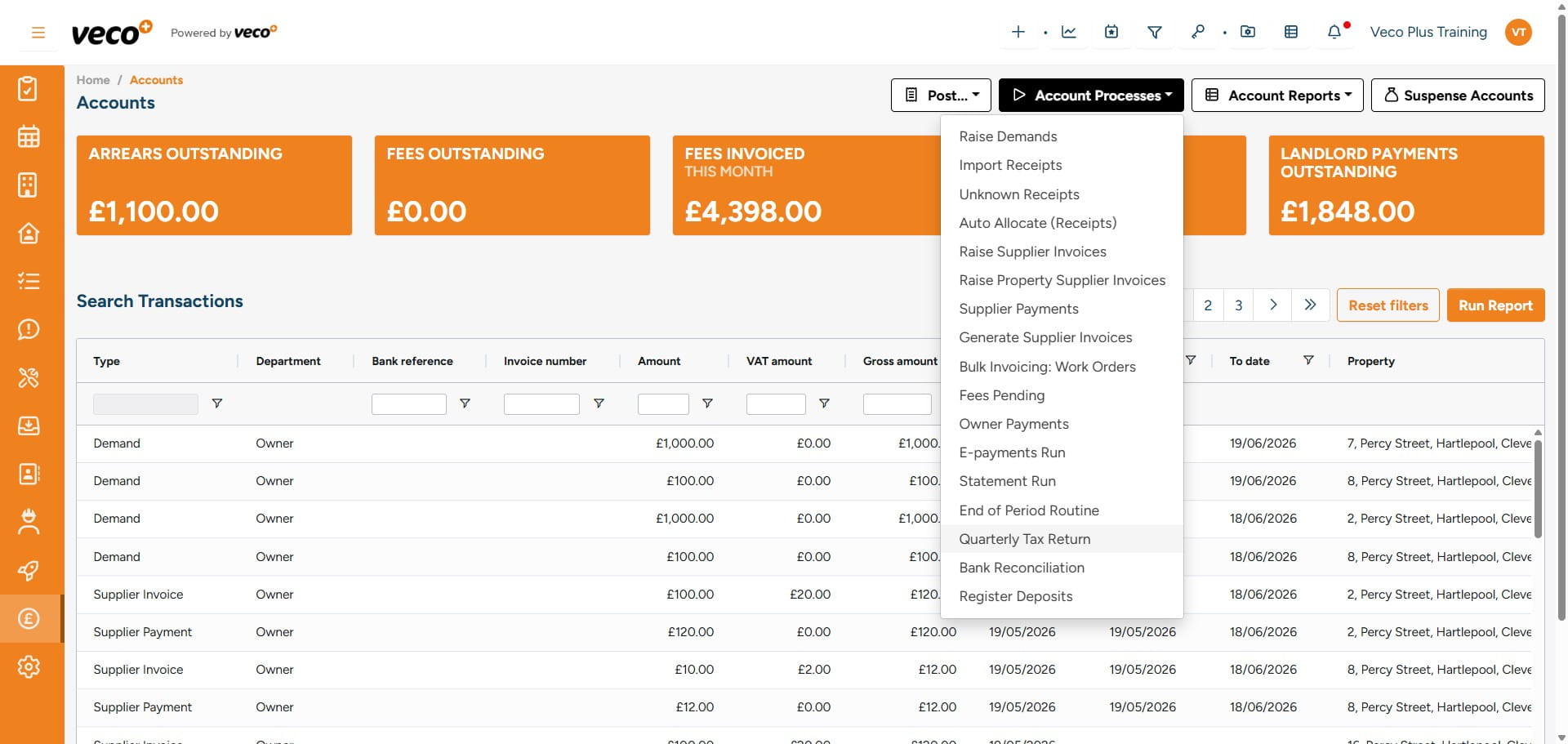
Select 'Quarterly Tax Return'
4
Select 'Start'
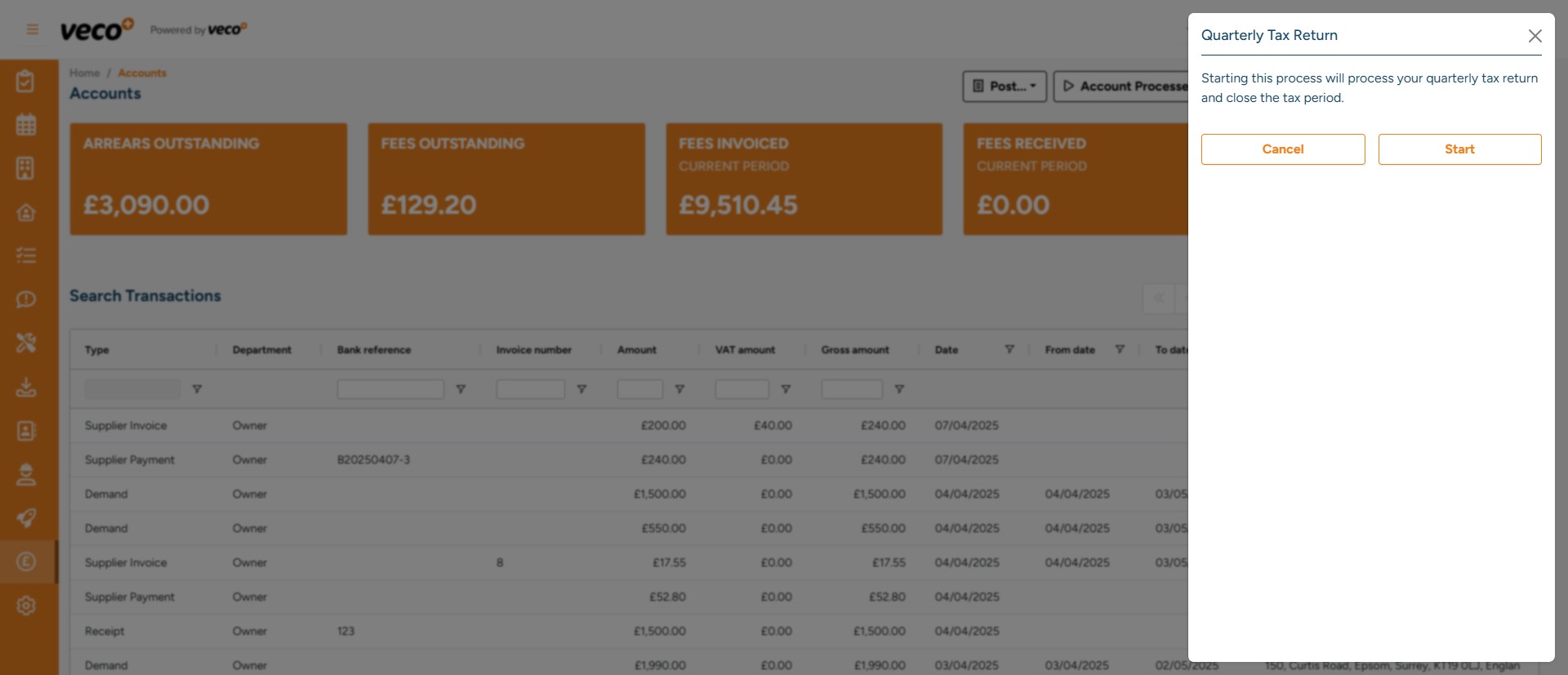
5
The process will be initiated in the background - you can continue working while this is running
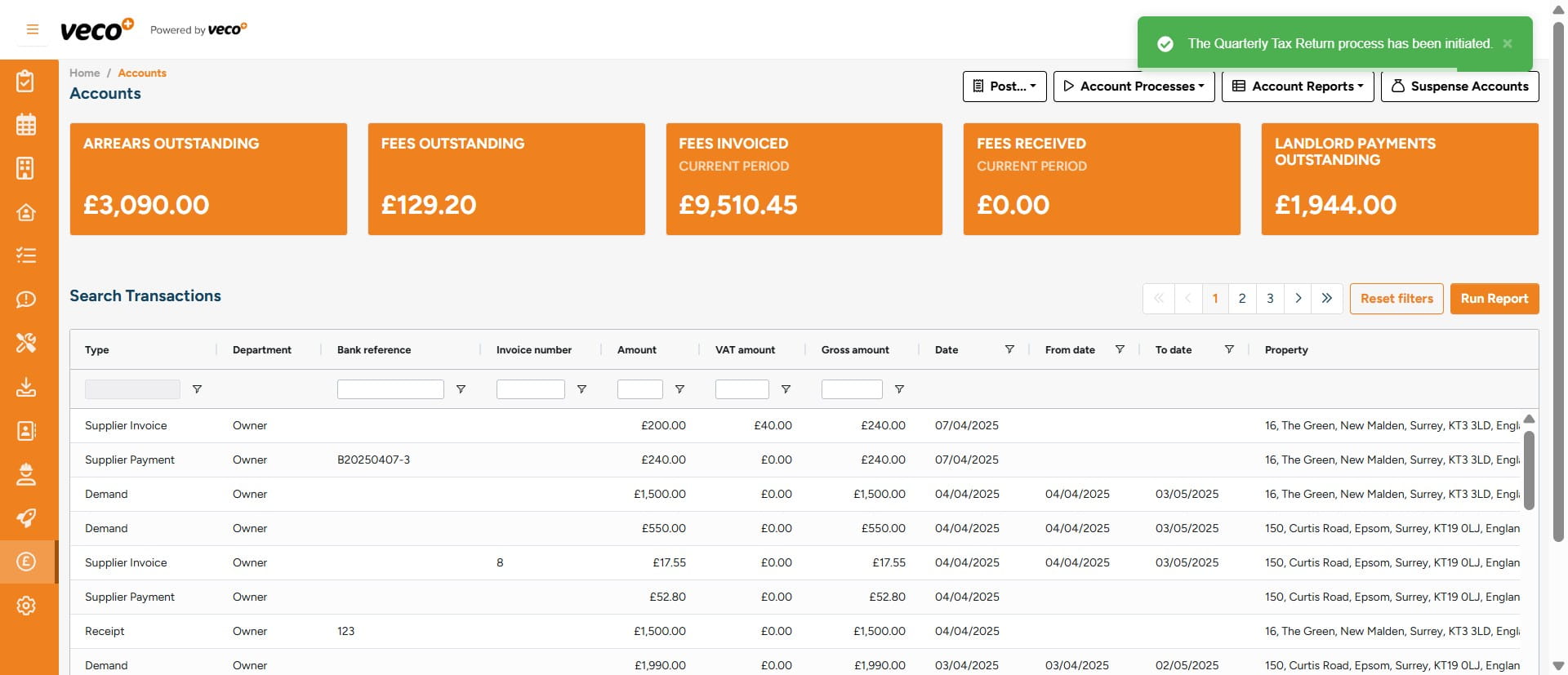
6
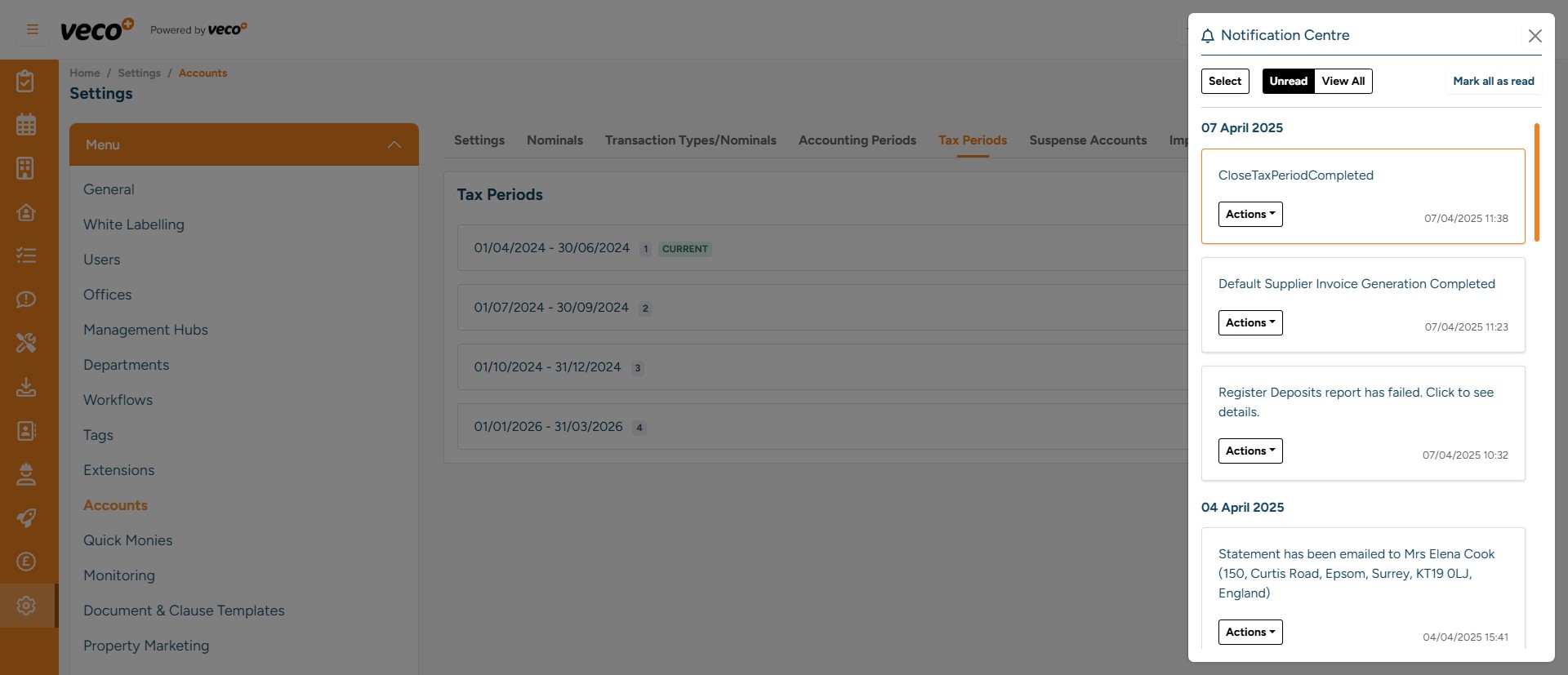
You will be notified once the process has been completed in the Notification Centre, via a red dot showing next to the icon
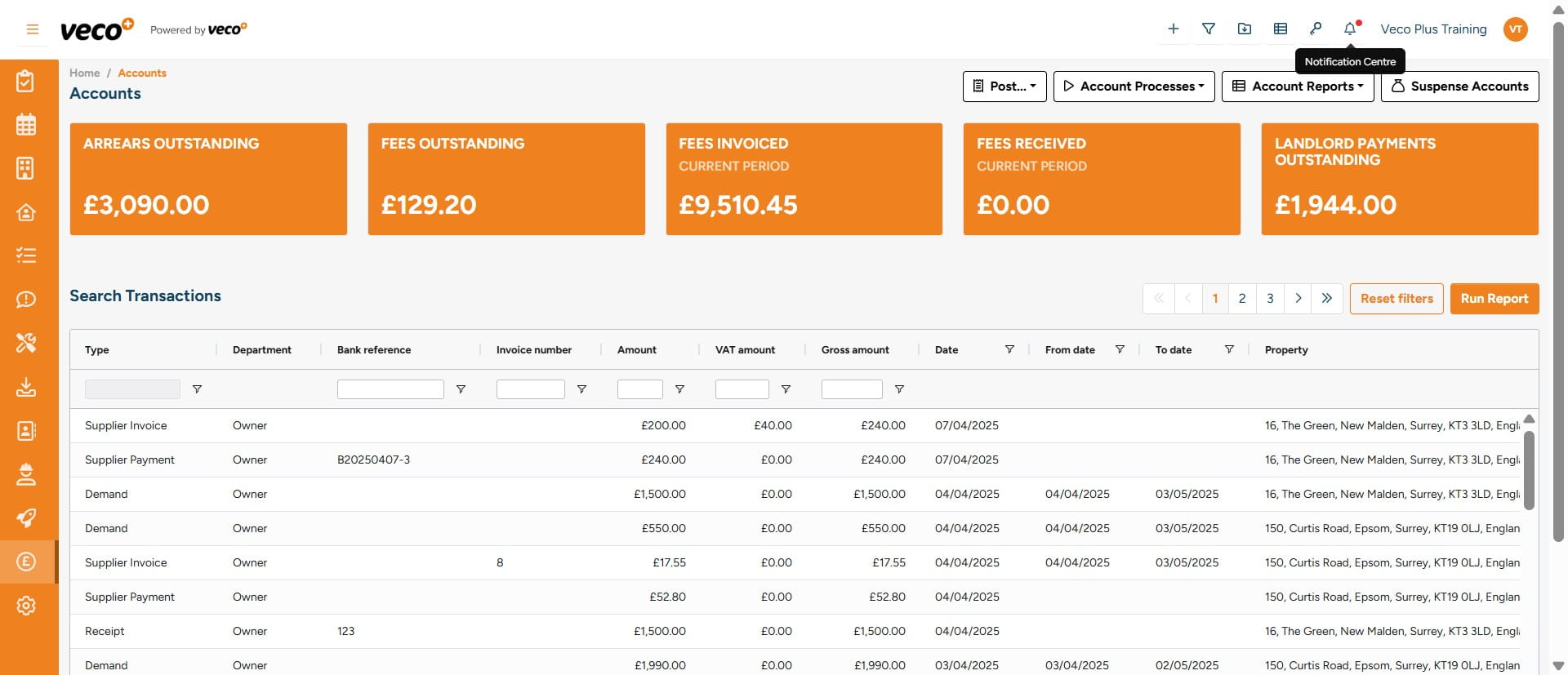
7
In the Notification Centre, select 'Actions' where you can either 'Mark Read' or 'Delete' the notification