Adding a Tenancy
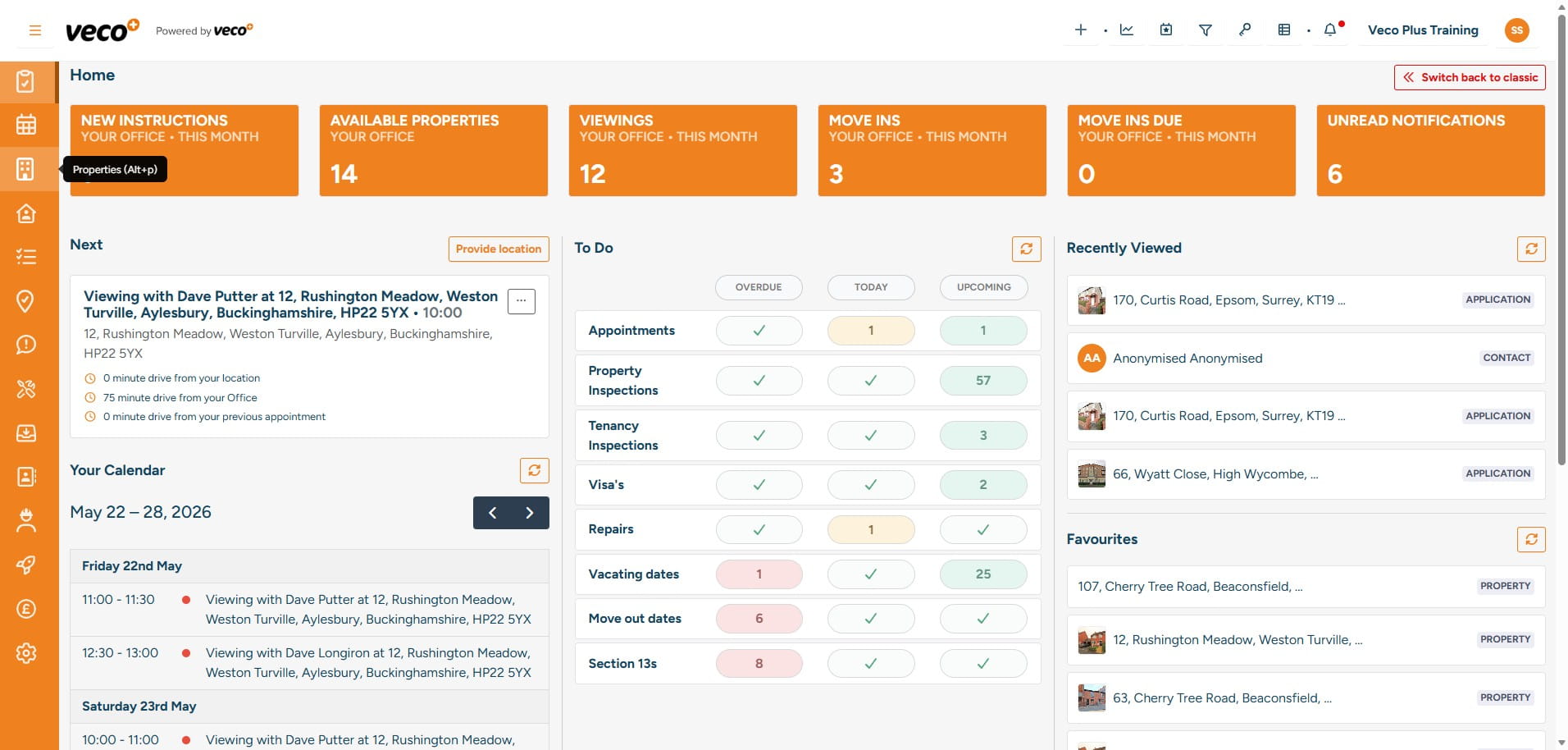
Select 'Properties' on the navigation bar
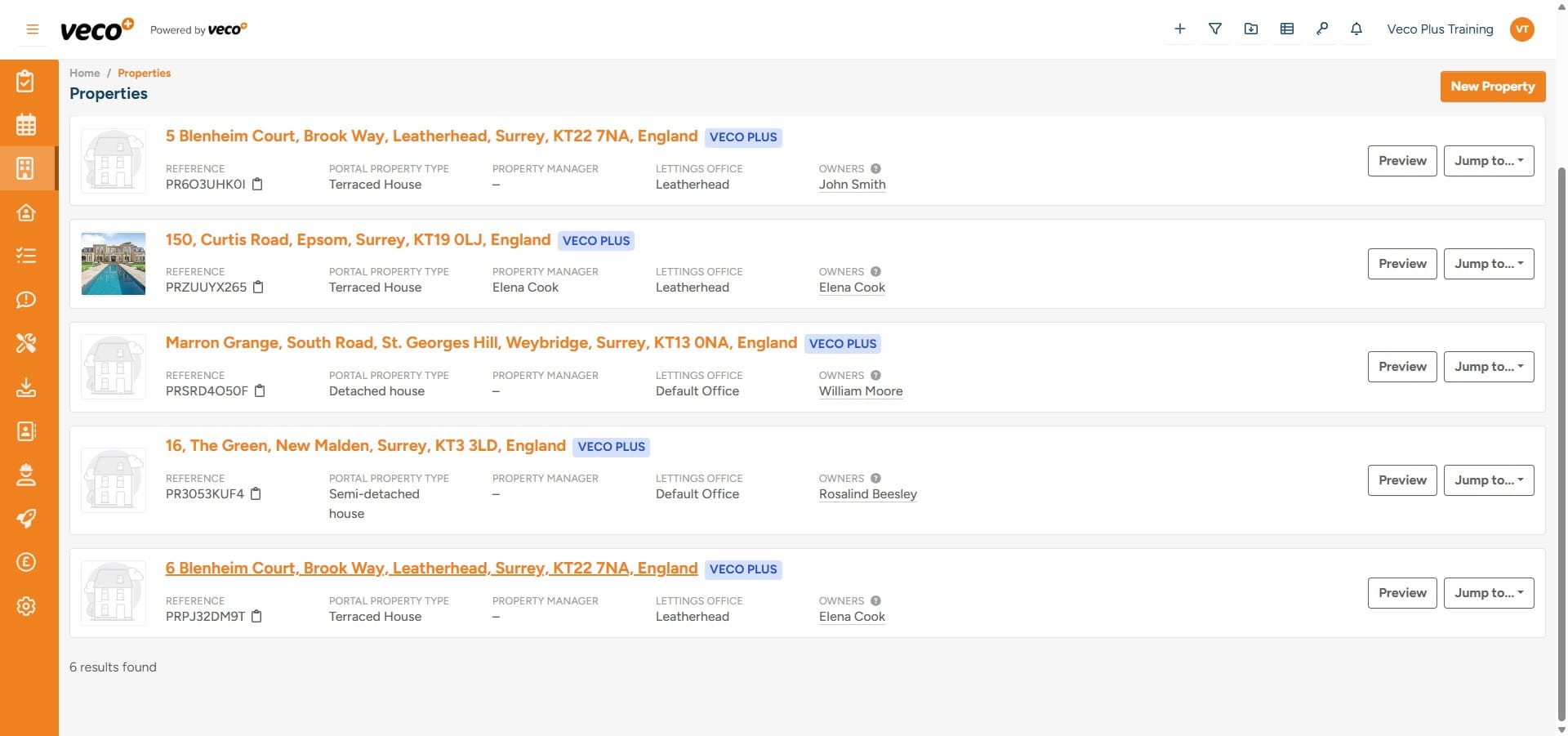
Open the Property record that you would like to add a tenancy to
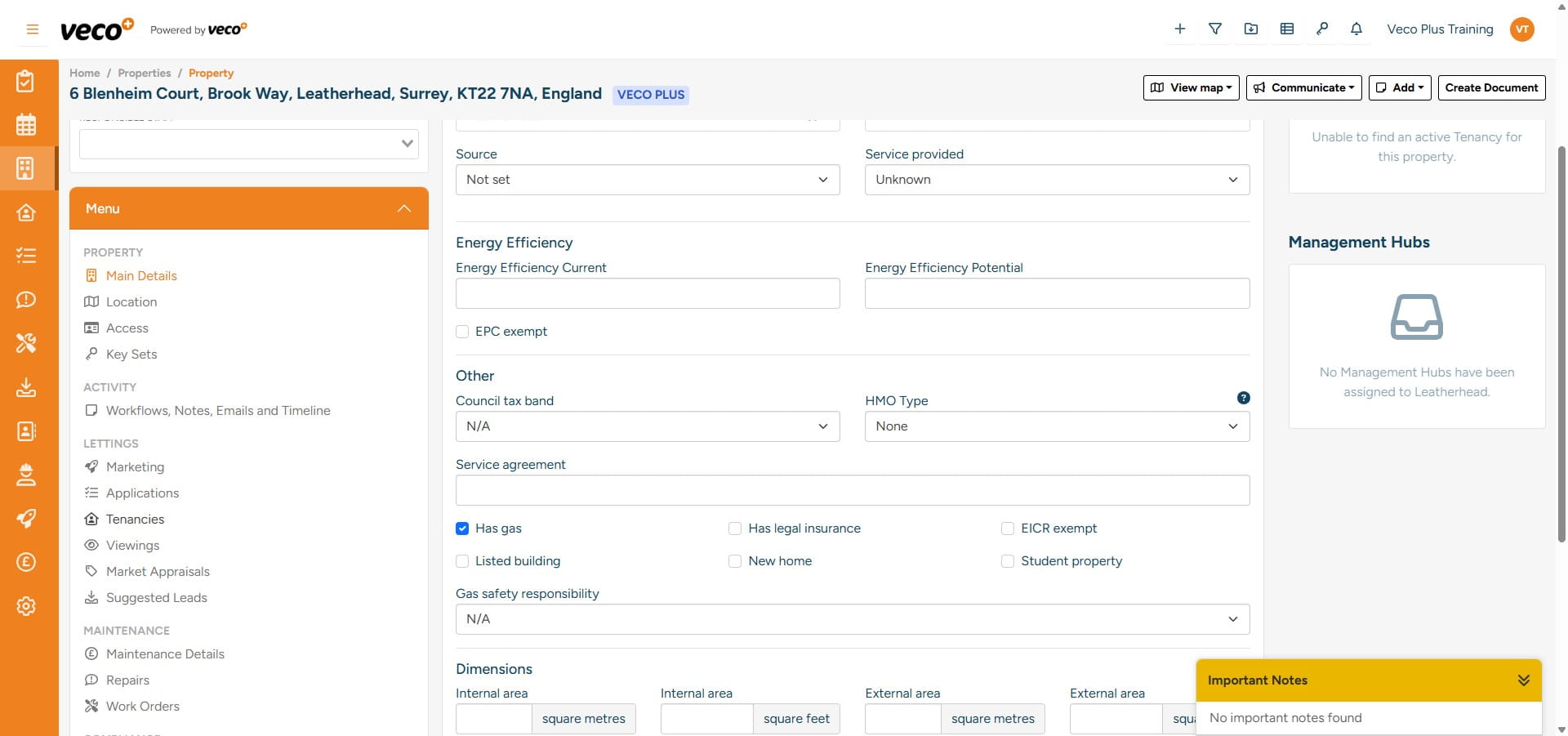
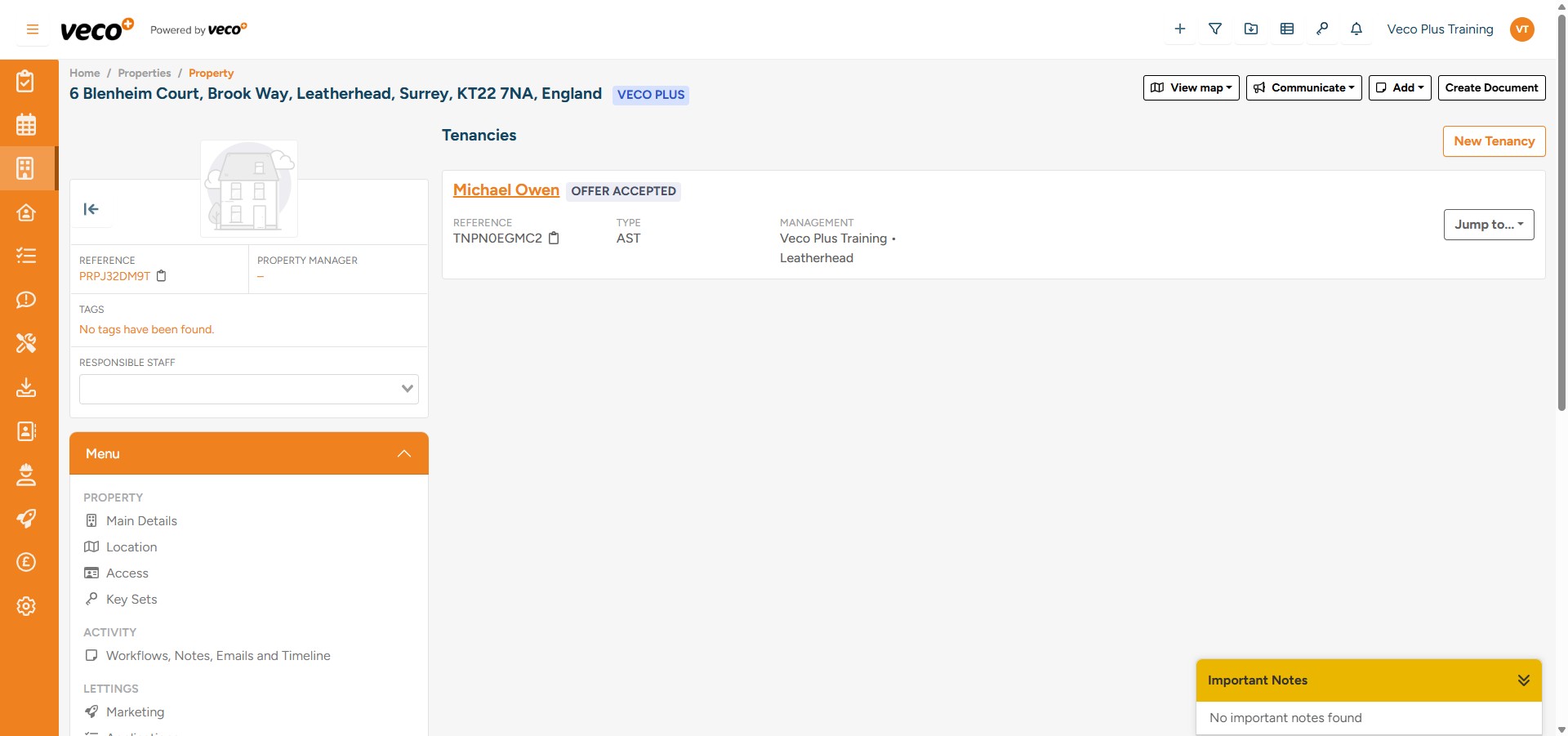
On the ‘Menu’ select 'Tenancies'
Select 'New Tenancy' in the upper right corner
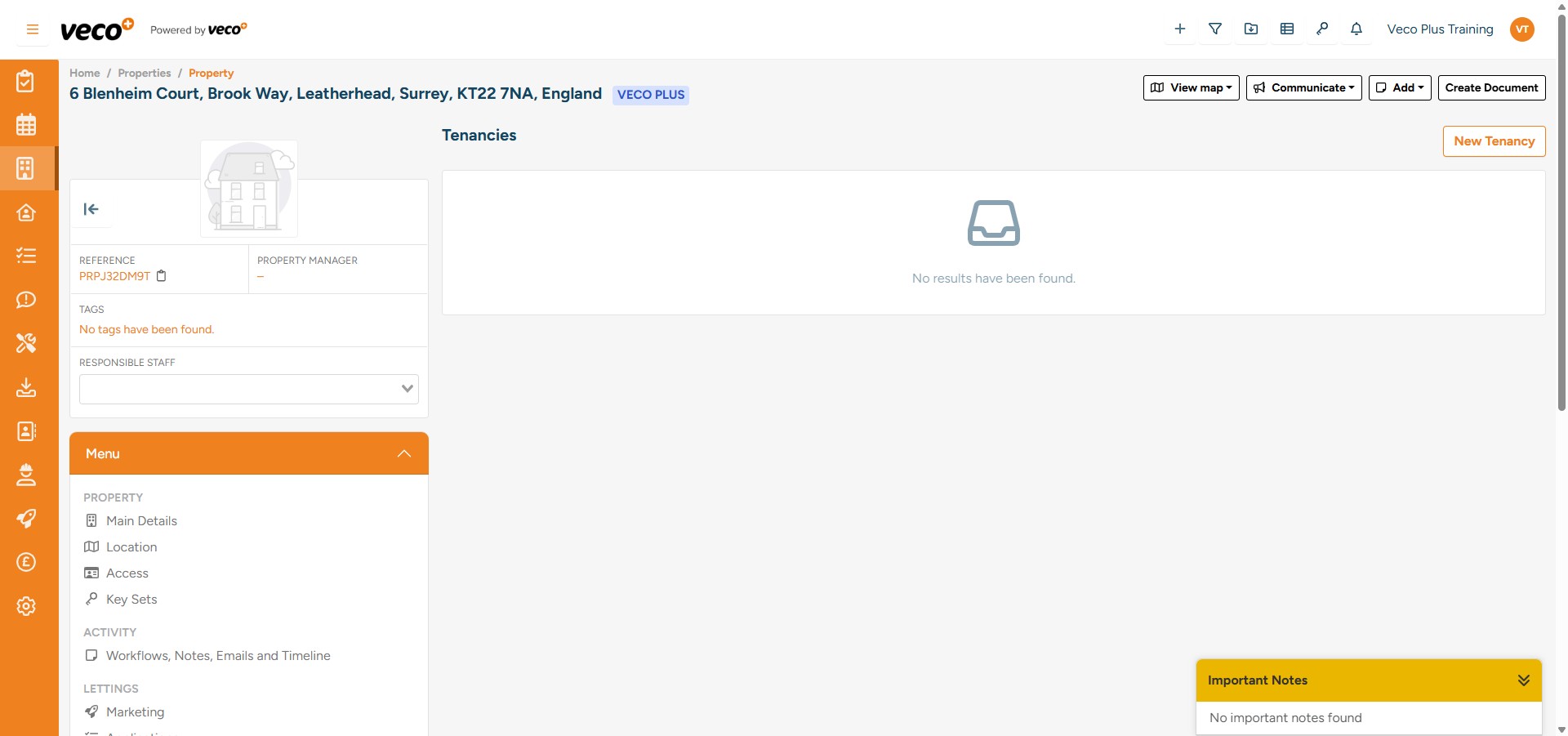
Enter all required information for the Tenancy
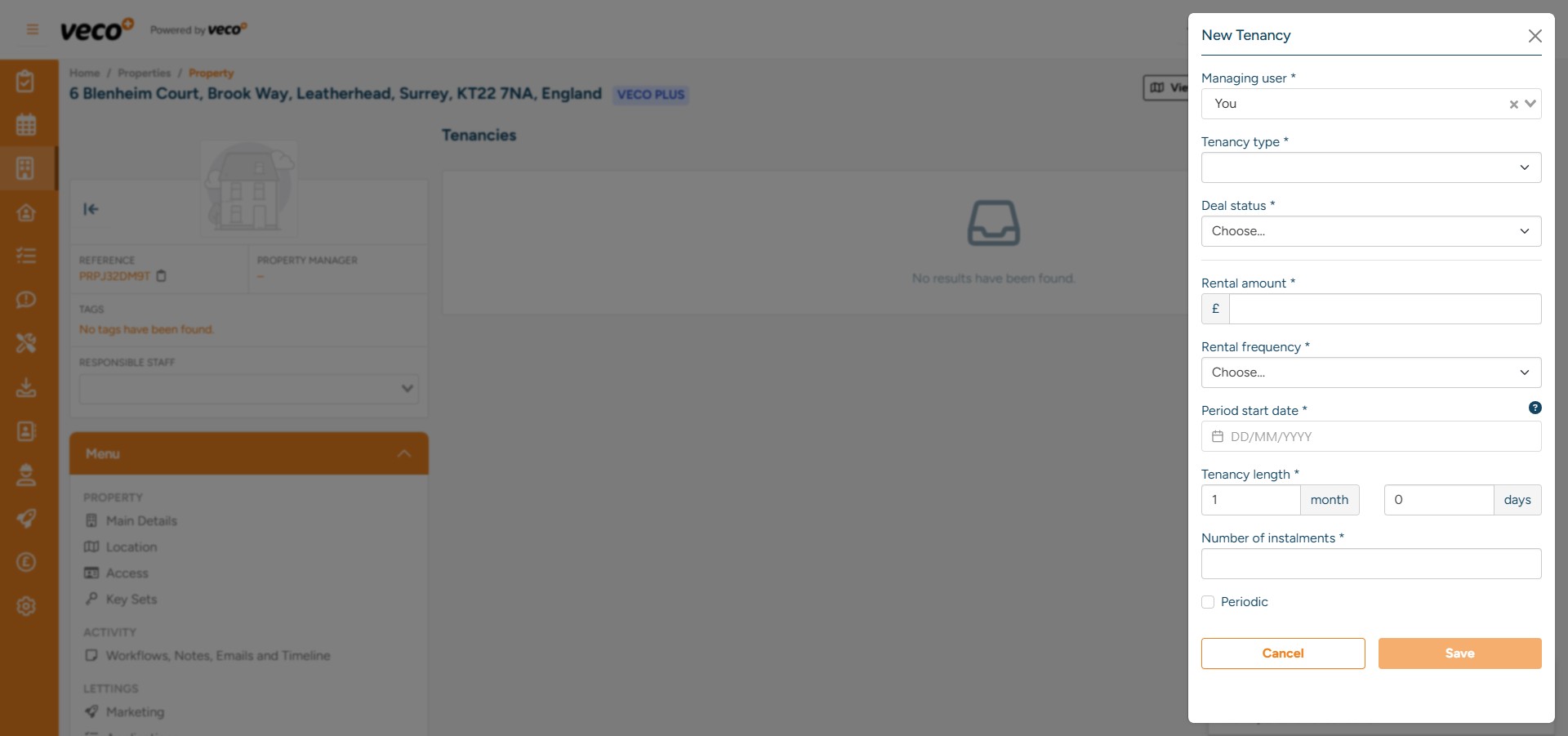
Select 'Save'
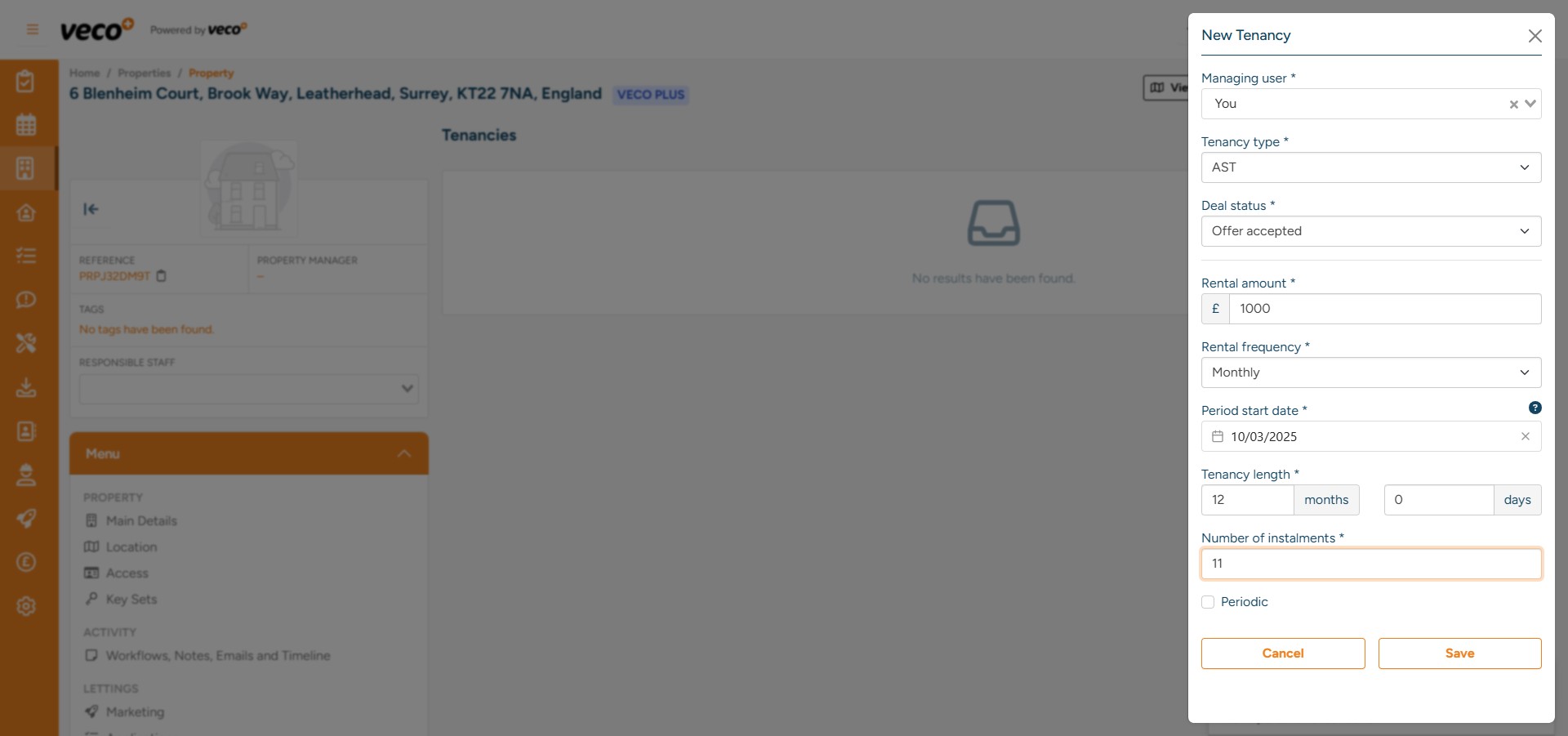
Once saved, you will be prompted to add the individual Tenant Contact. Select the '+' to add the Tenant’s details and search. If the Tenant exists, they will appear for you to select
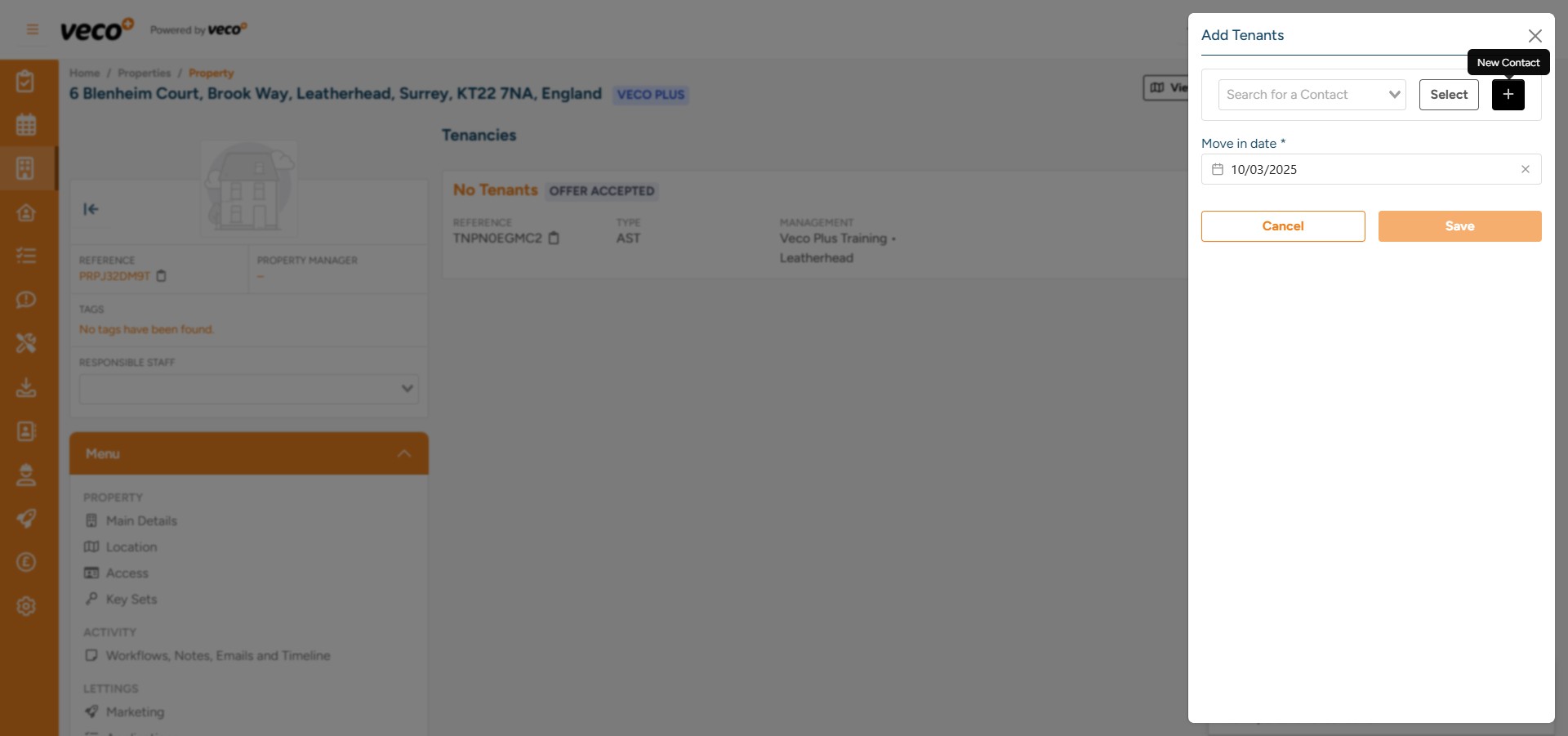
Select 'New Contact' if the Tenant does not exist (change 'type' when adding new contact details if it is a company)
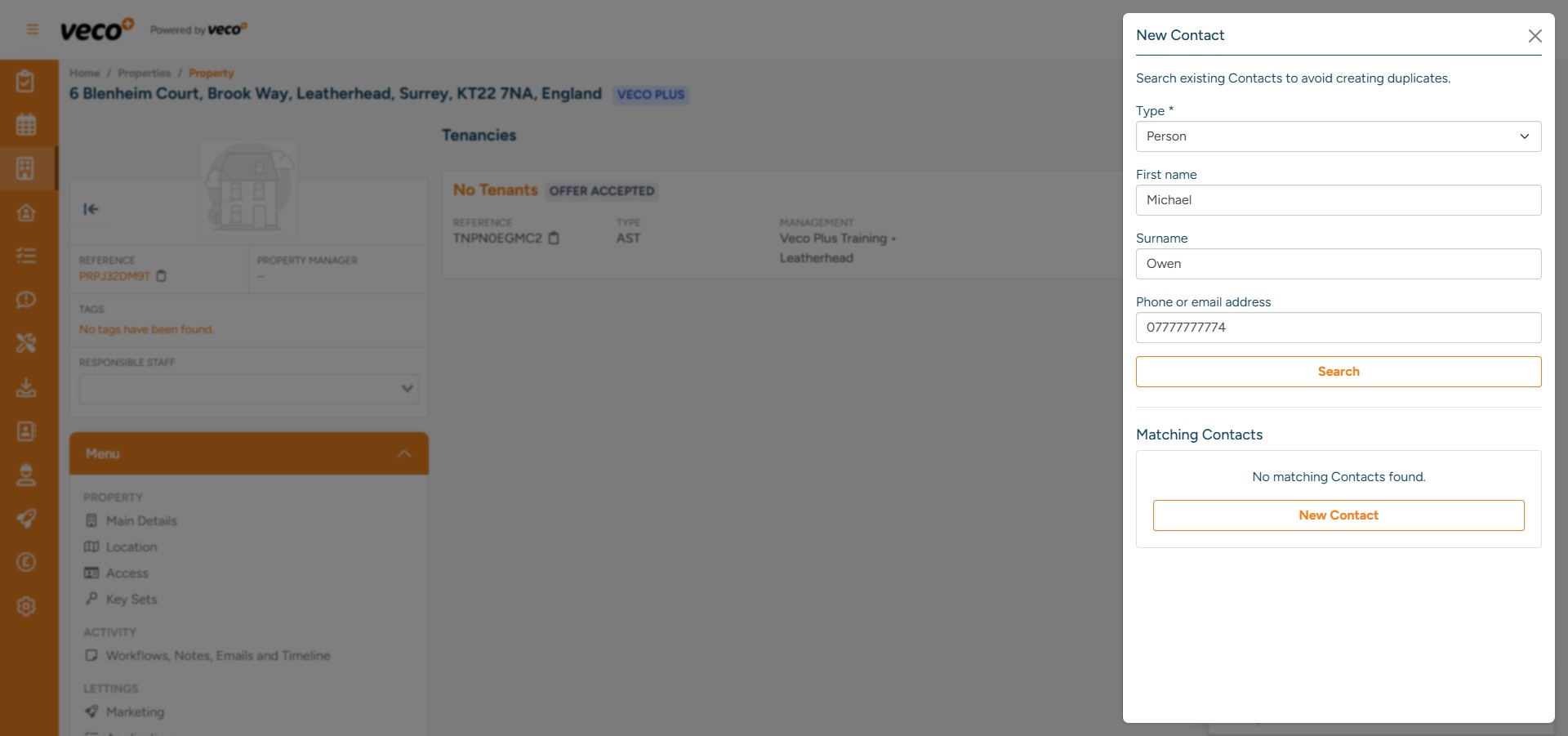
Enter the details and select 'Save'
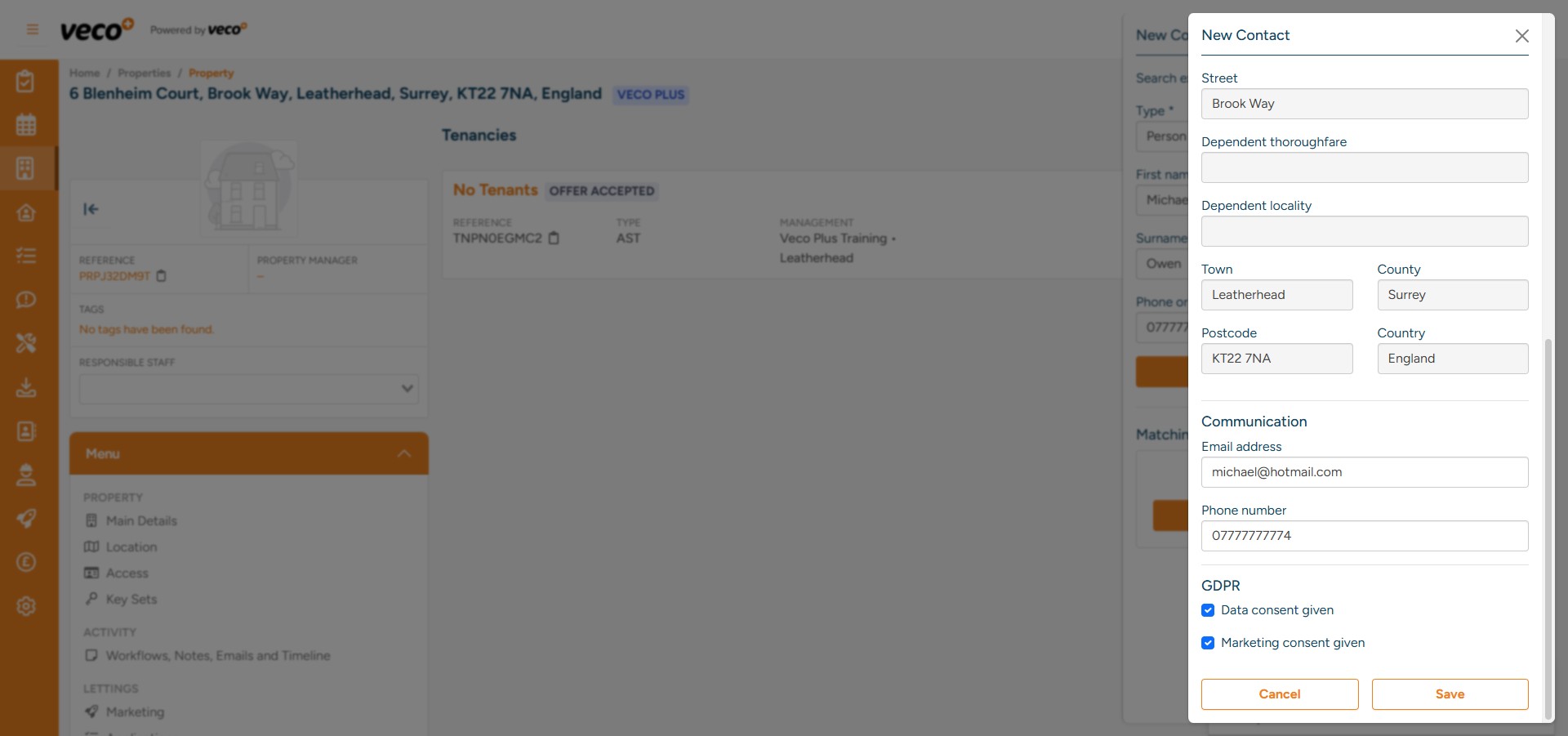
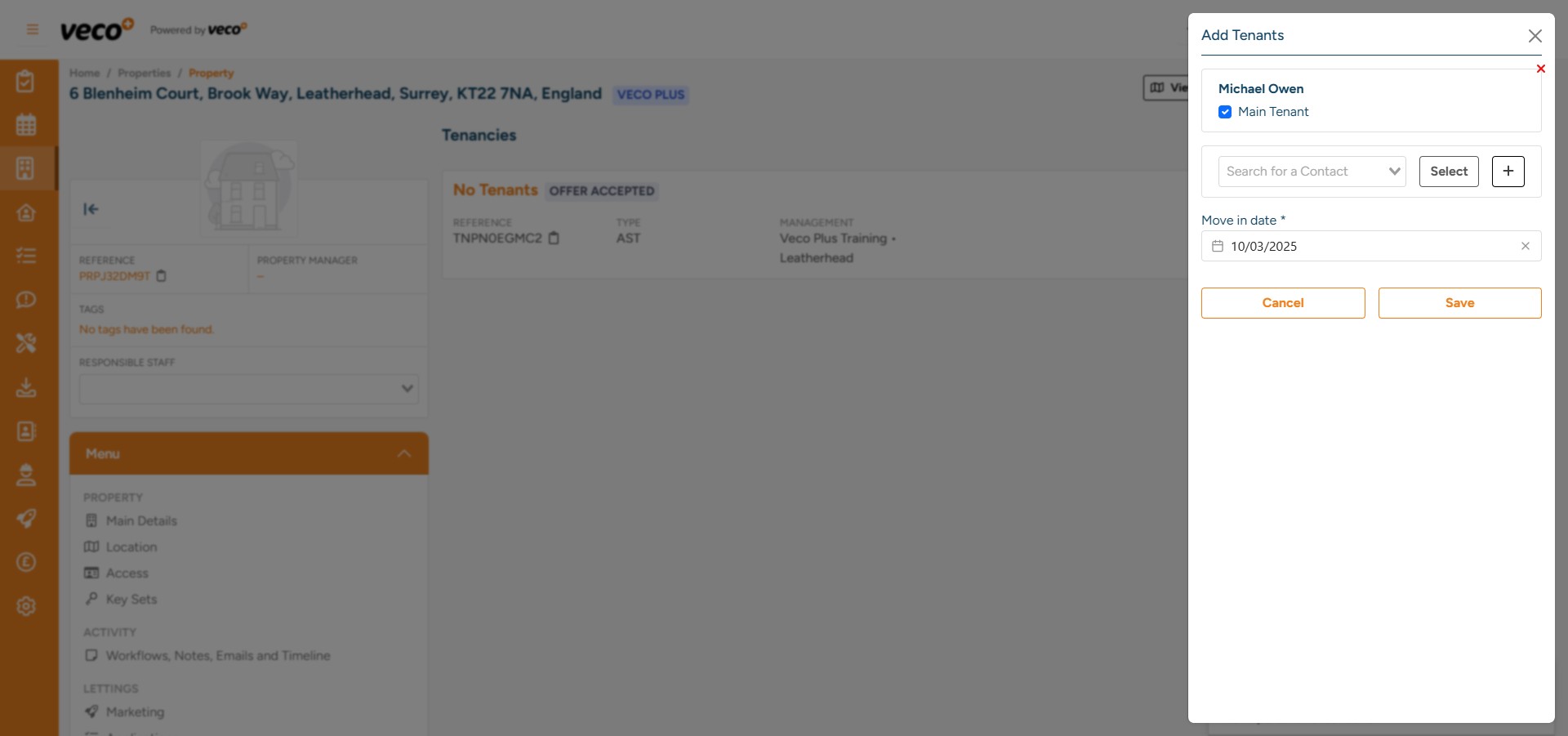
You can now add additional Tenants if required by following the same process. Once all Tenant information has been entered, ensure that a ‘Main Tenant’ is selected and the ‘Move in date’ is correct. Select 'Save'
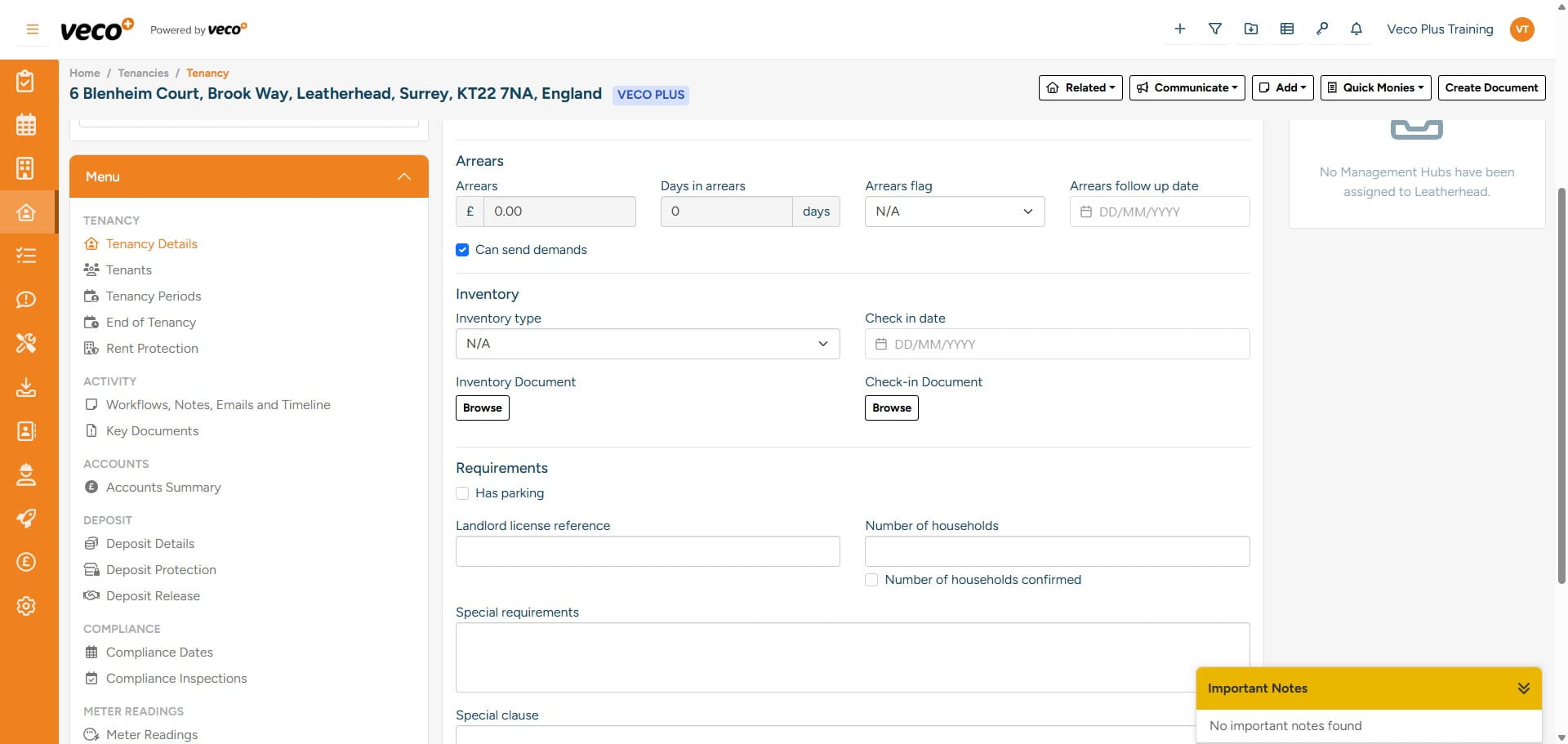
Here is an example of a 'Tenancy', this includes the Property, Owner and Tenant Contacts
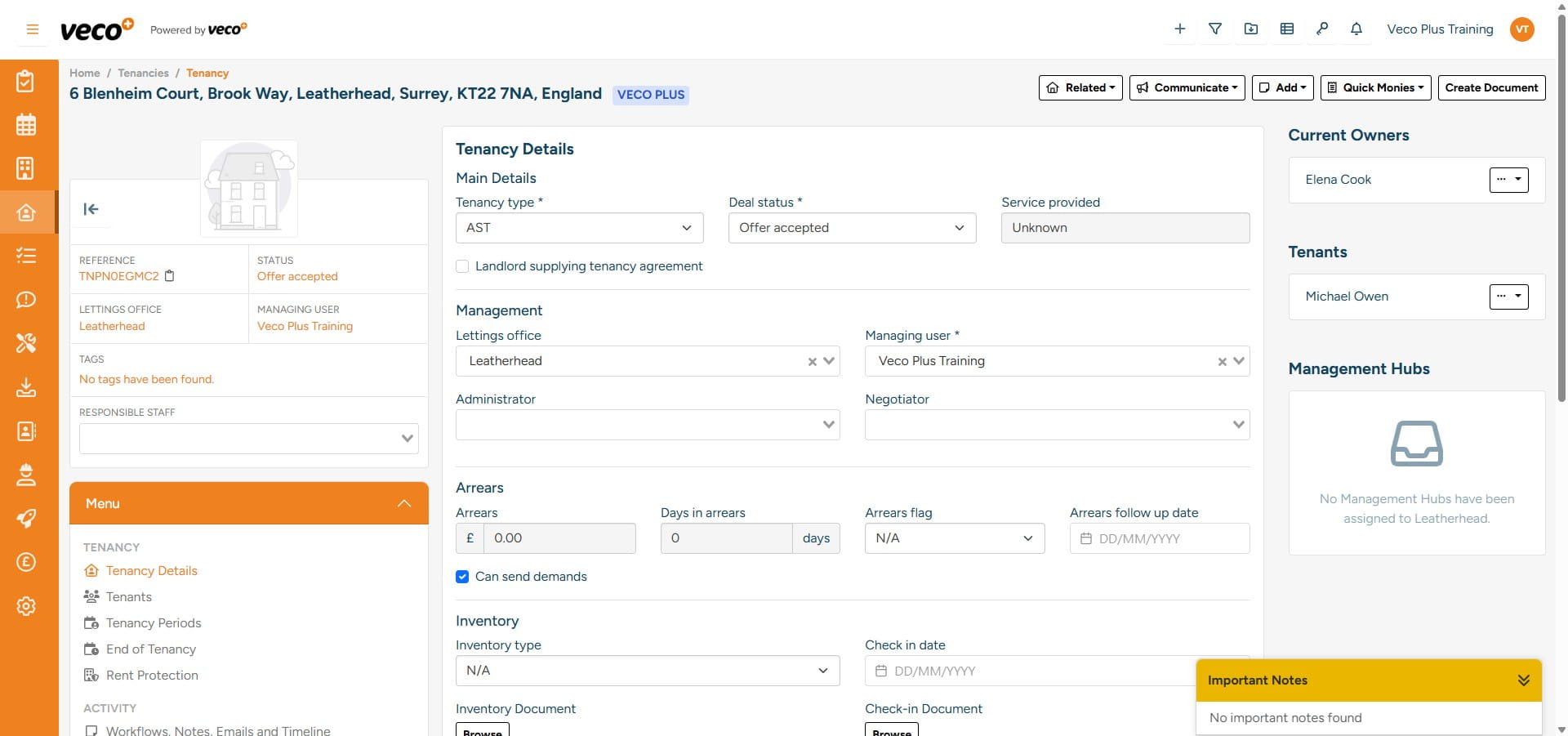
Once a Tenancy has been added, you can find it under 'Tenancies' on the navigation bar
You can then add additional information such as deposit, inventory, and compliance information found in the 'Menu'