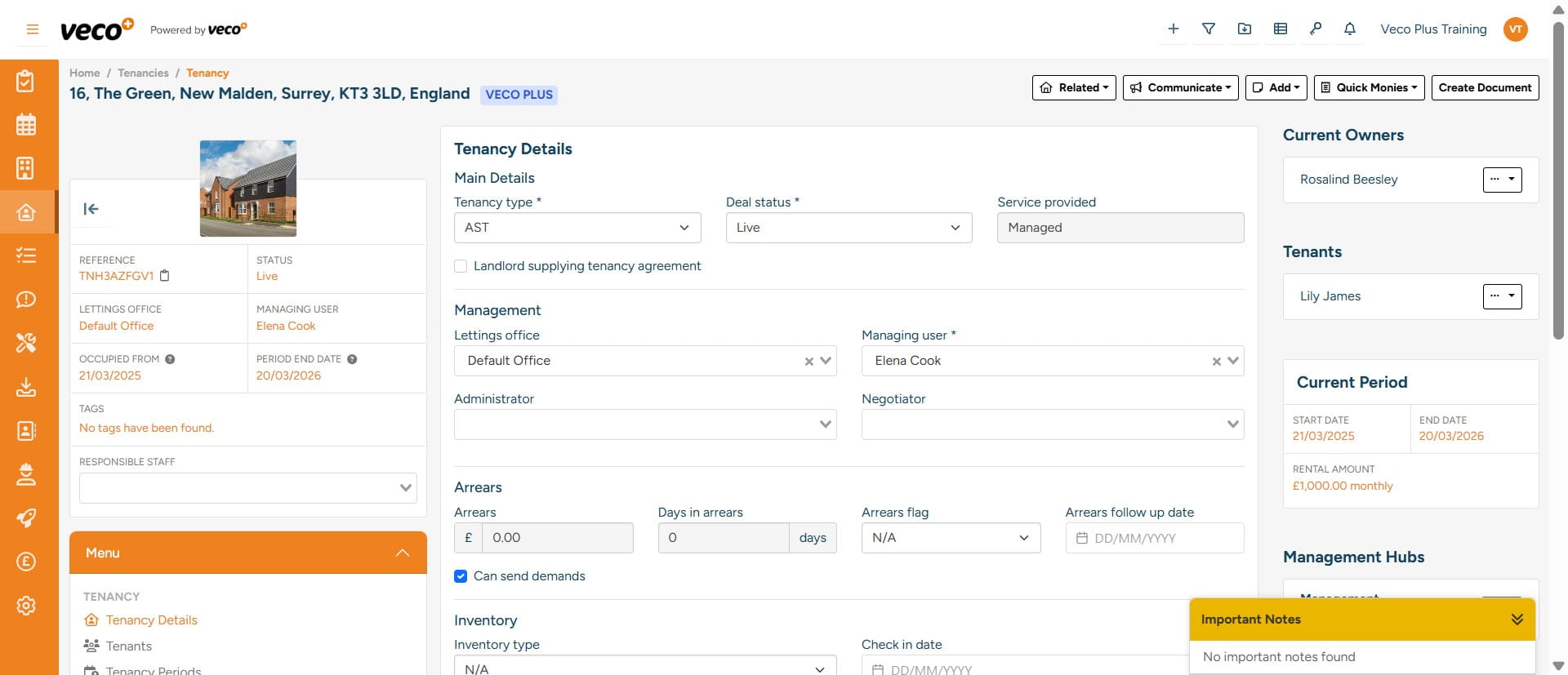
Converting an Application to a Tenancy
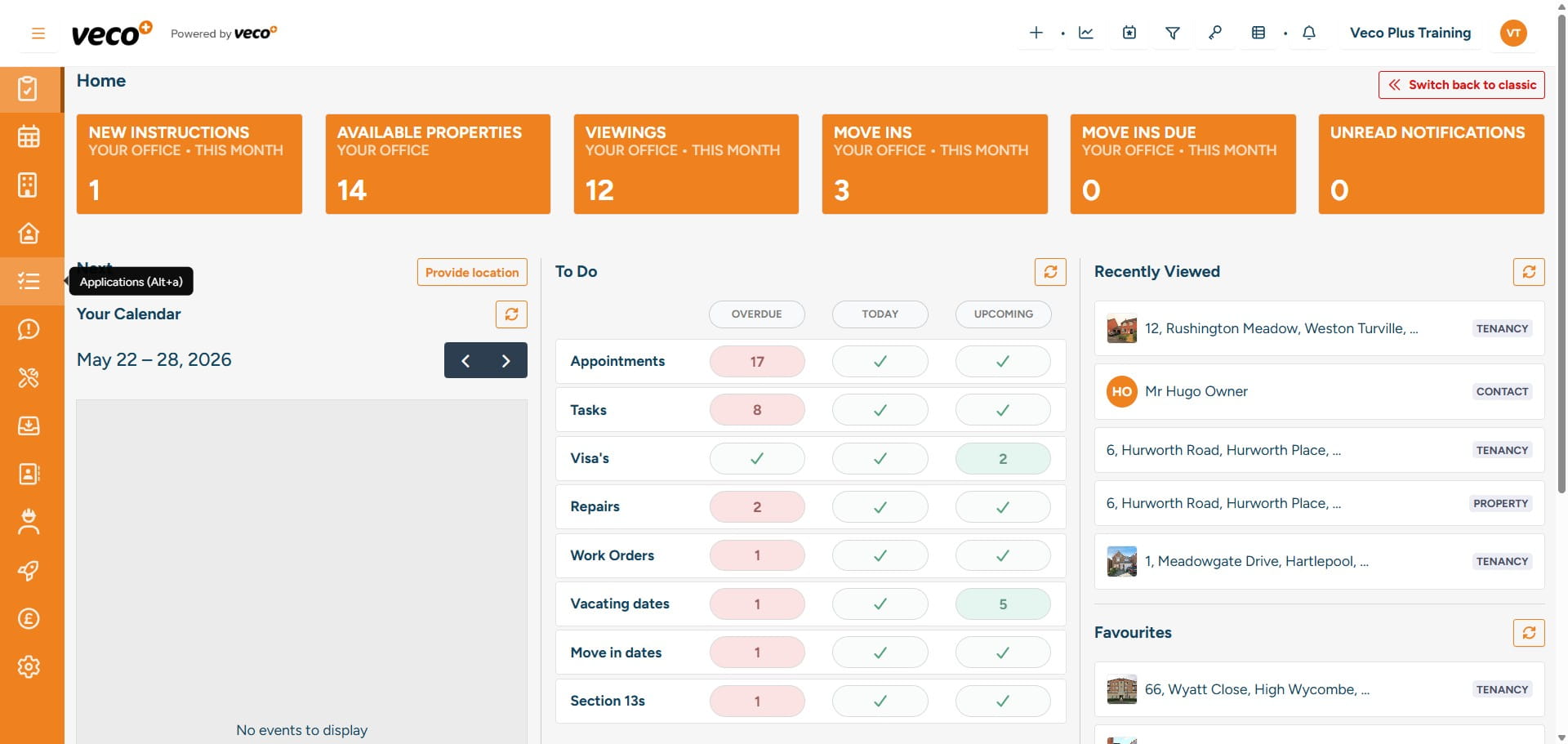
Select 'Applications' on the navigation bar
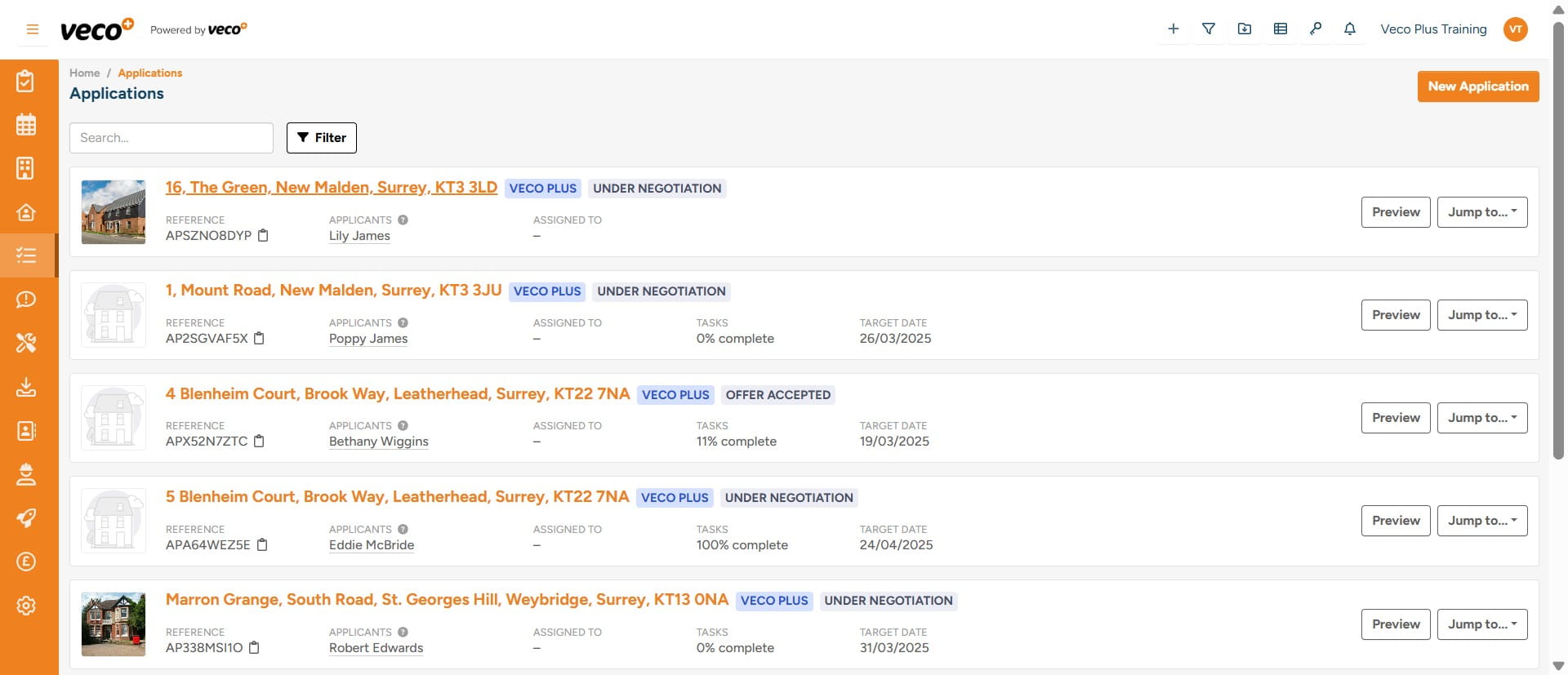
Select the Application you would like to convert into a Tenancy
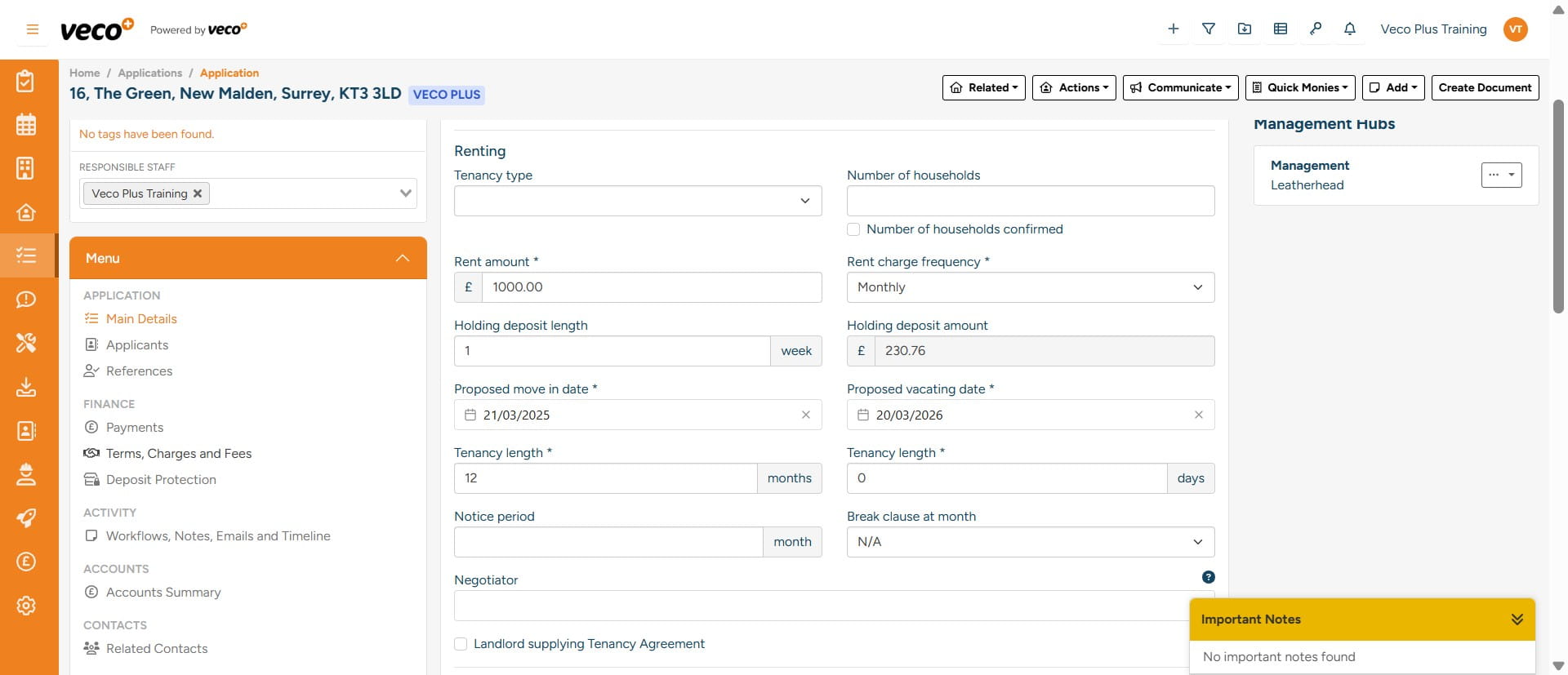
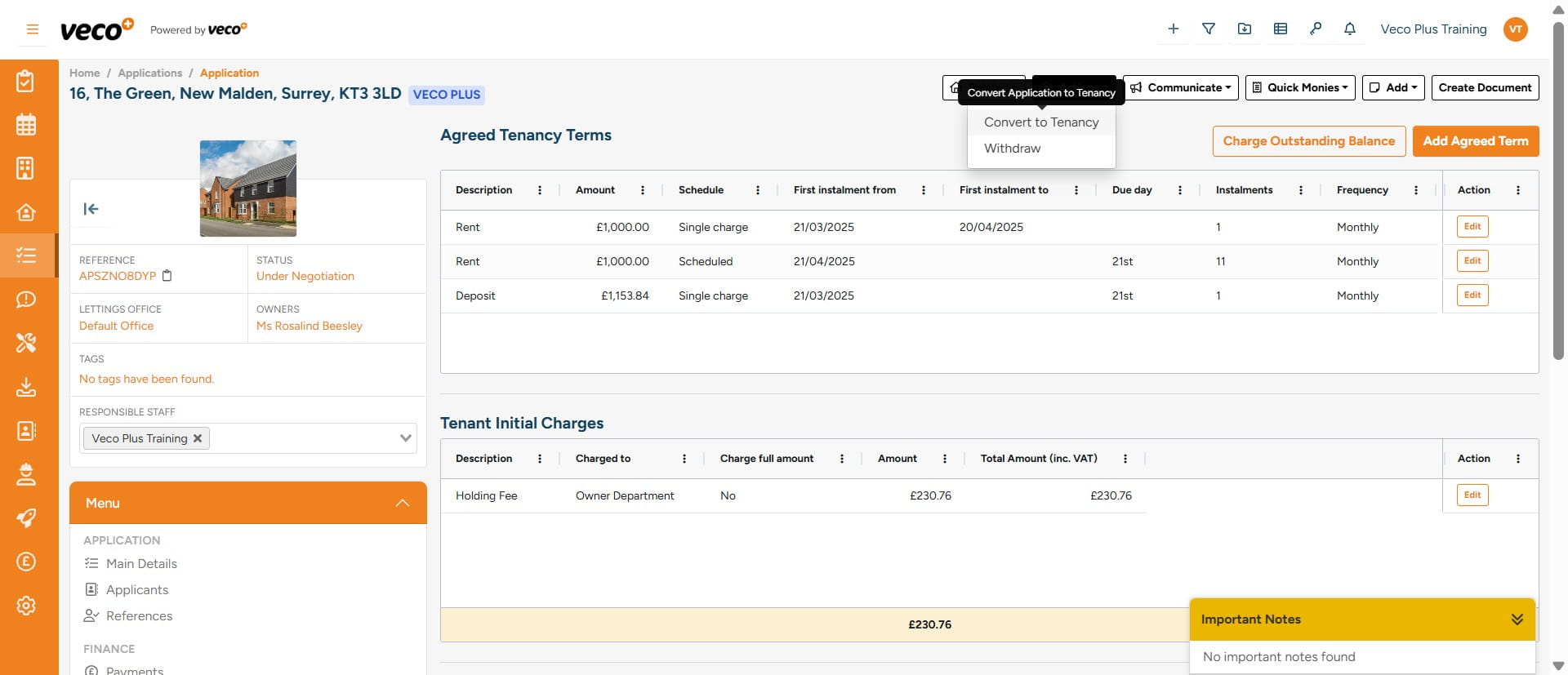
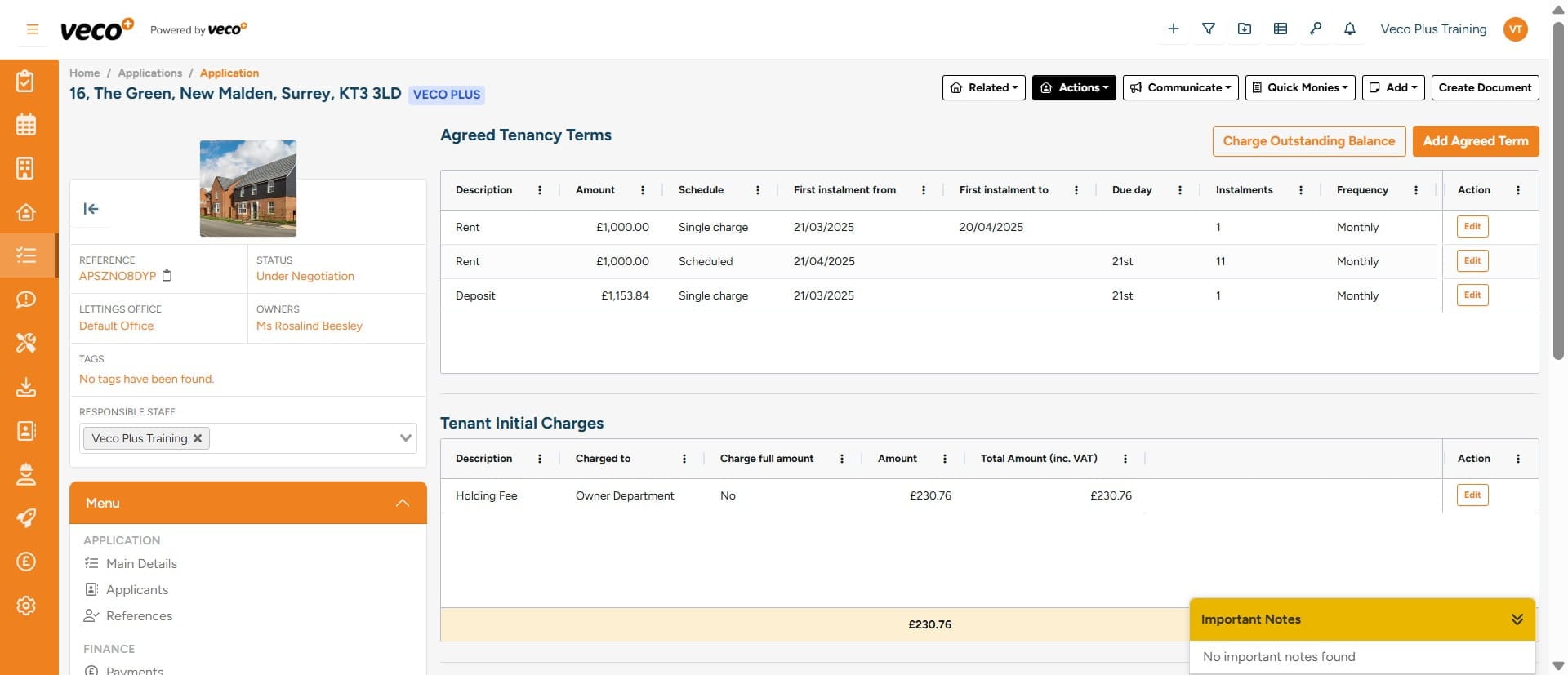
On the day of Move In, the Application needs to be converted into a Tenancy record. At the top of the page, select ‘Actions’
Select 'Convert to Tenancy'
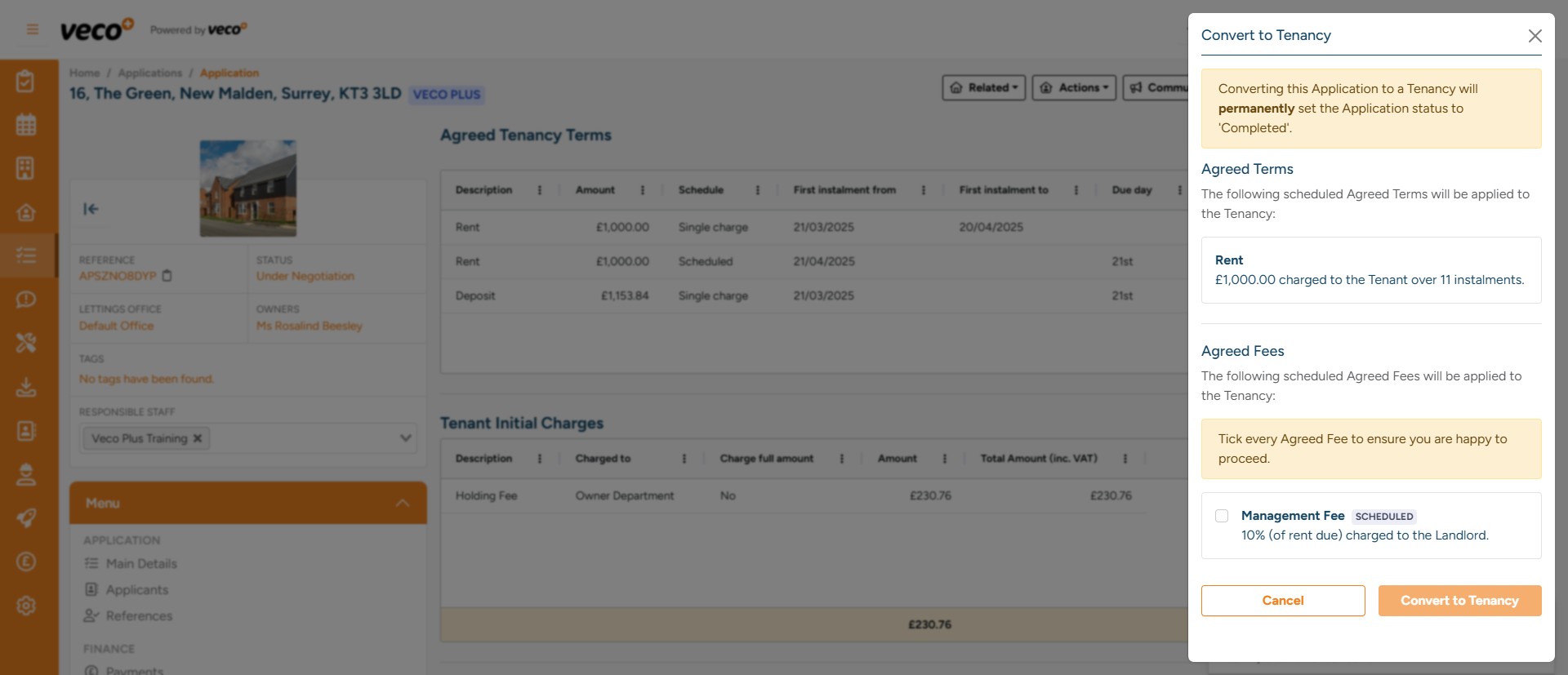
You will see a summary of what charges are going to be applied to the tenancy. If correct, select ‘Convert to Tenancy’
If these charges are not correct, you will need to go back into ‘Terms, Charges and Fees’ from the 'Menu' on the Application
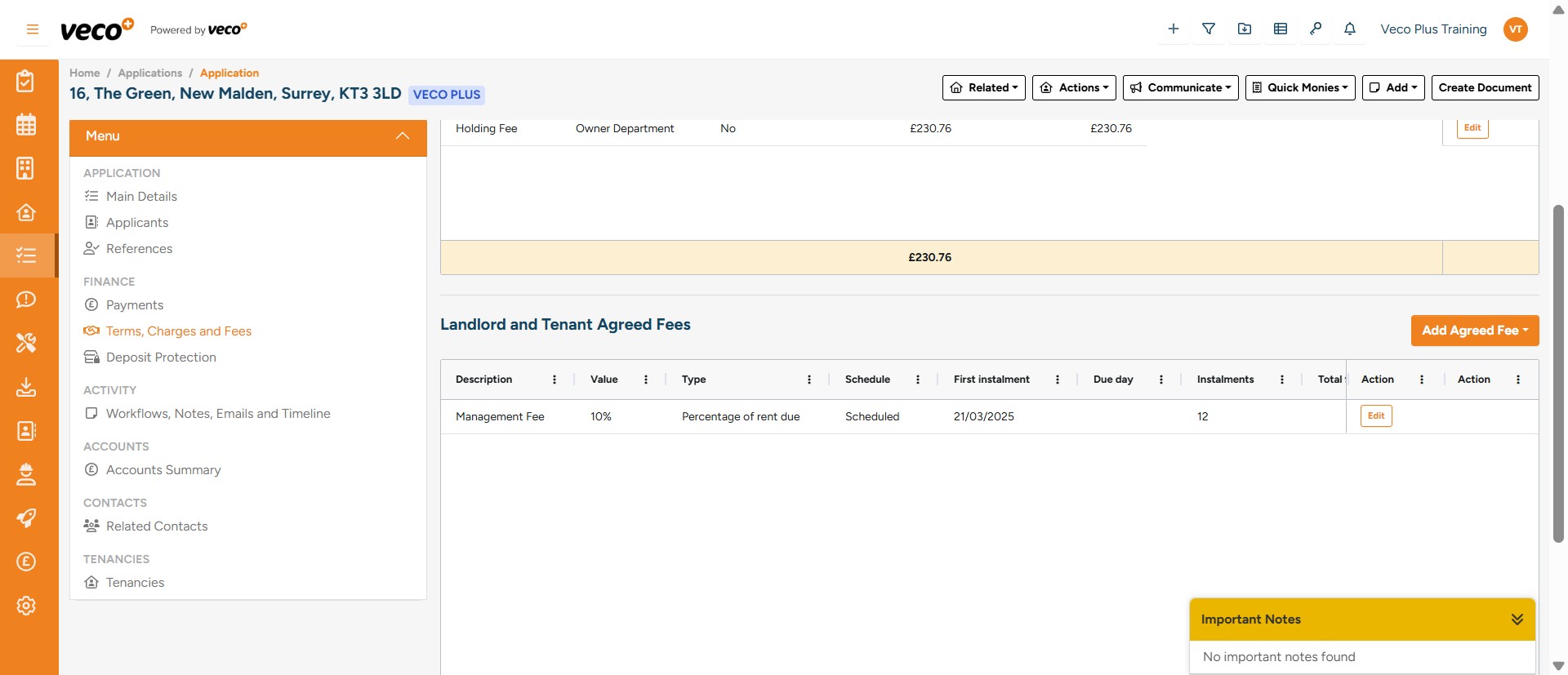
Select 'Edit' on the charge you would like to amend
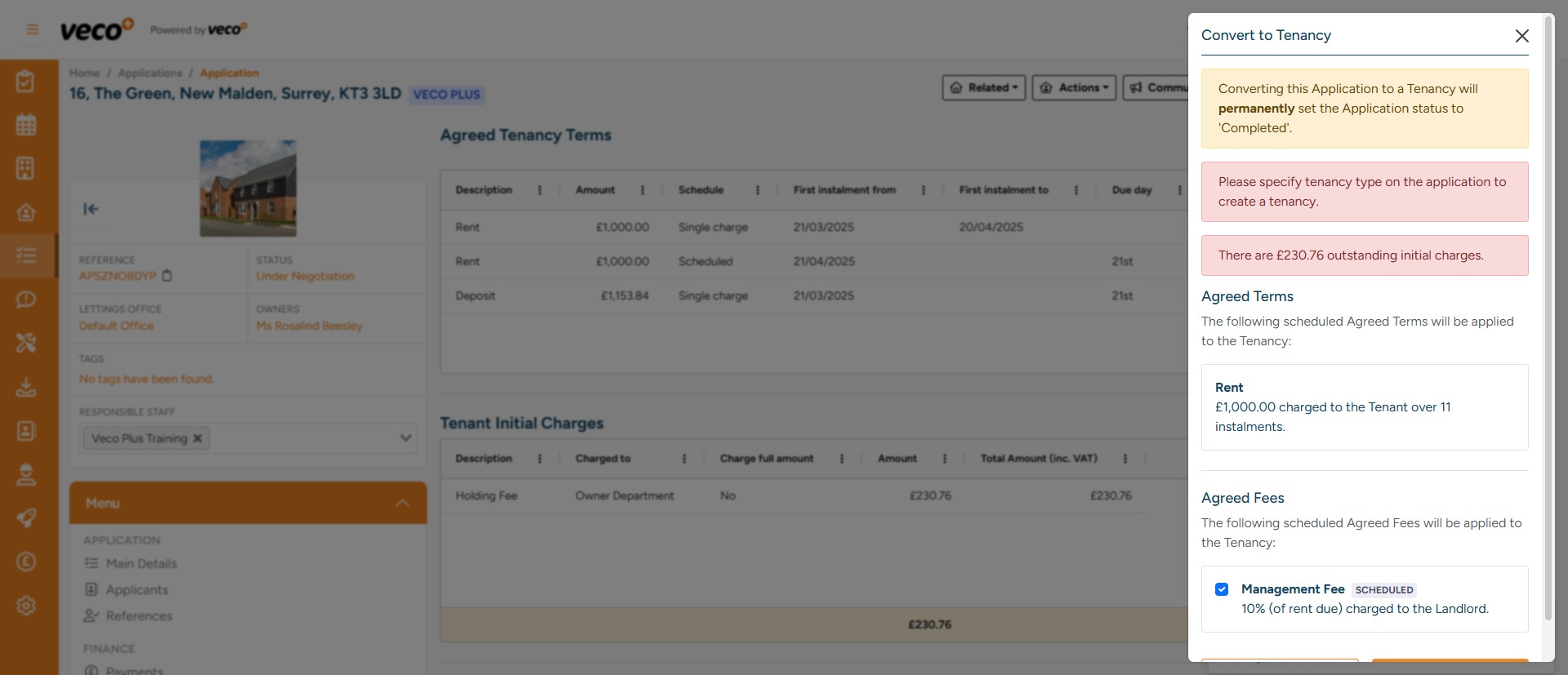
Once you select ‘Convert to Tenancy, ’ the system runs through the following checks: If the property has gas, is there a valid expiry date Does the property have a valid EICR Does the property have a valid EPC Have all the Workflow tasks been completed Have all the initial monies been paid Is the conversion happening on the day of move in
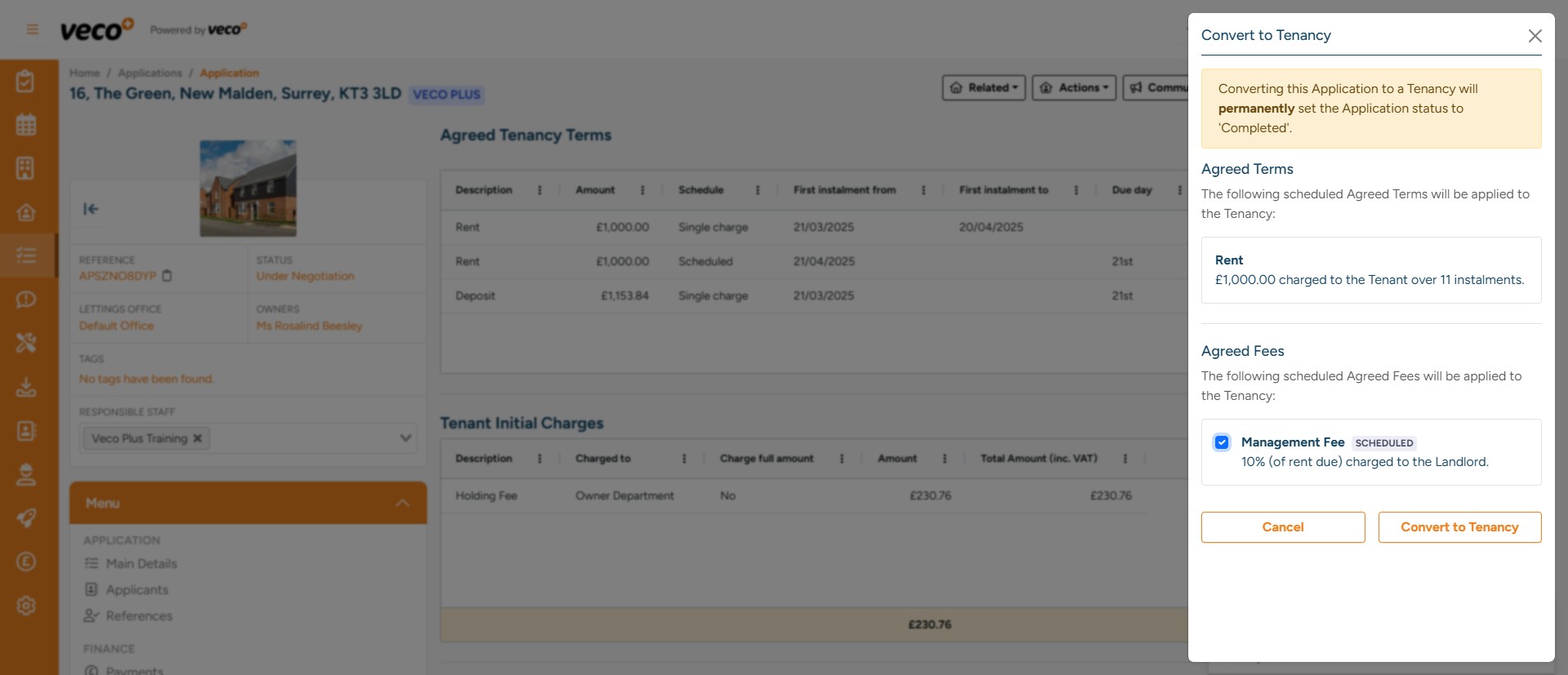
If any of the checks fail, the Application cannot be converted to a Tenancy. Anything needing attention will be displayed in red
Once successful, the Application will be converted to a Tenancy, the Application will be ‘Live’ and put into a read only state. The Account Summary will move over to the ‘Live’ Tenancy