Views
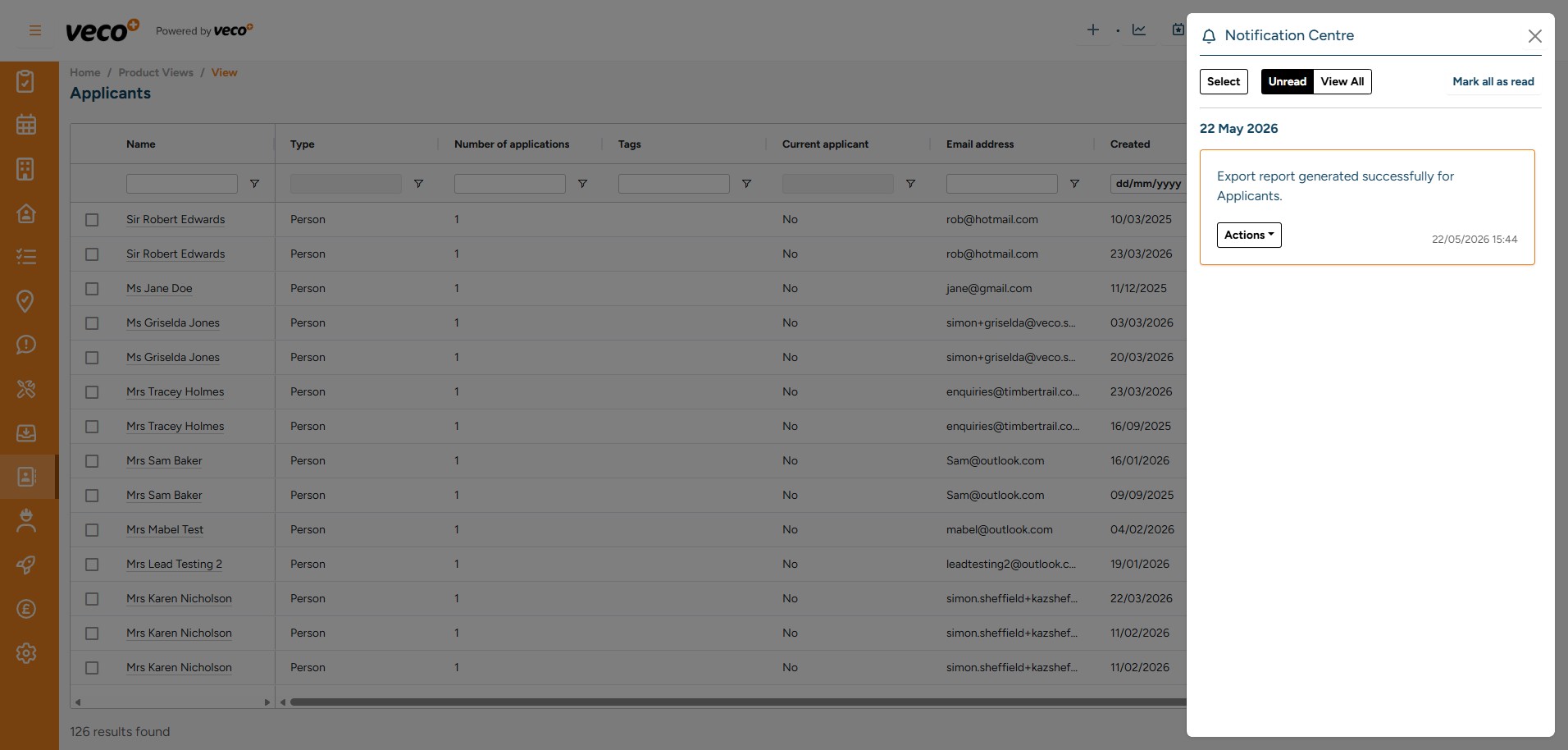
In the upper right corner, you will see a filter symbol where you can access ‘Views’
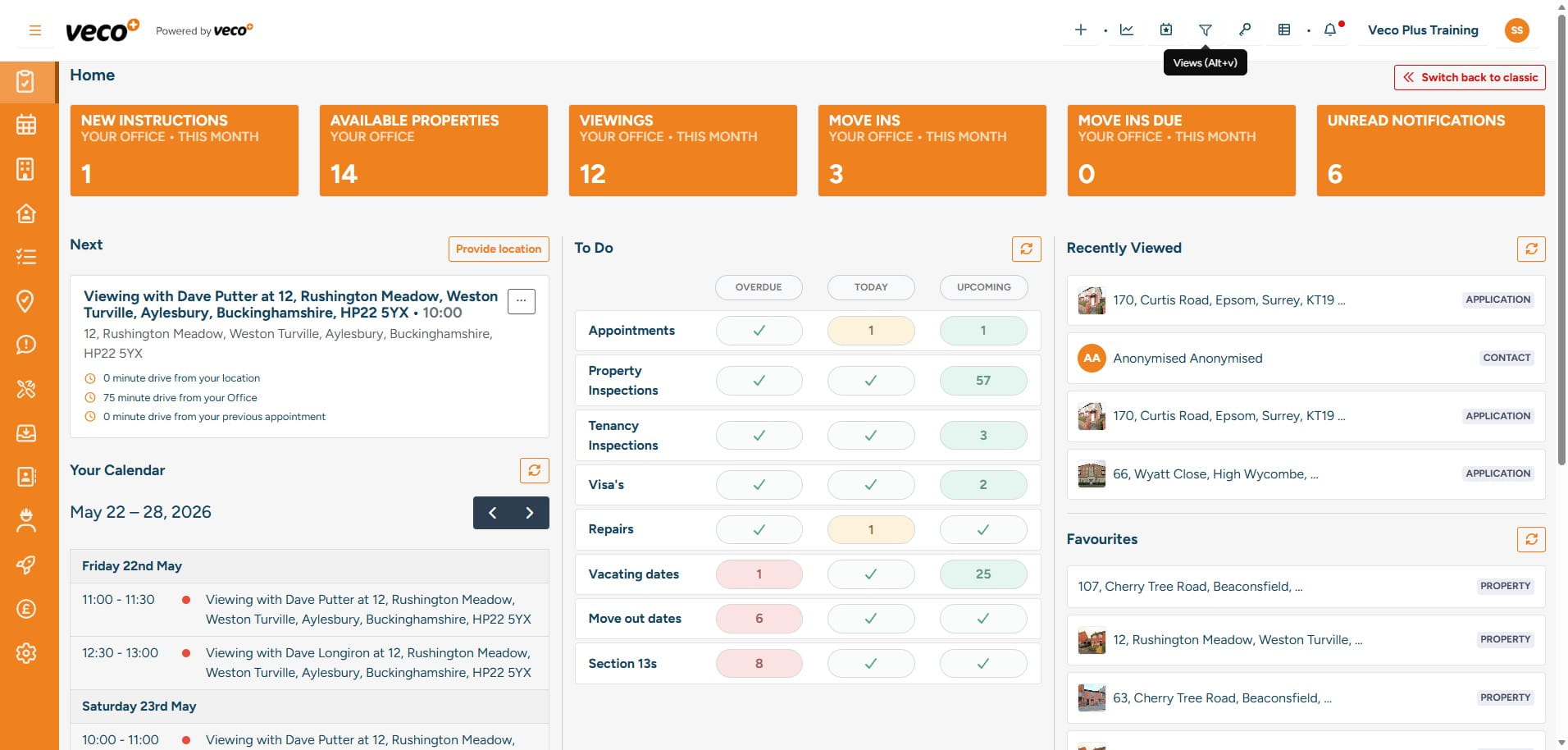
Please select the ‘View’ you would like to open. Views are grids of data that you can filter, sort and export from Veco Plus. You can type a keyword in the search box, such as ‘Repairs’, and the list will filter to ‘Repairs’
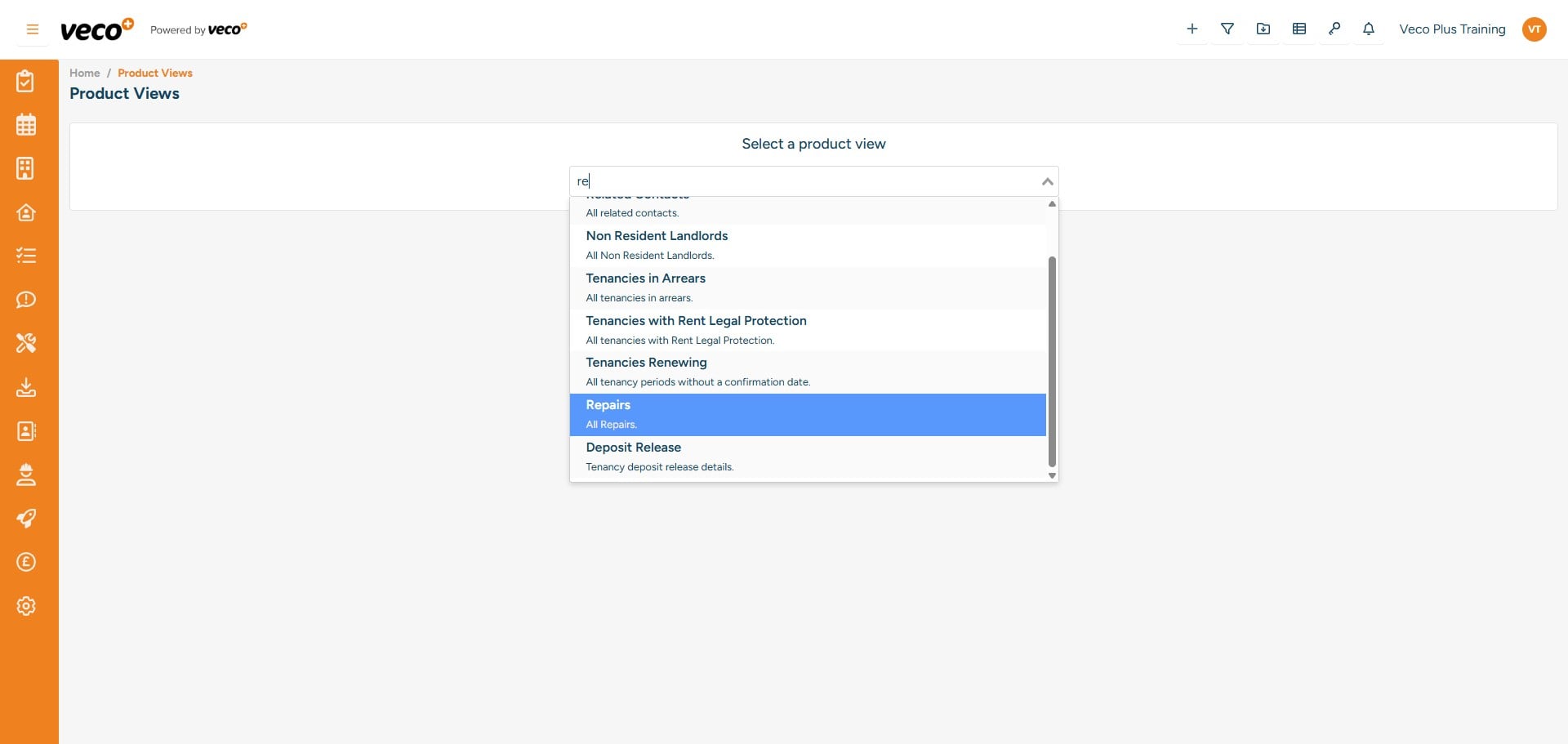
Views are available for all staff users in Veco Plus. Some ‘Views’ have ‘Actions’, where you can interact with the item on the grid directly
Compliance ‘Views’ are helpful for property managers to complete multiple tasks in one place
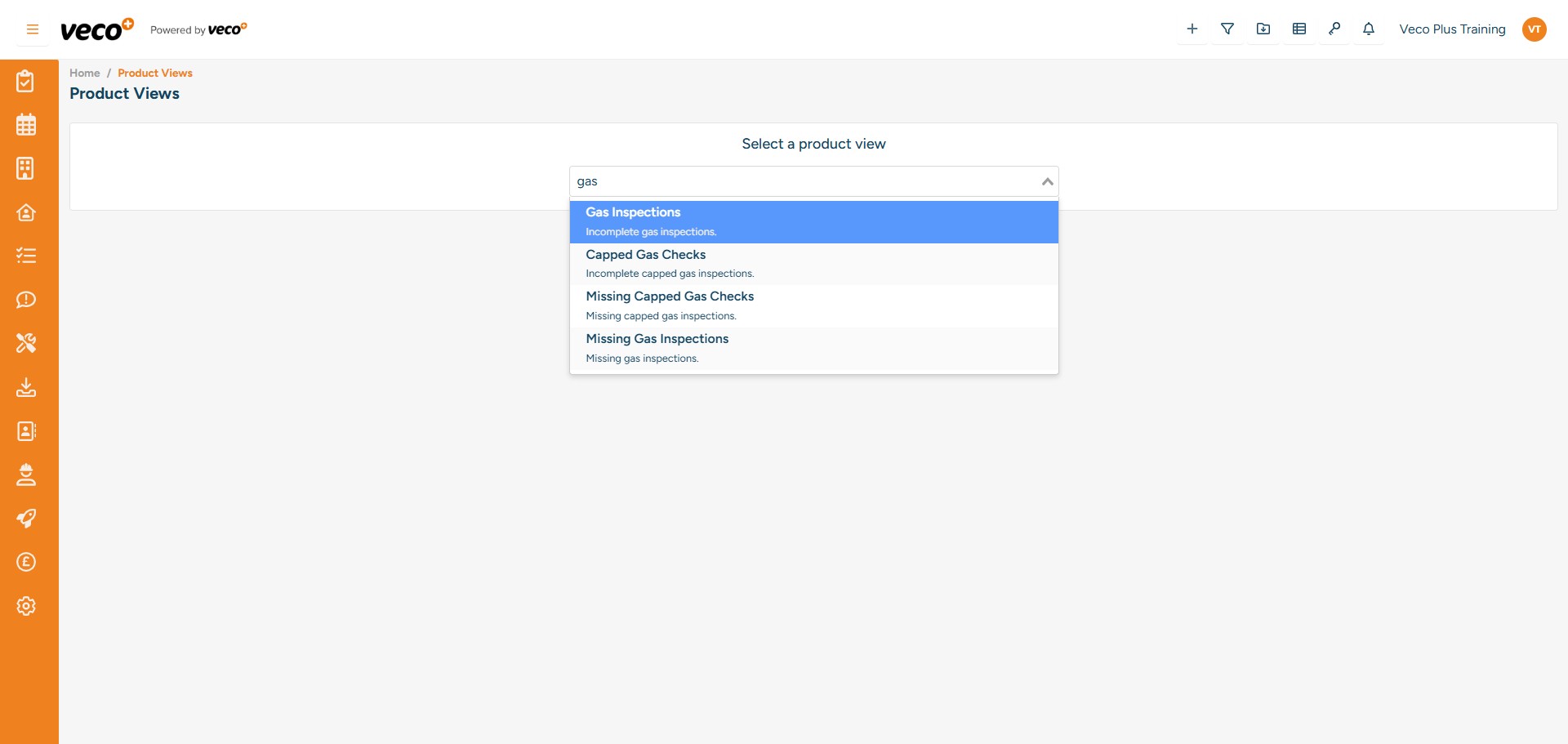
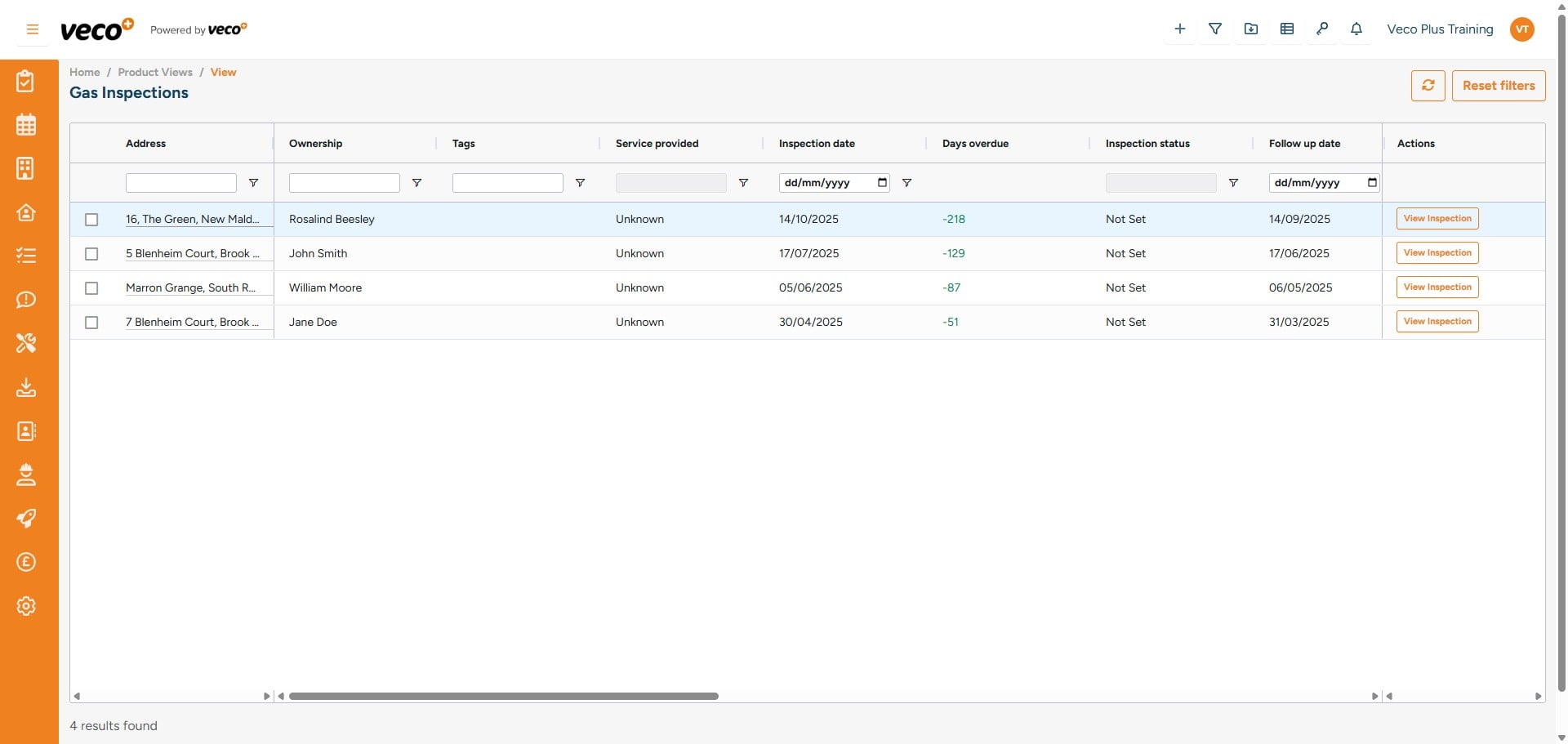
For example 'View Inspection' under the 'Gas Inspections' view
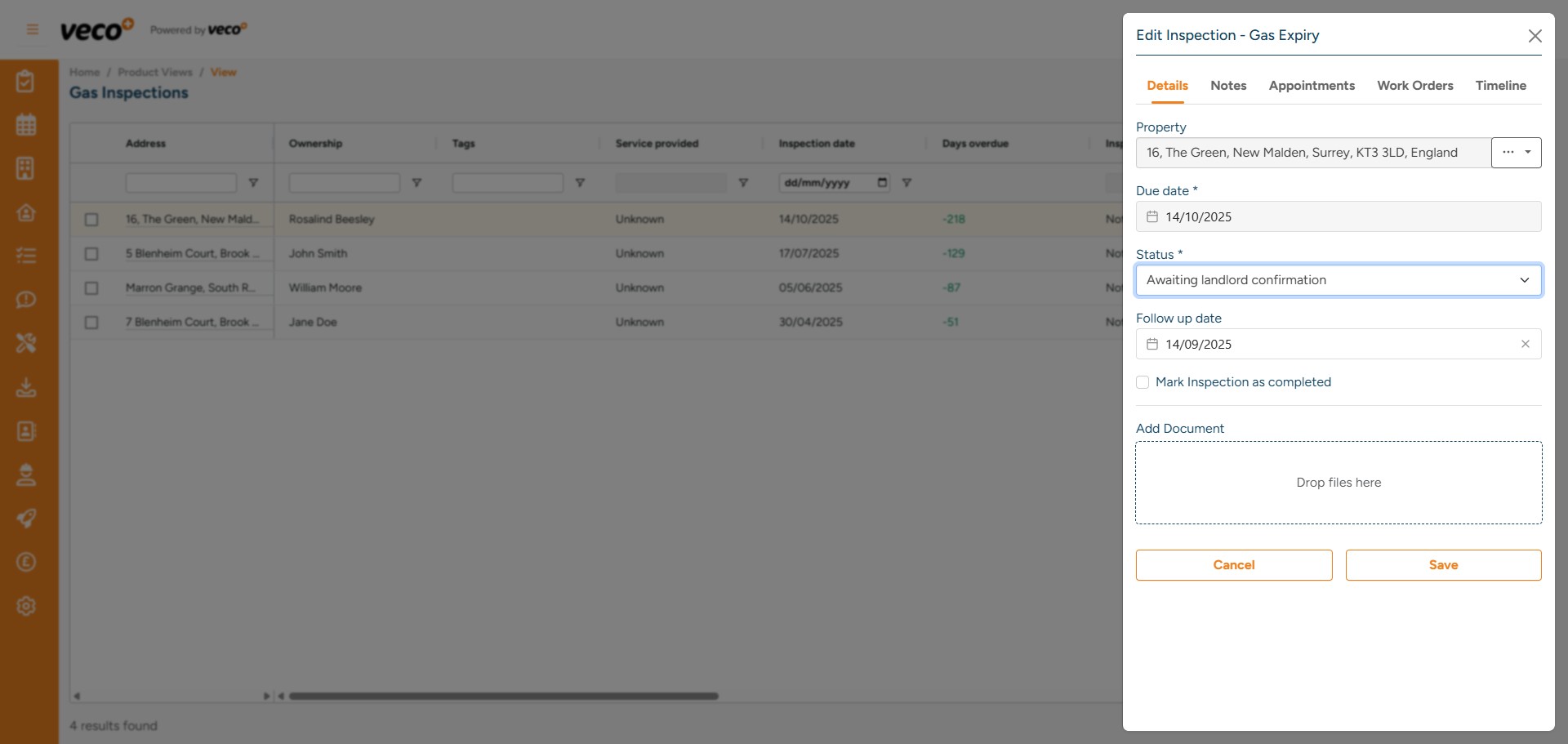
You can also add a 'Status' to the inspection
Contact ‘Views’ are helpful for negotiators or managers
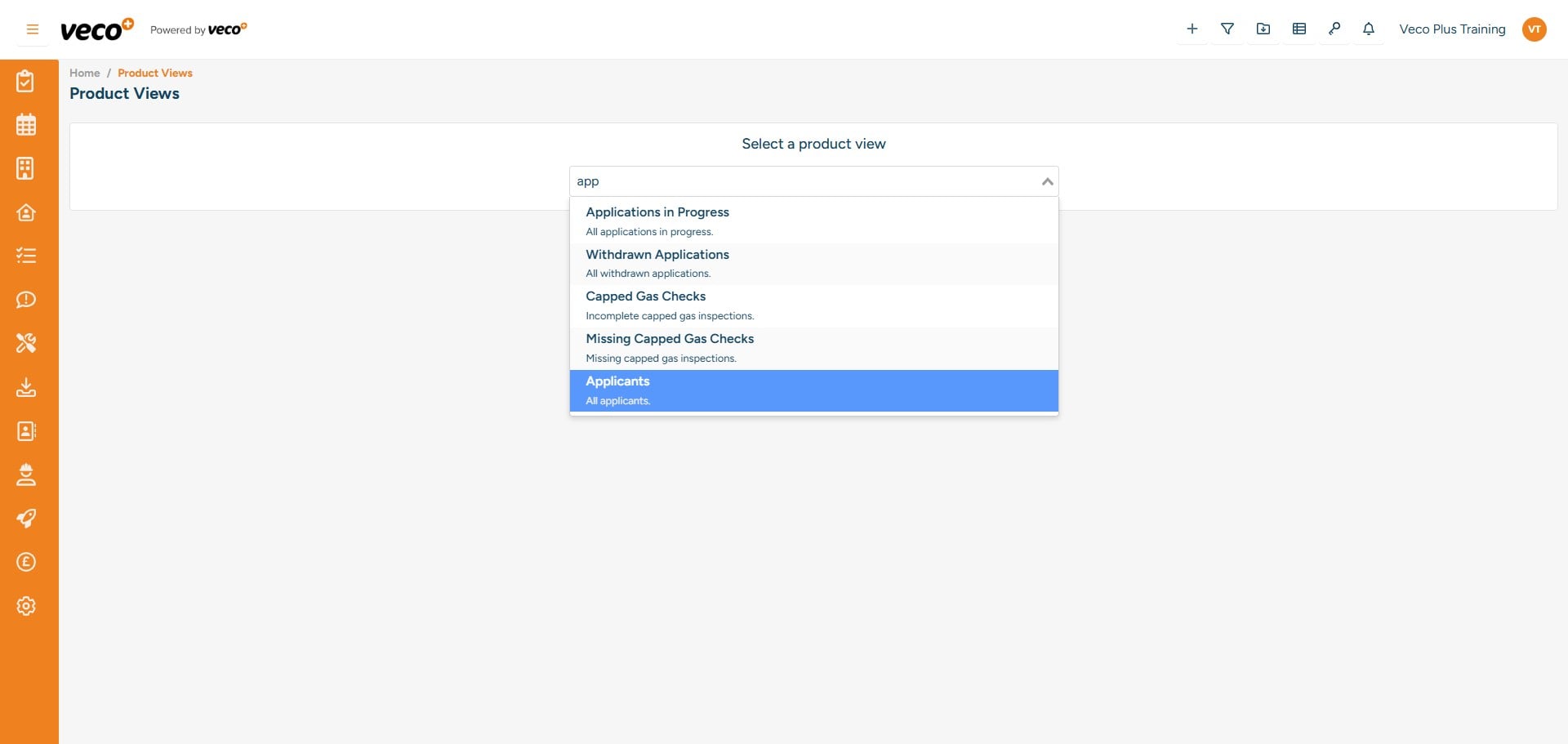
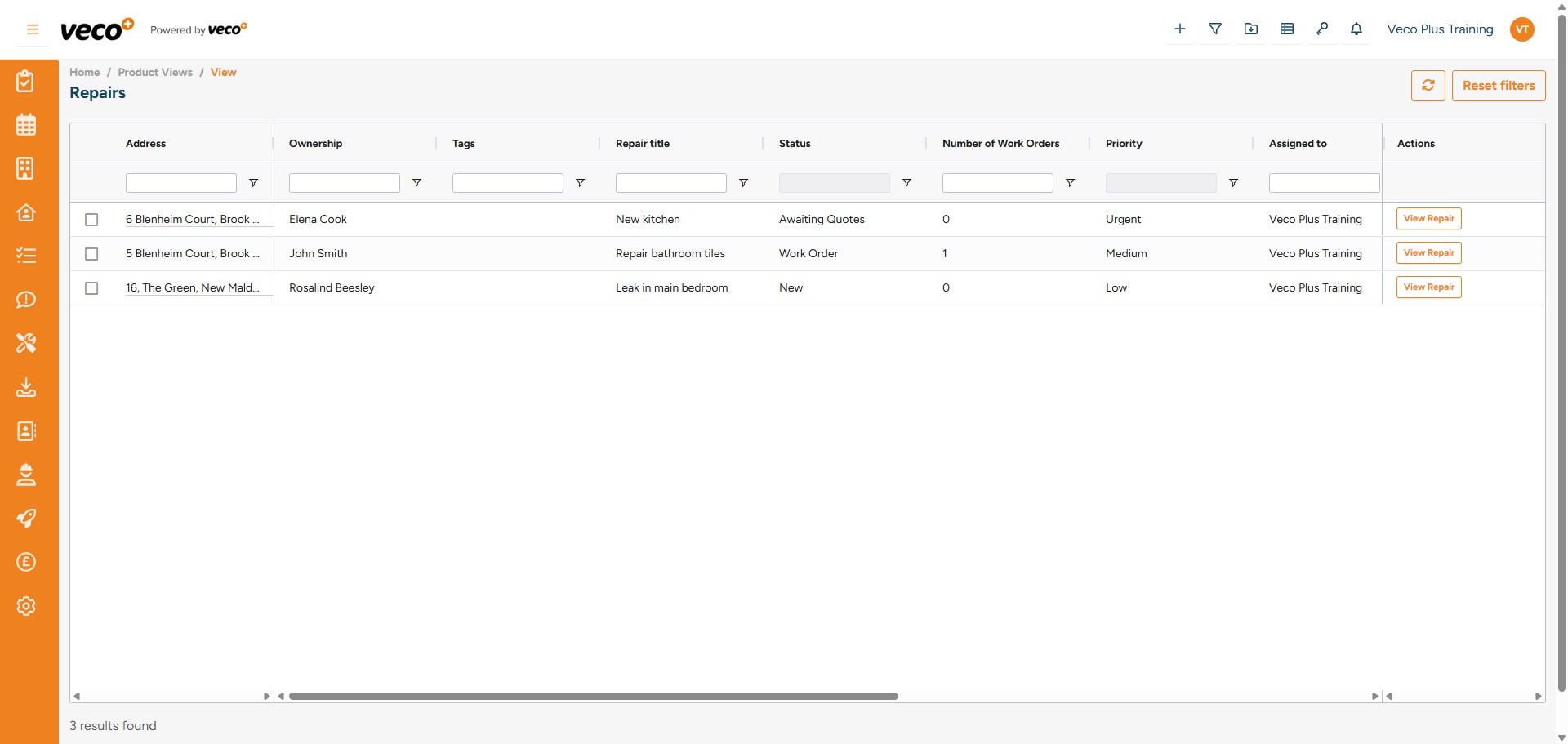
The 'Applicant' view will show a list of contacts to call out from
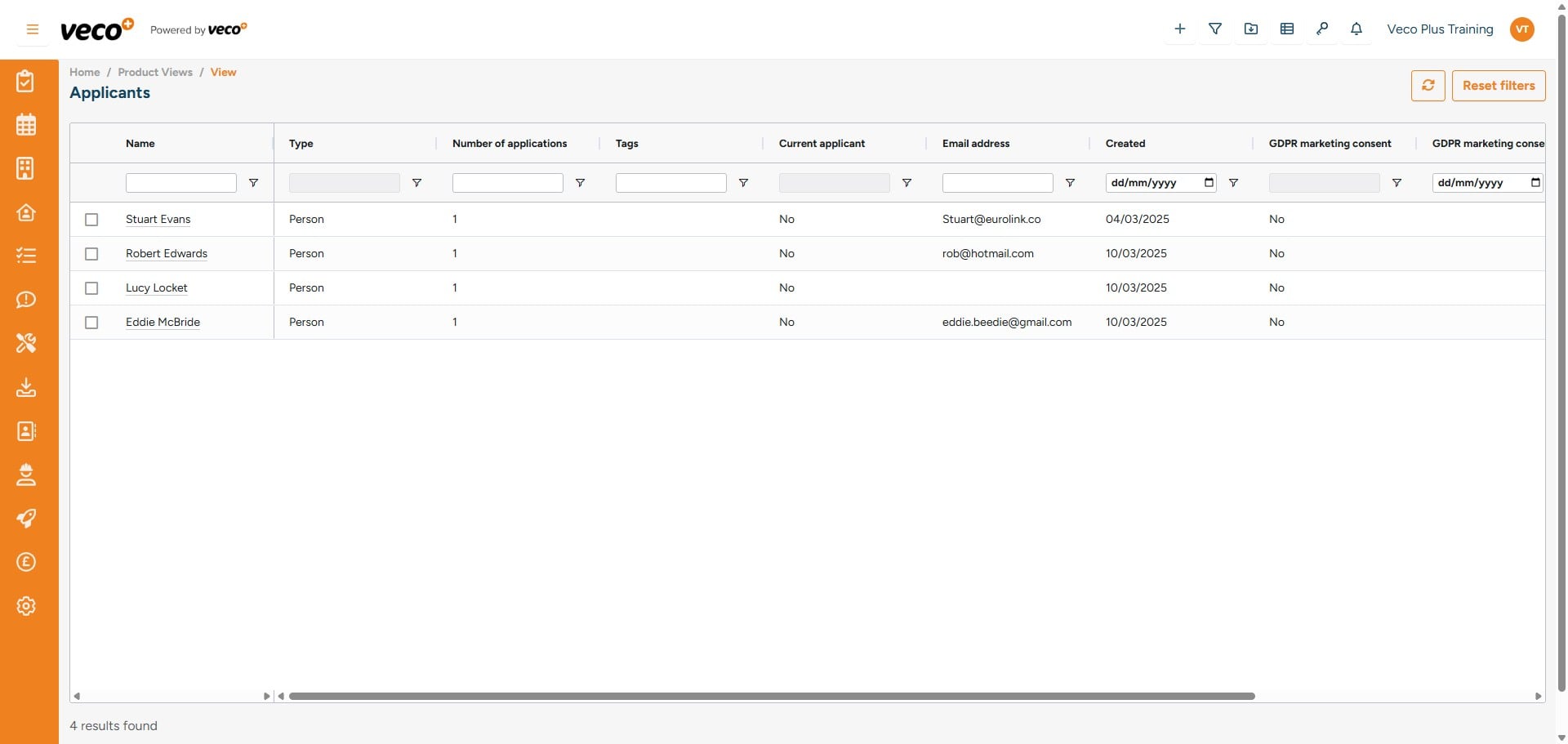
This report can then be downloaded by selecting 'Export'
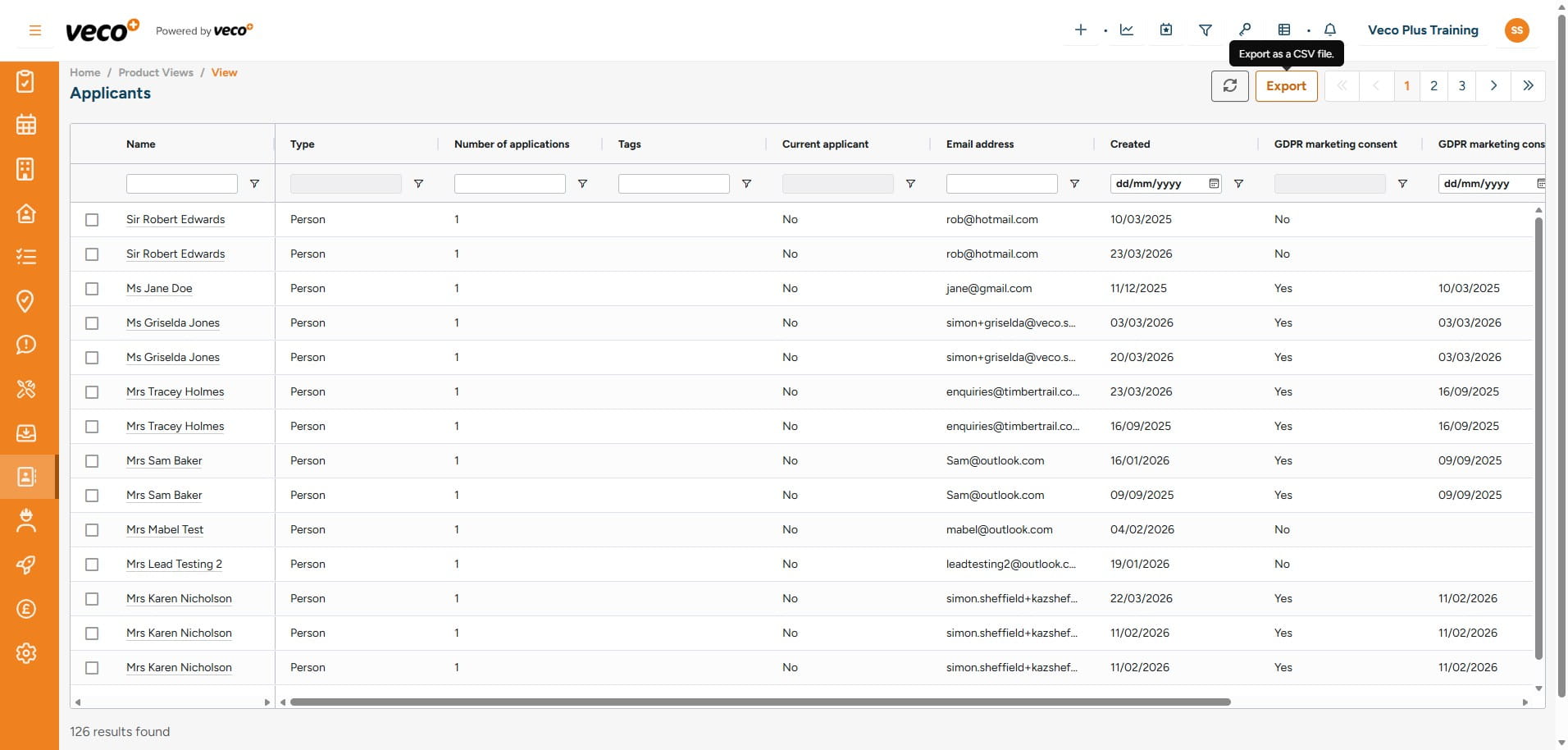
You will receive a notification to confirm the download has been completed