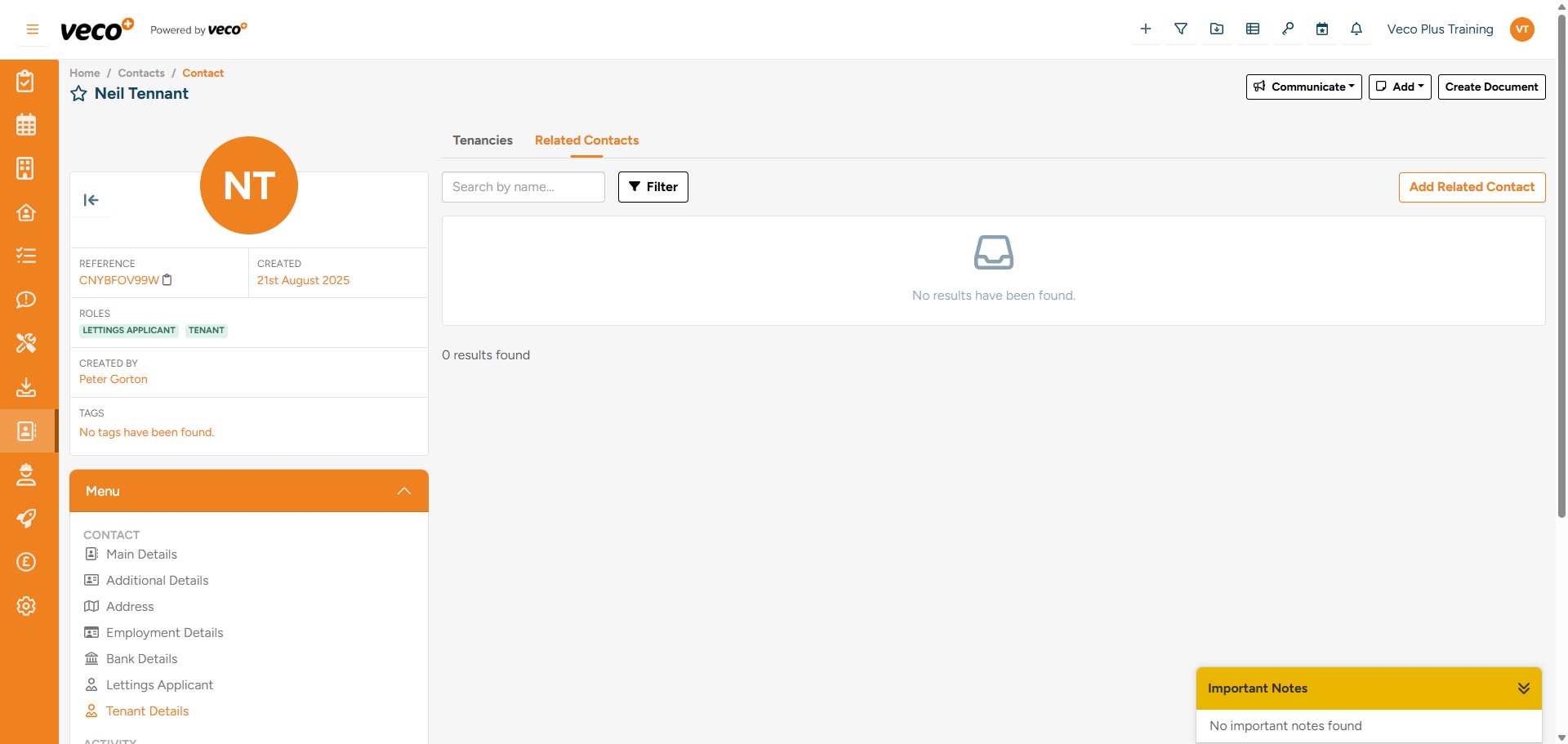
Adding a Guarantor
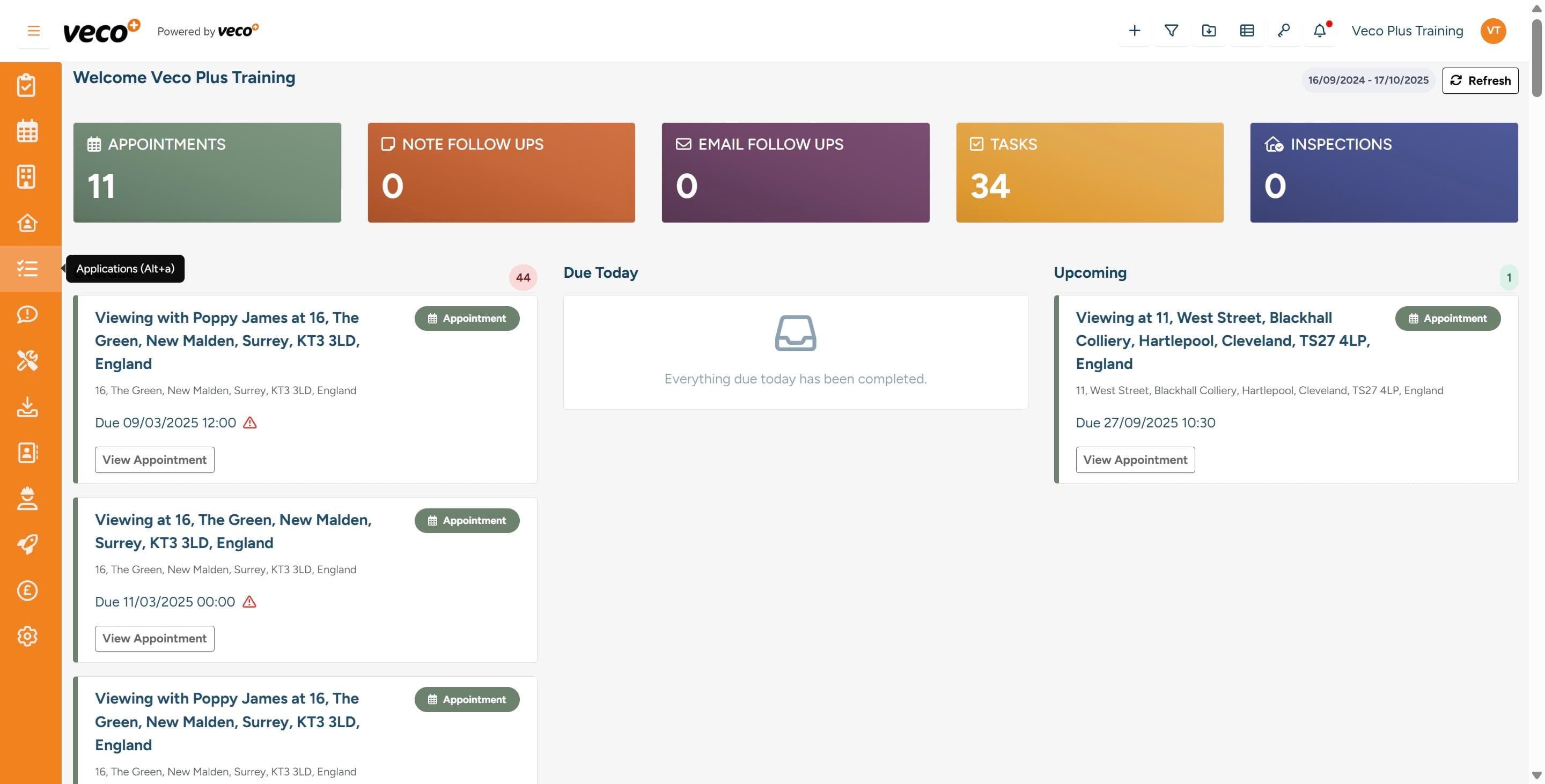
Select 'Applications' on the navigation bar
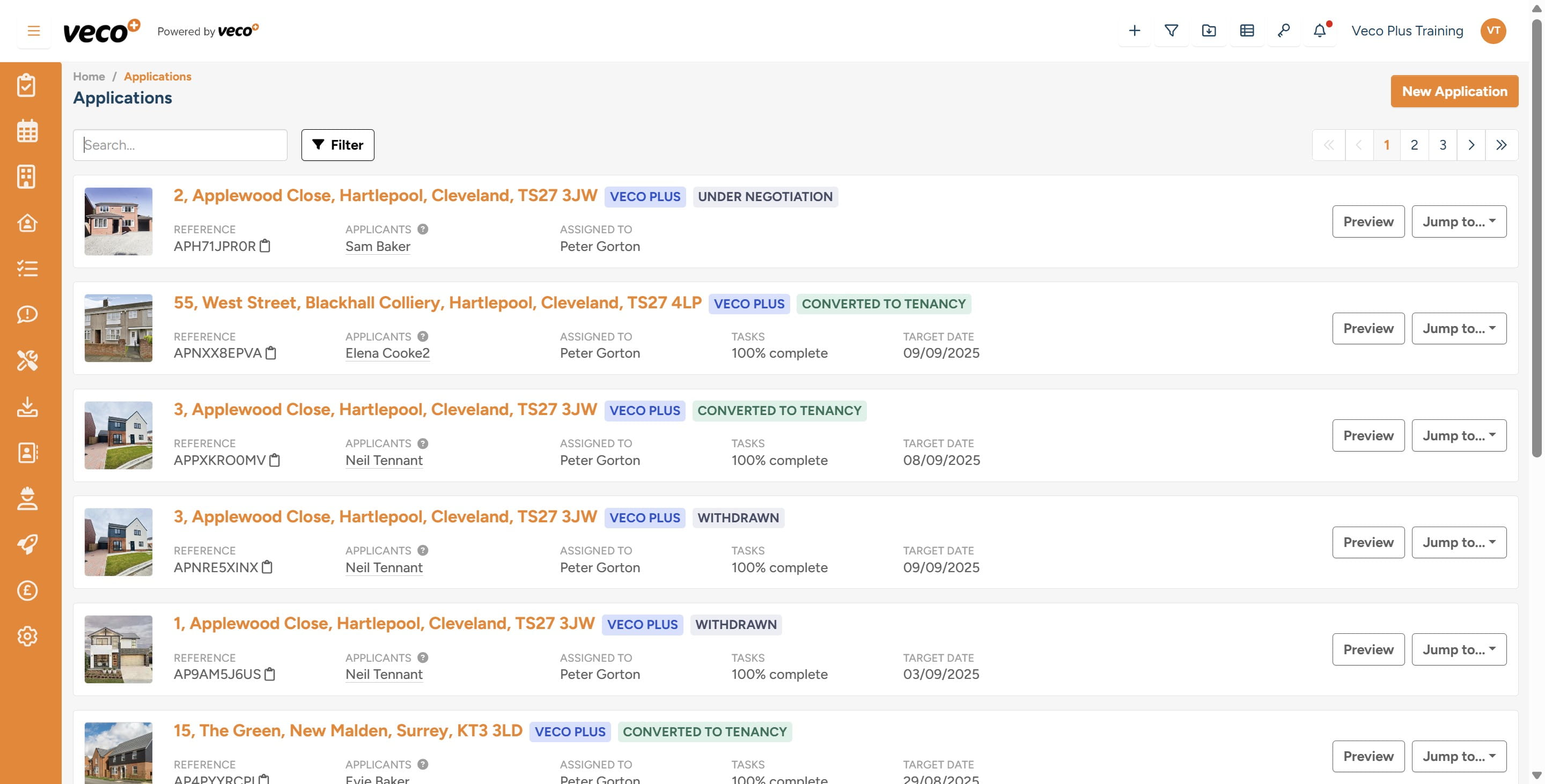
Search for the 'Application'
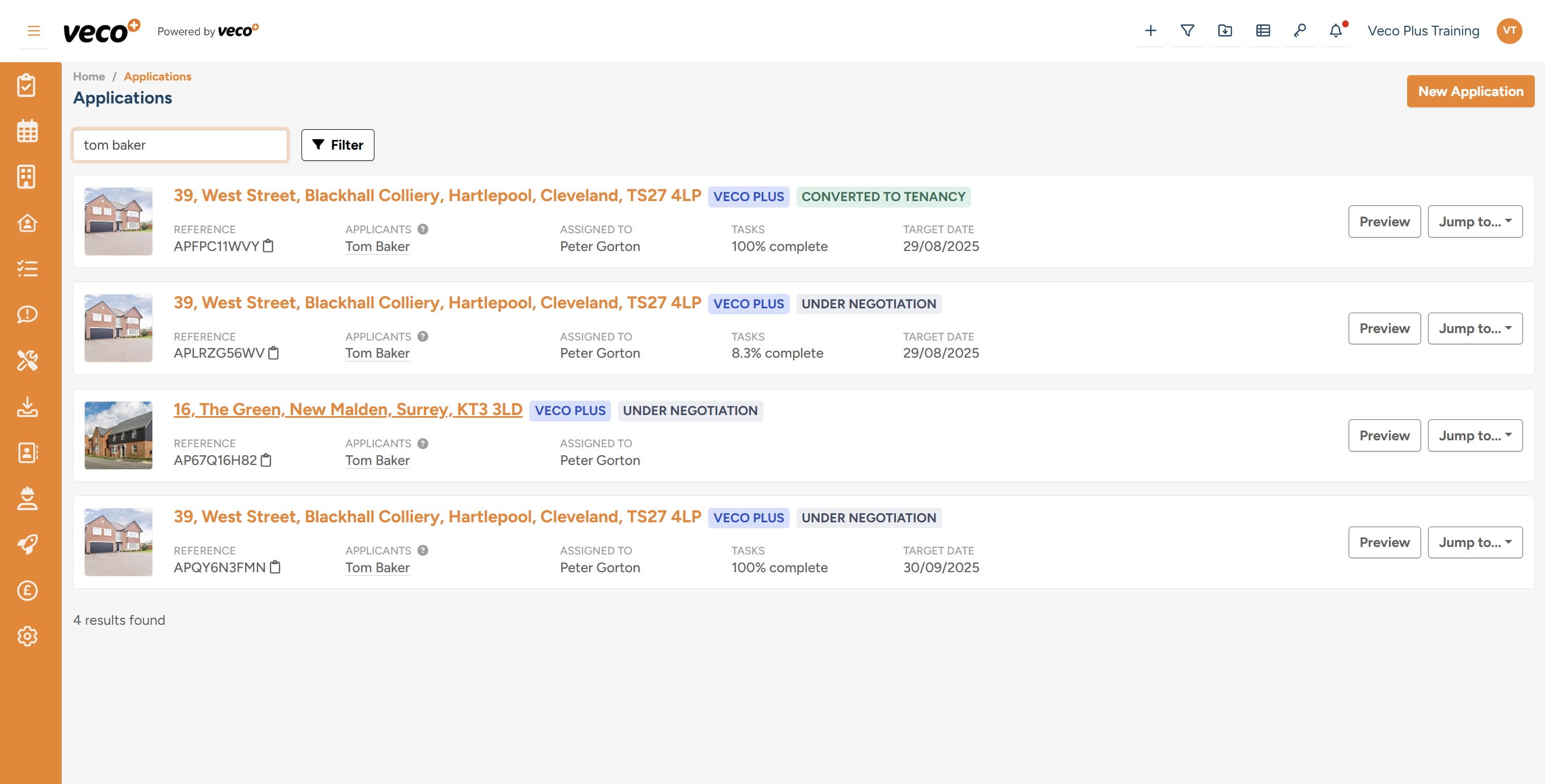
Select the 'Applications' record for the Guarantor to be added to the Applicant
From the ‘Menu’ on the left select 'Applicants'
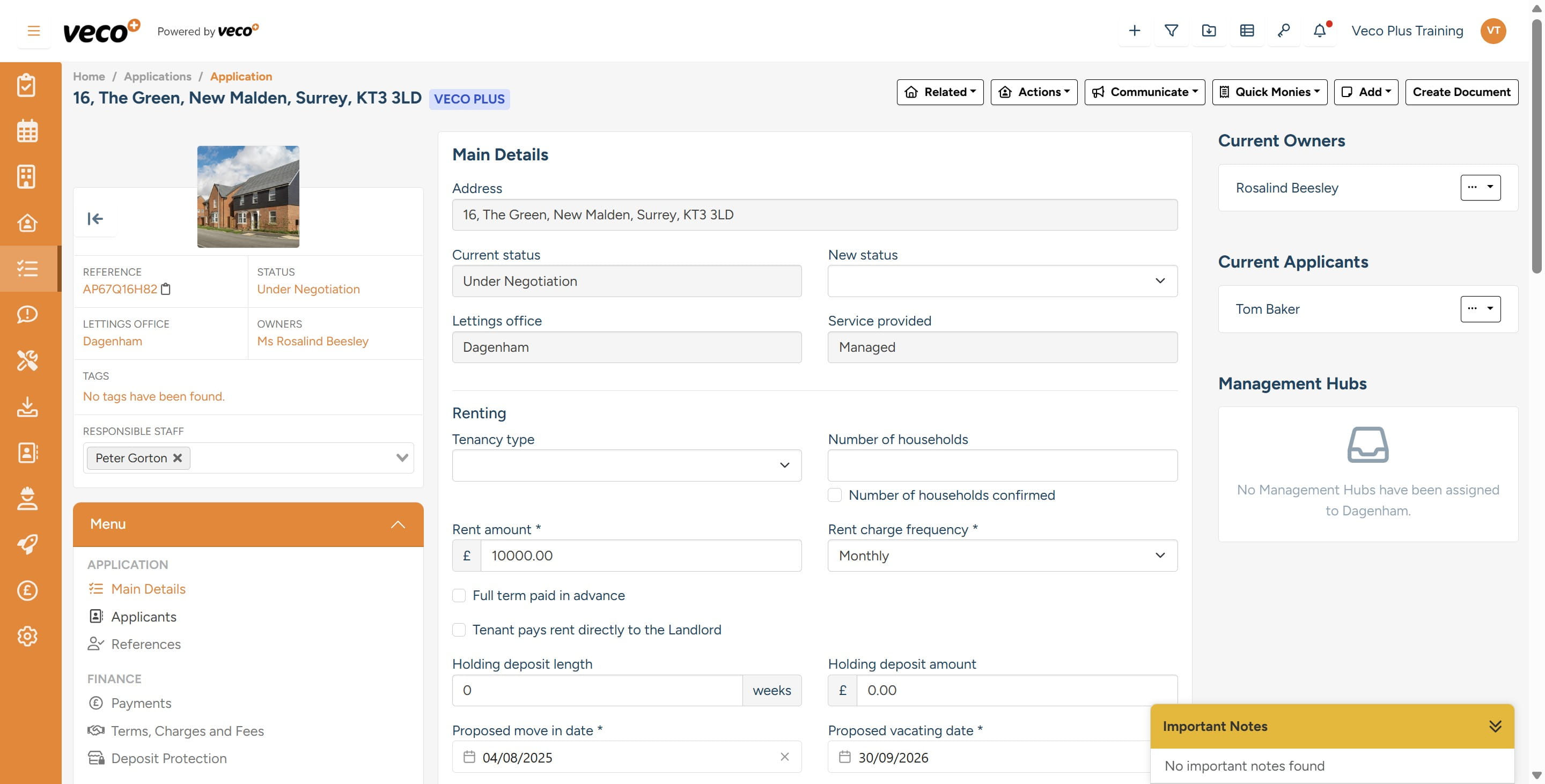
From the Confirmed Applicants list, select 'Actions' on the Applicant that you would like to add the Guarantor to
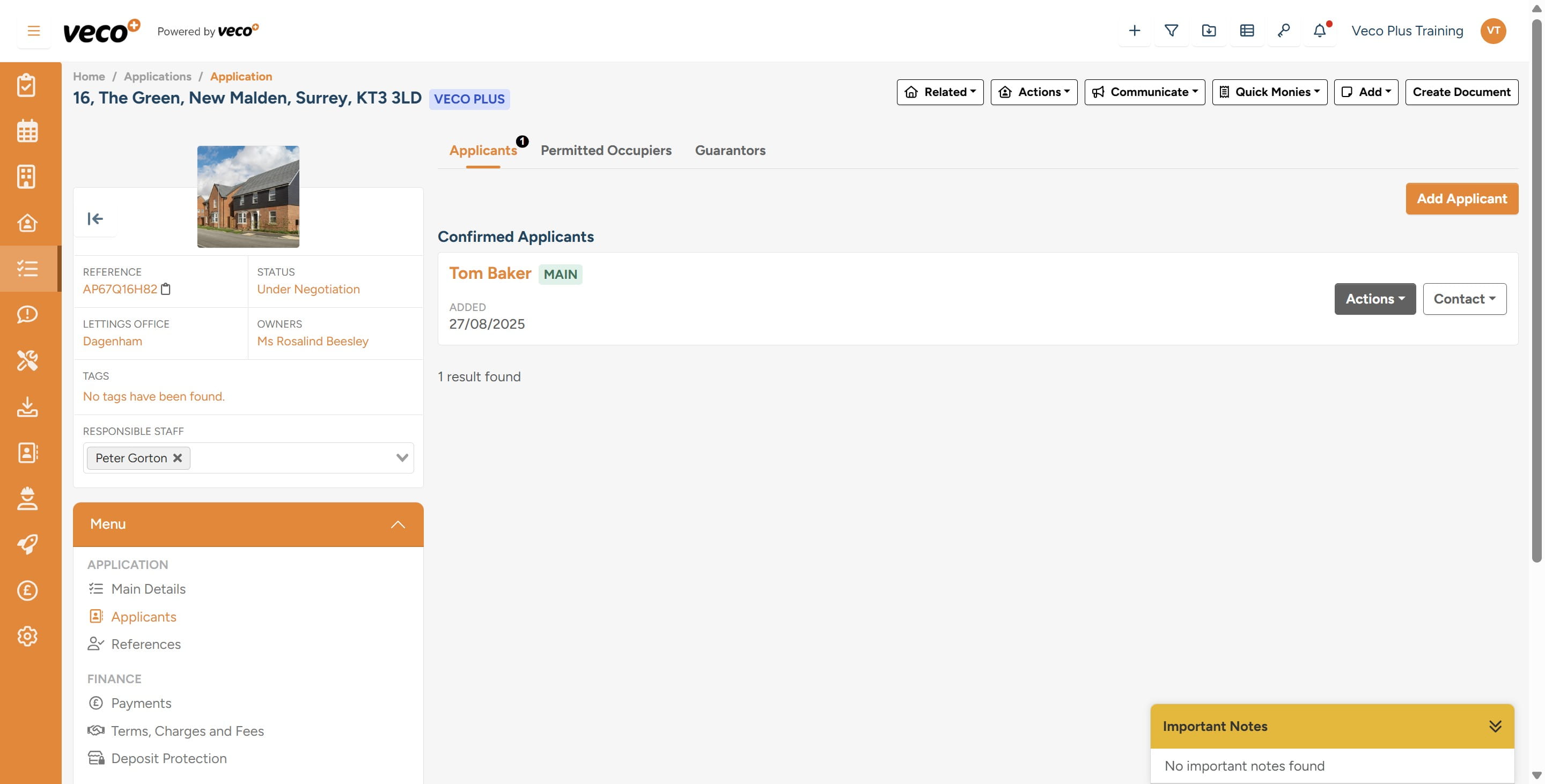
Select 'Edit'
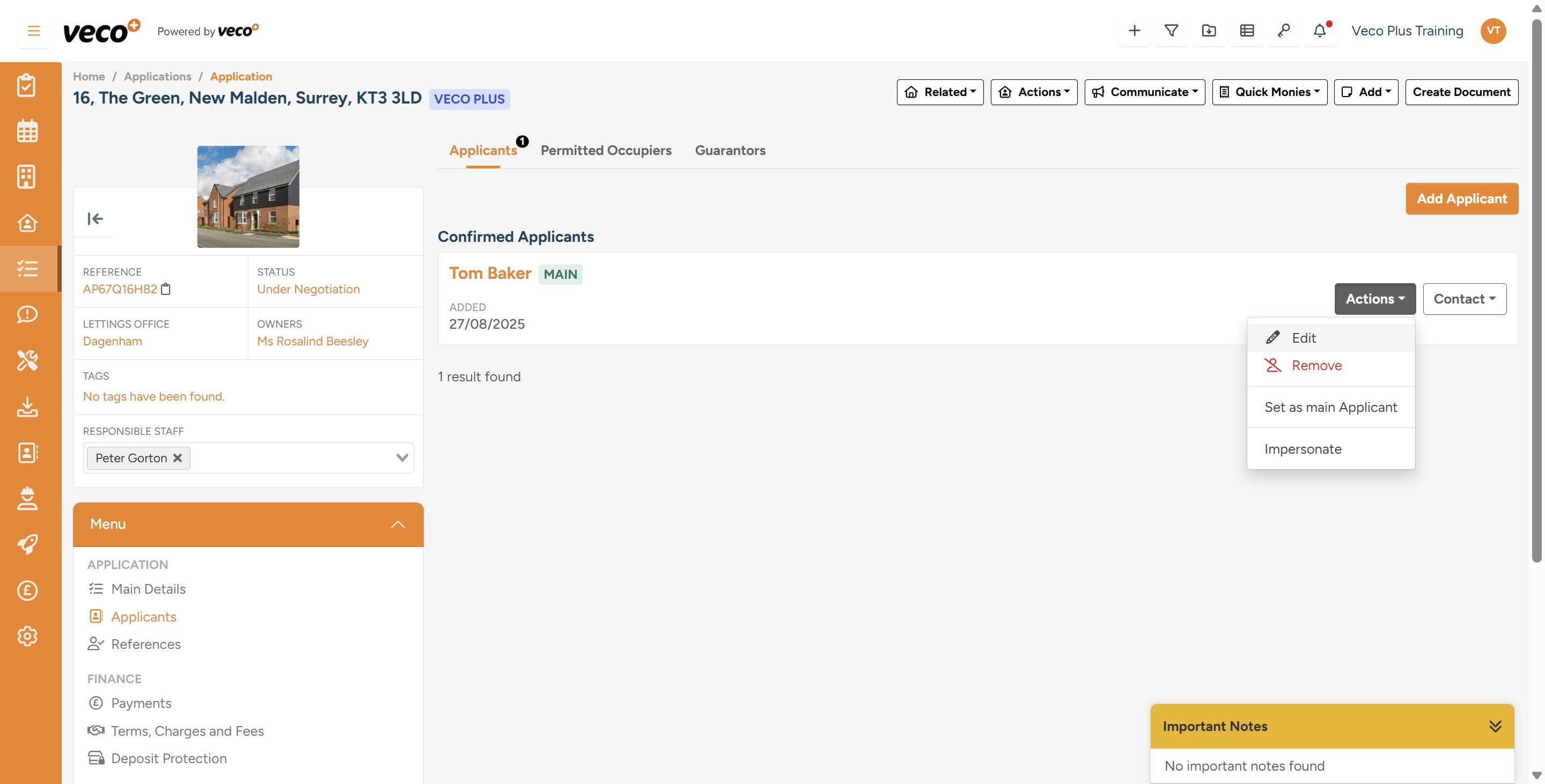
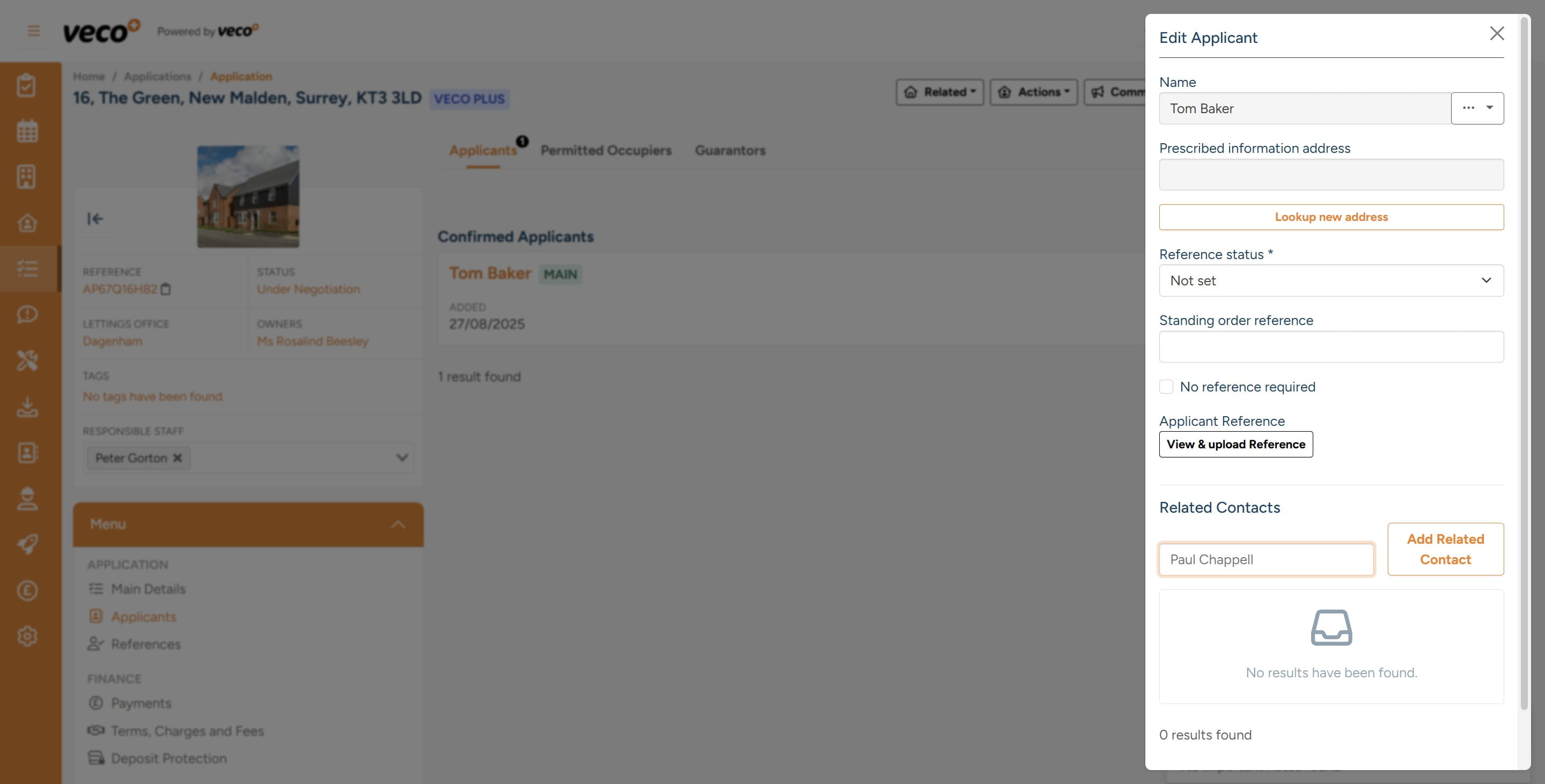
Enter the Guarantor's name in the 'Search by name' field
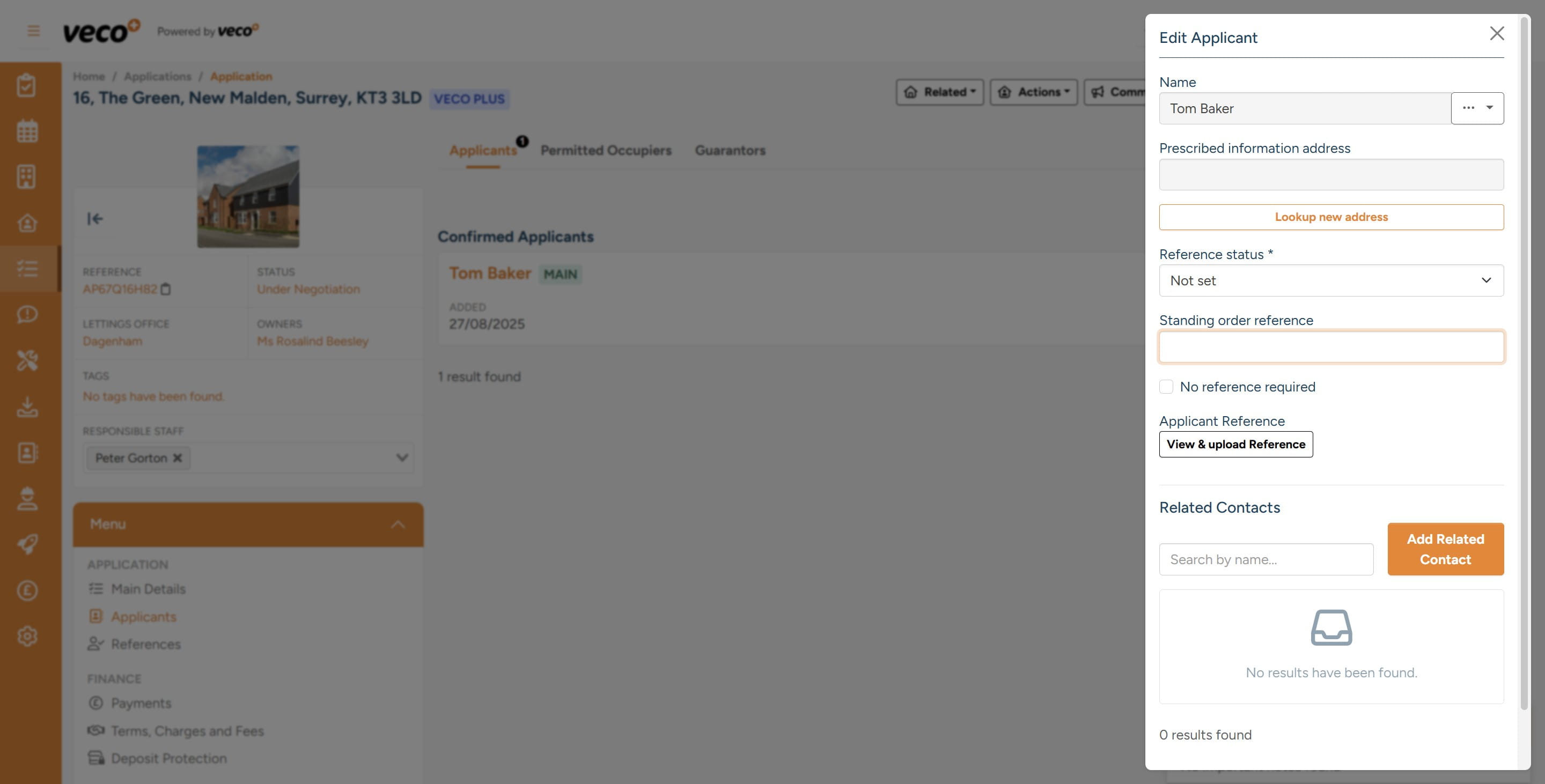
Select 'Add Related Contact'
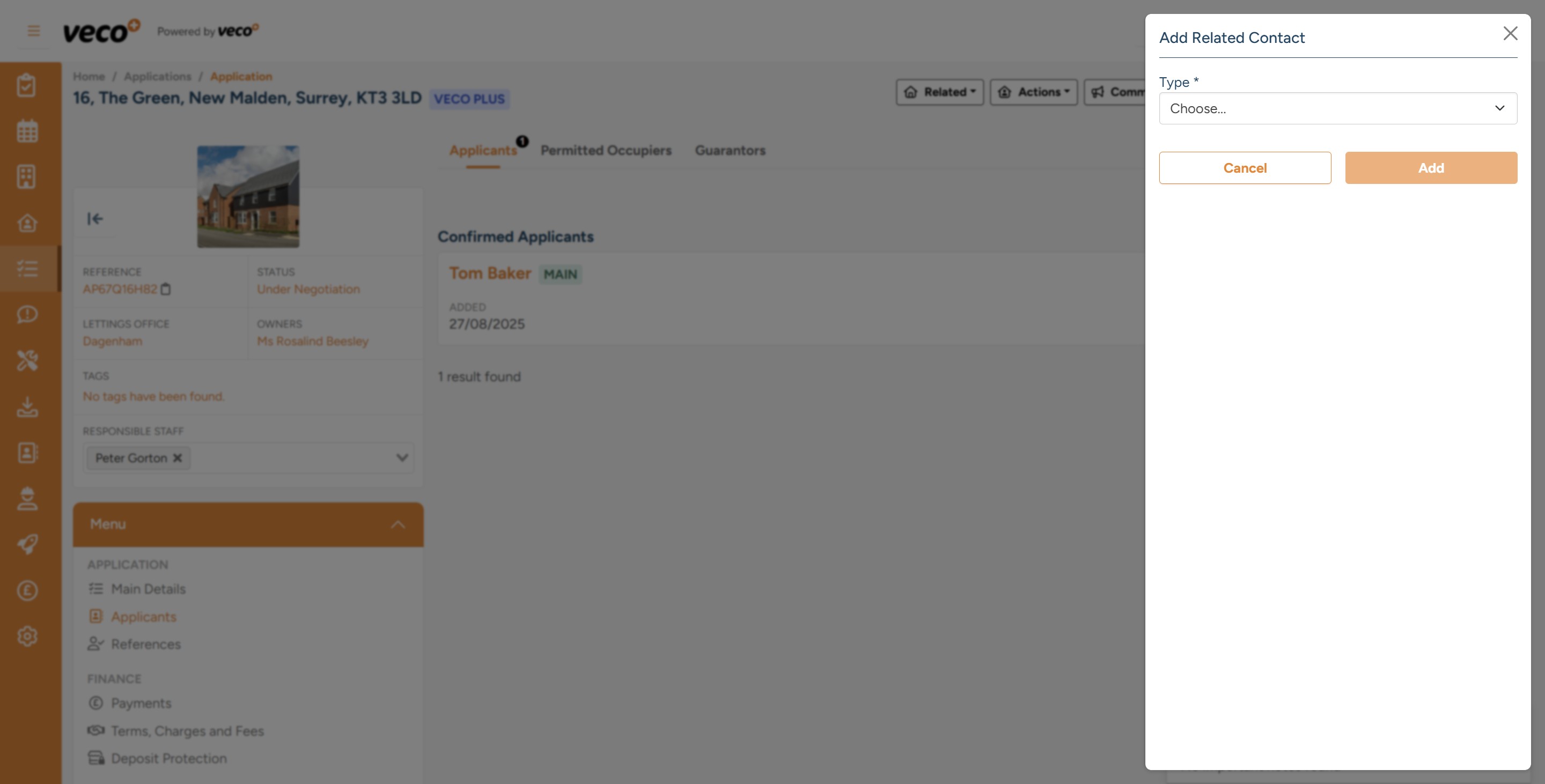
Then select 'Choose' which will show a list of Related Contact Types
Select the option 'Guarantor'
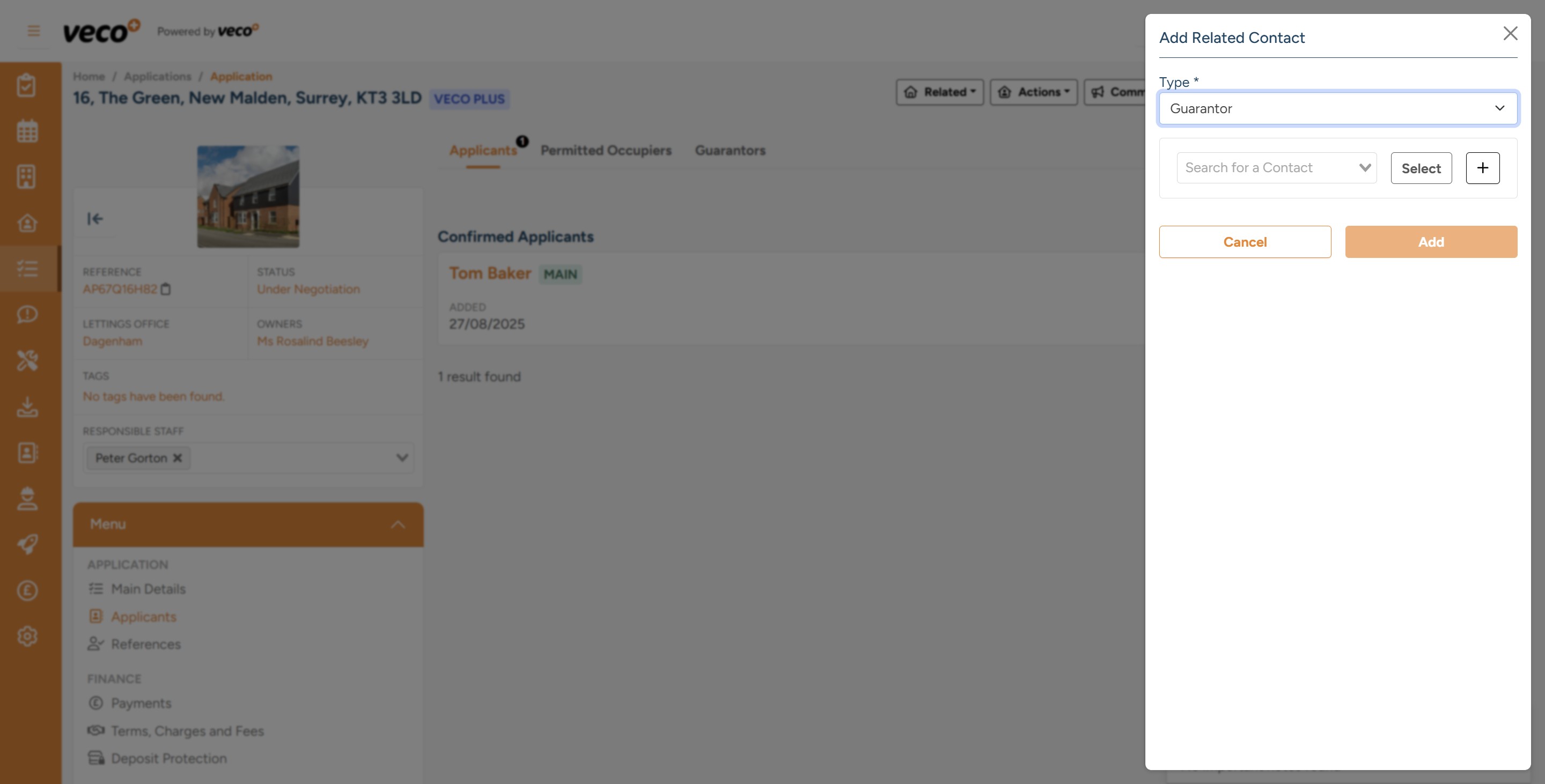
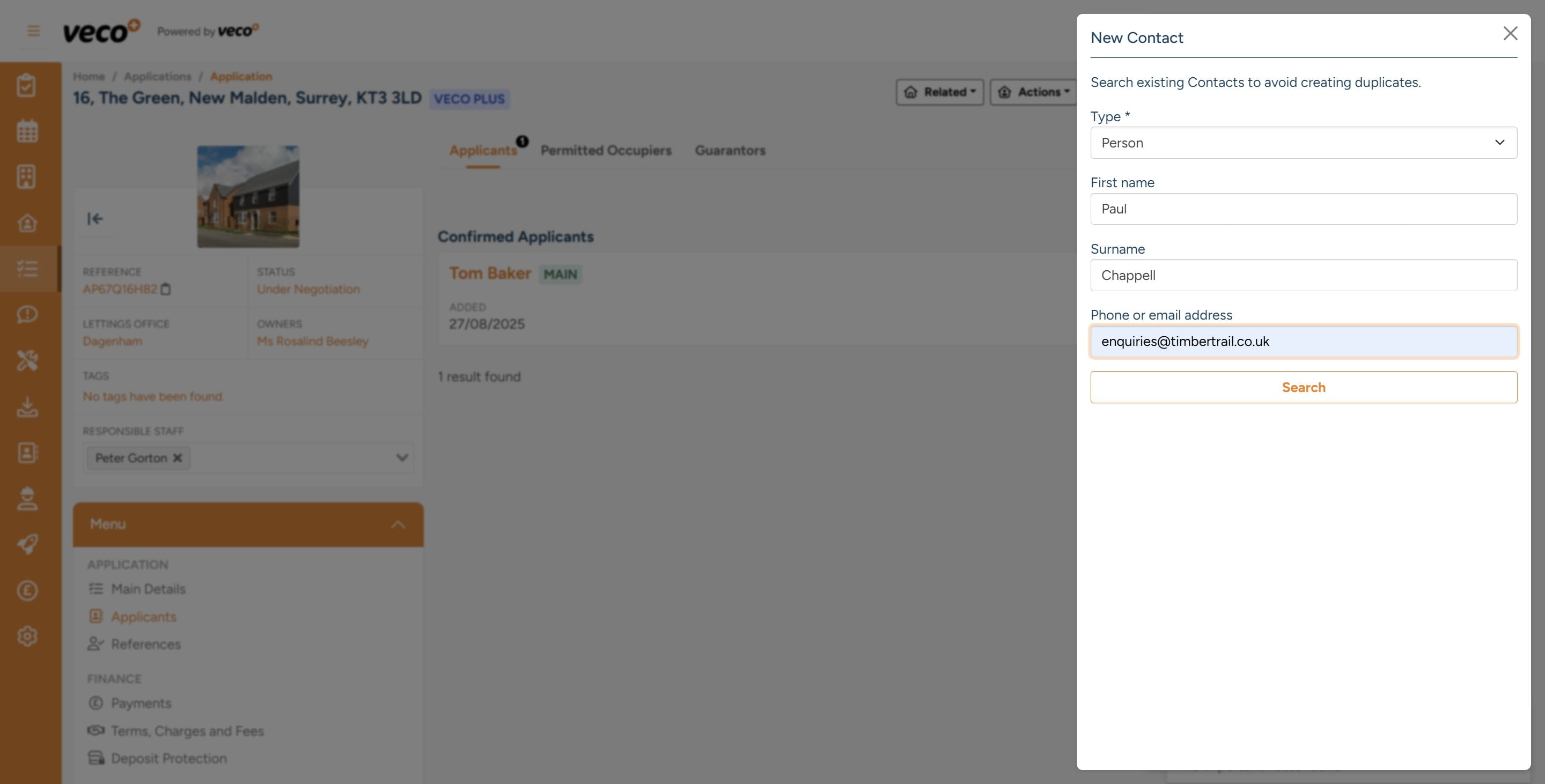
Search for the Guarantor's contact record. If the contact exists, it will appear for you to select. If the contact is not found, you will be prompted to add the new contact. Select the '+' to add the contact details
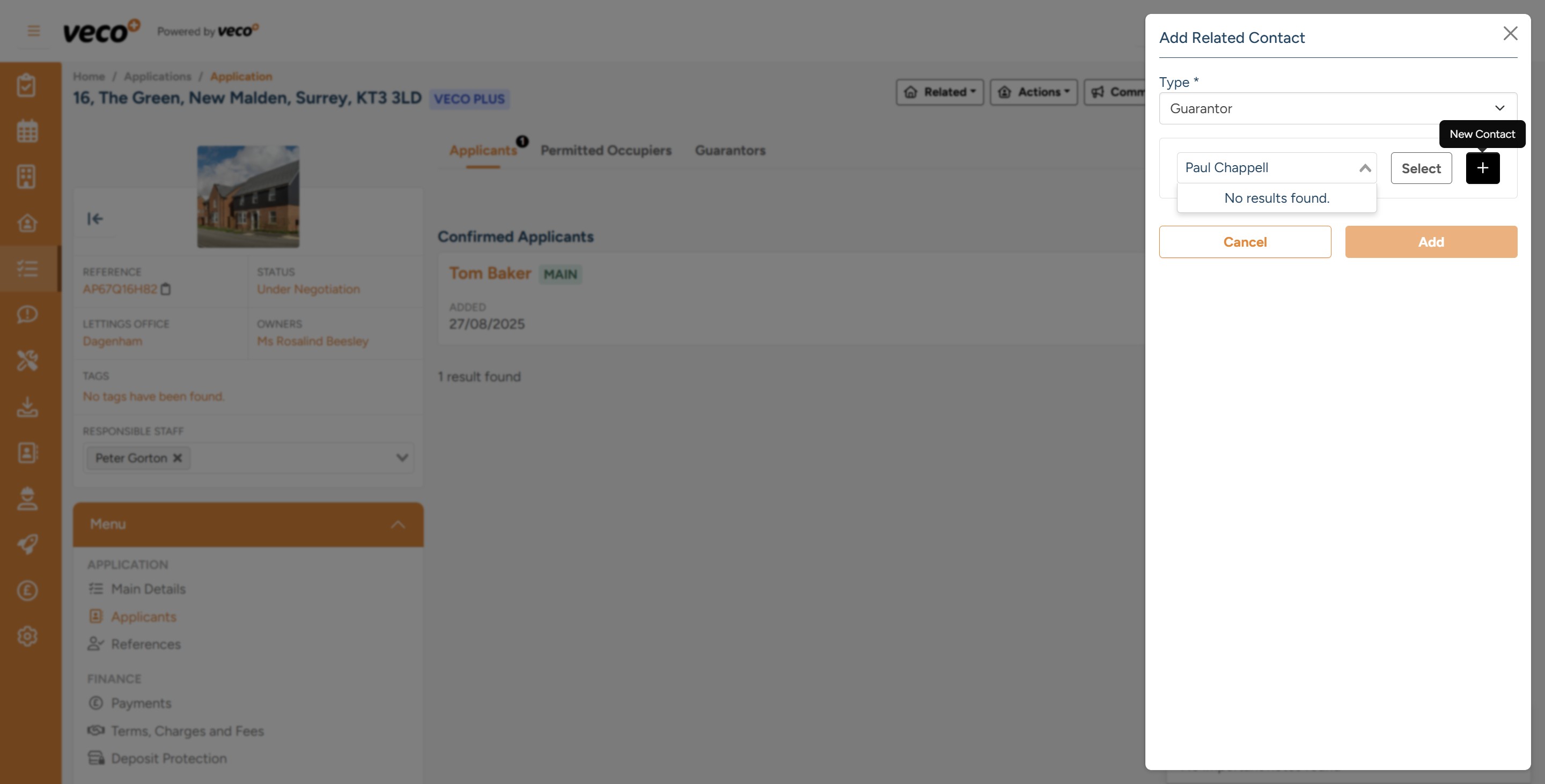
Then select 'Search'
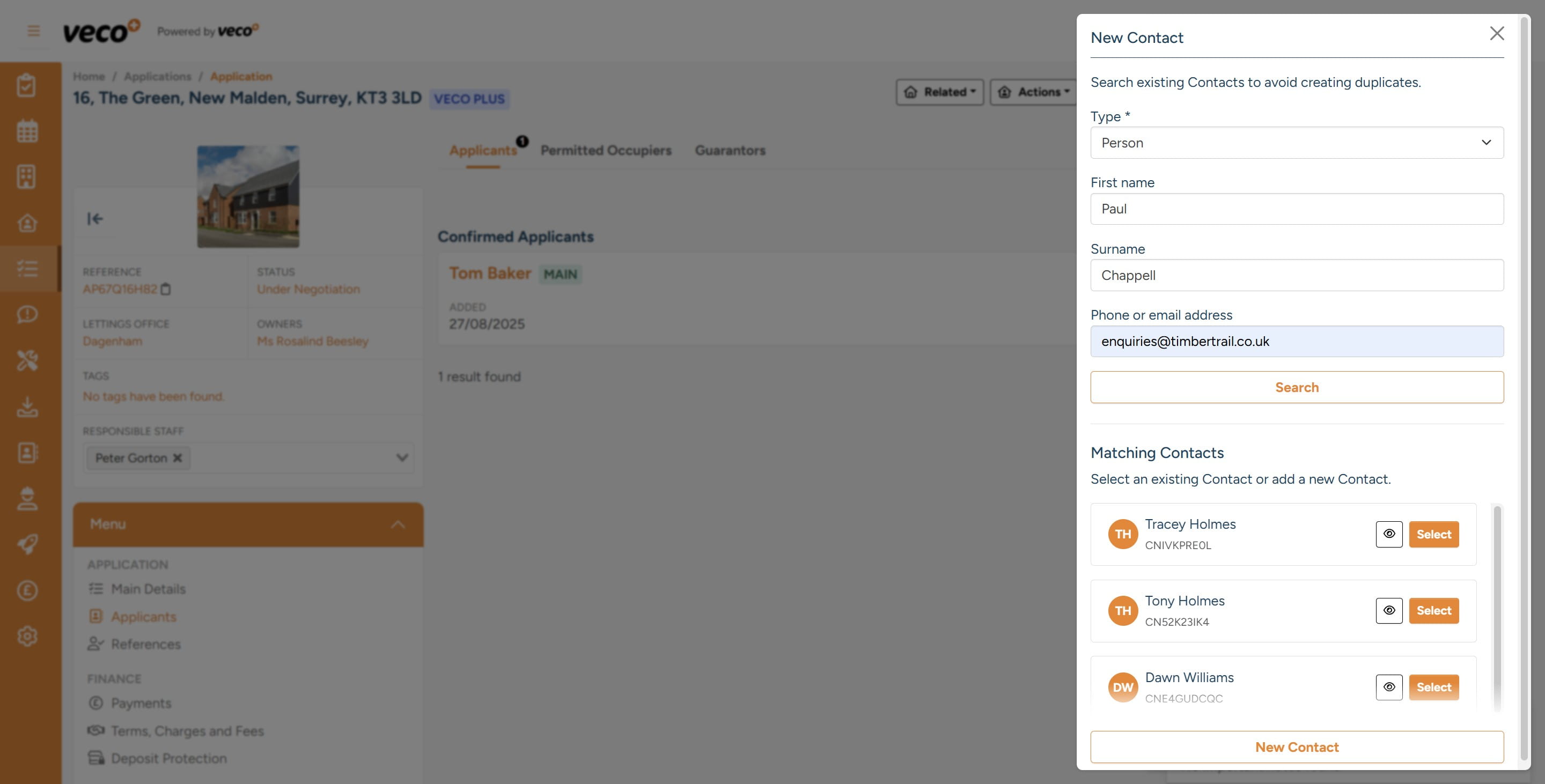
From the search, you will be shown a list of suggested matches. If none apply, select 'New Contact'
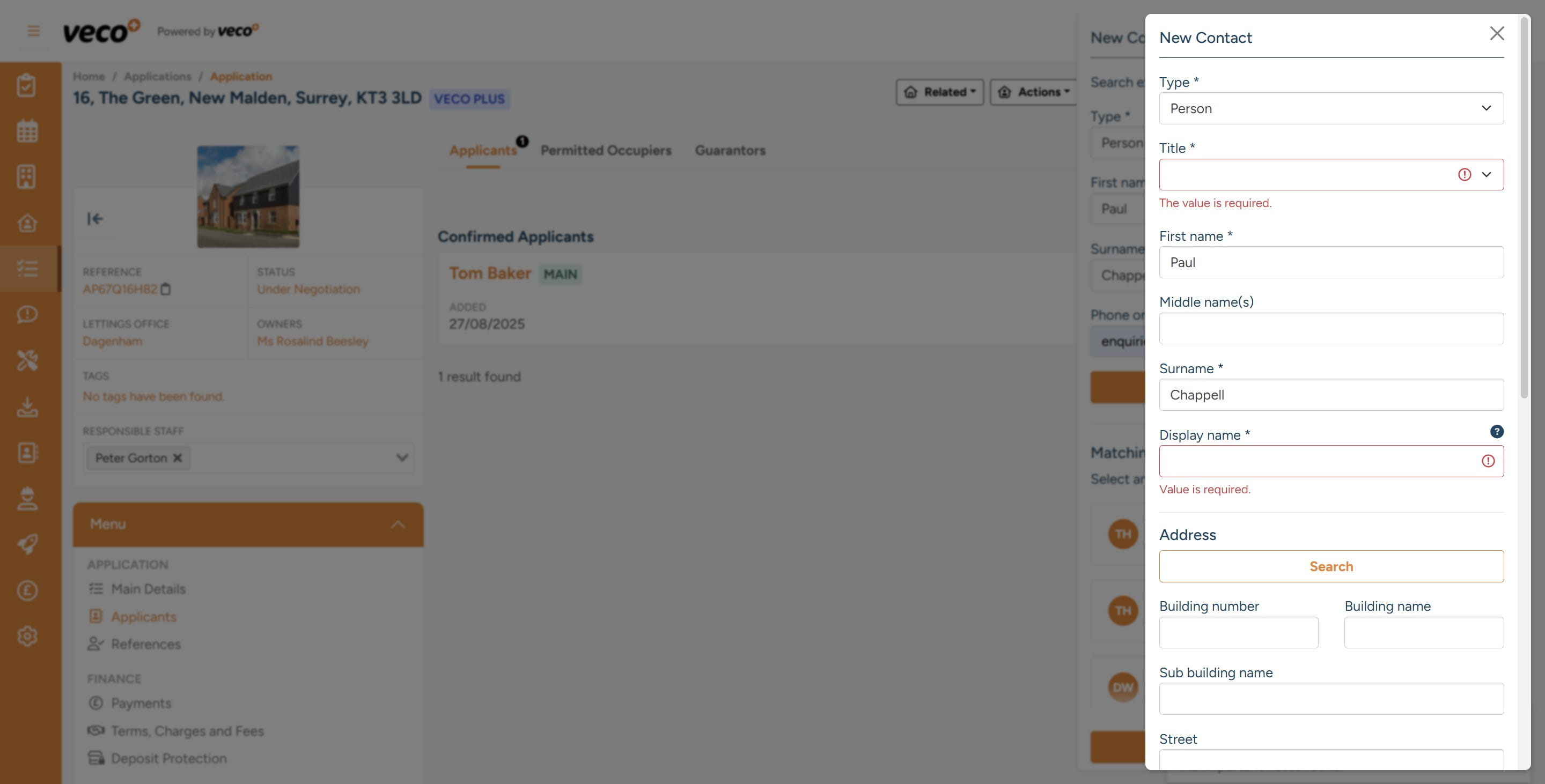
Enter all required information for the 'New Contact'
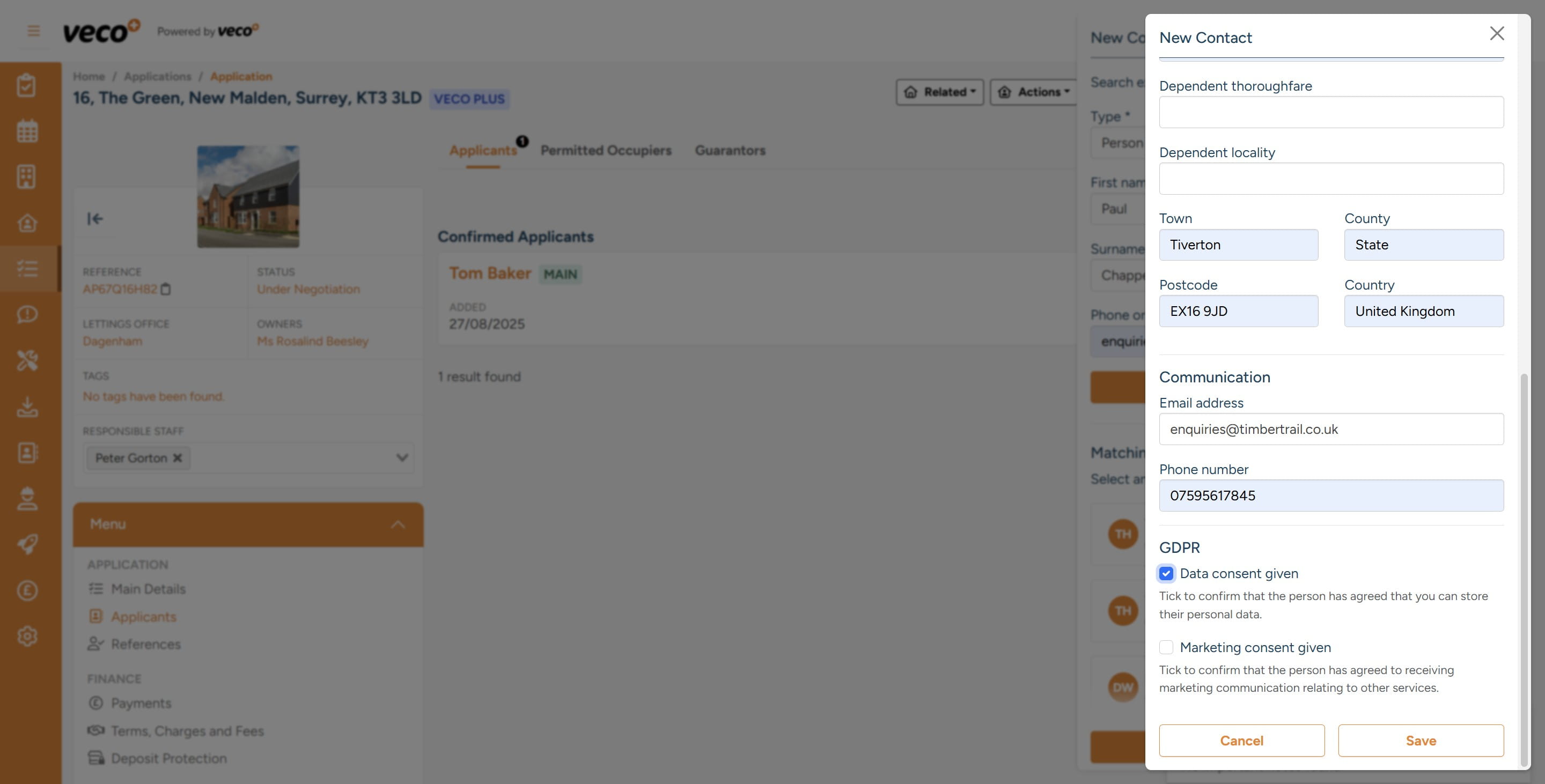
Select 'Save'
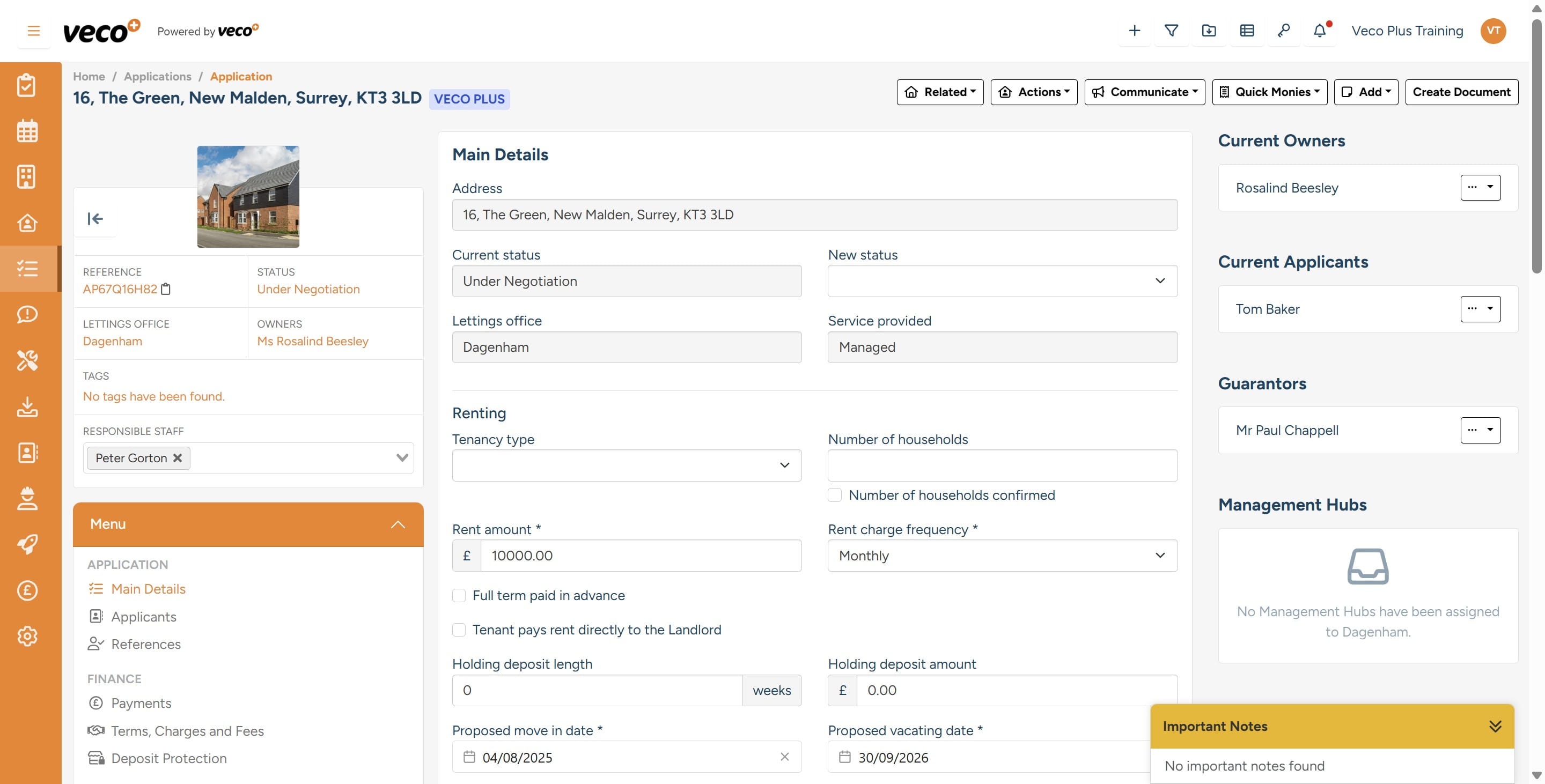
Here is an example on the right-hand side of a 'Guarantor', which has now been attached to the 'Applicant'. This can be found on the main details of the Application record
The Guarantor can also be added at the Contact level if the Contact is already a Tenant on a Tenancy in the same way