Supplier Payments
May 22, 2026●
1
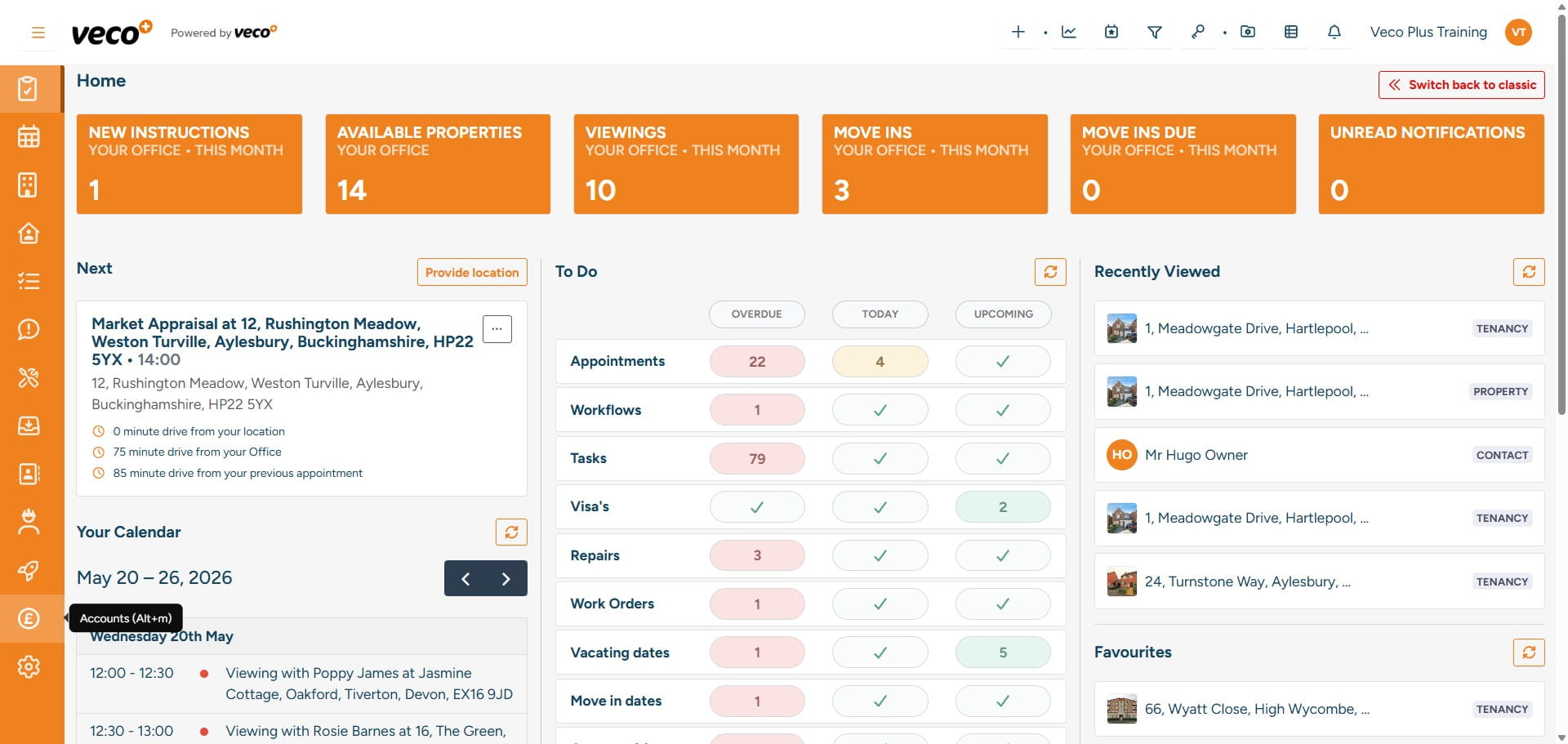
Select 'Accounts' on the navigation bar
2
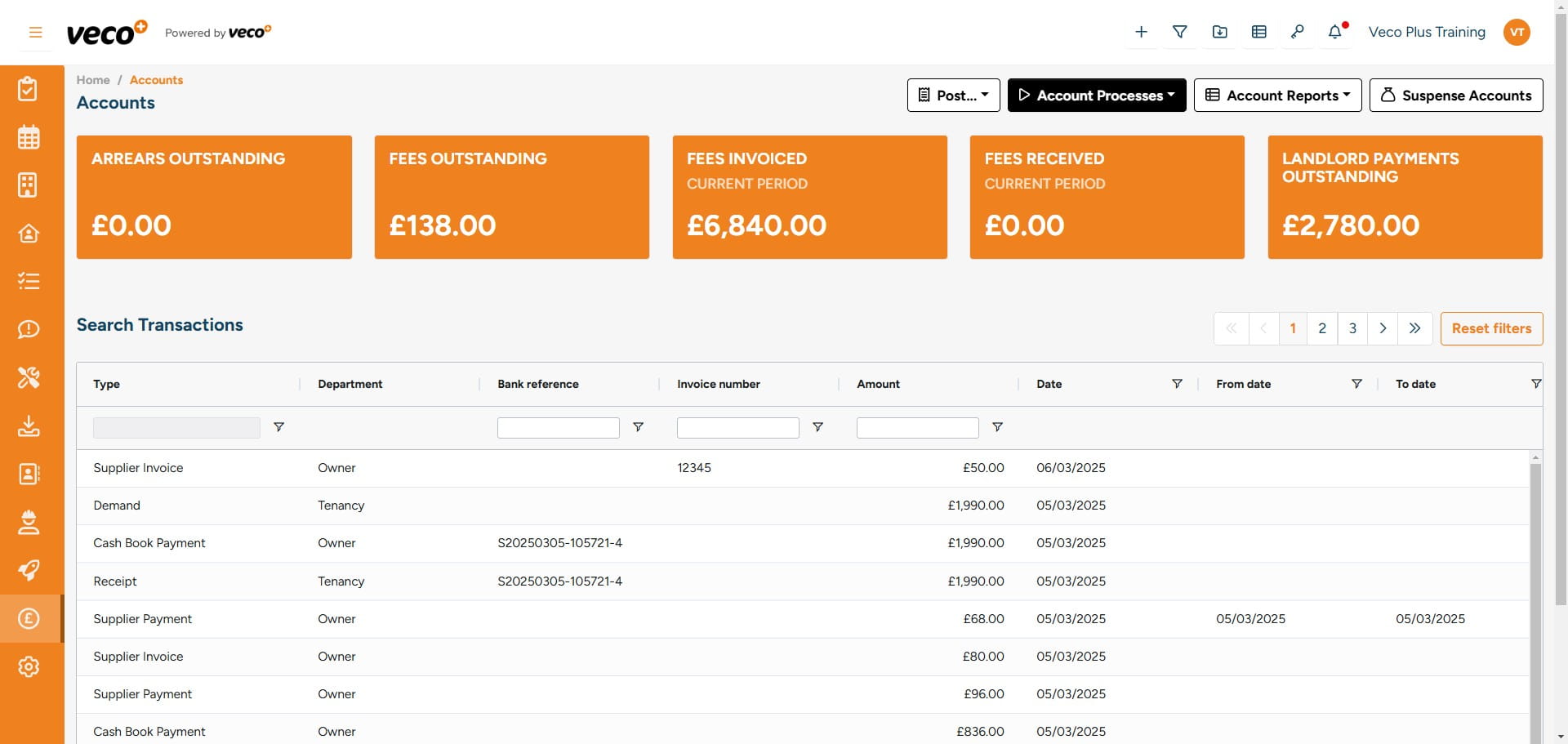
Select 'Account Processes'
3
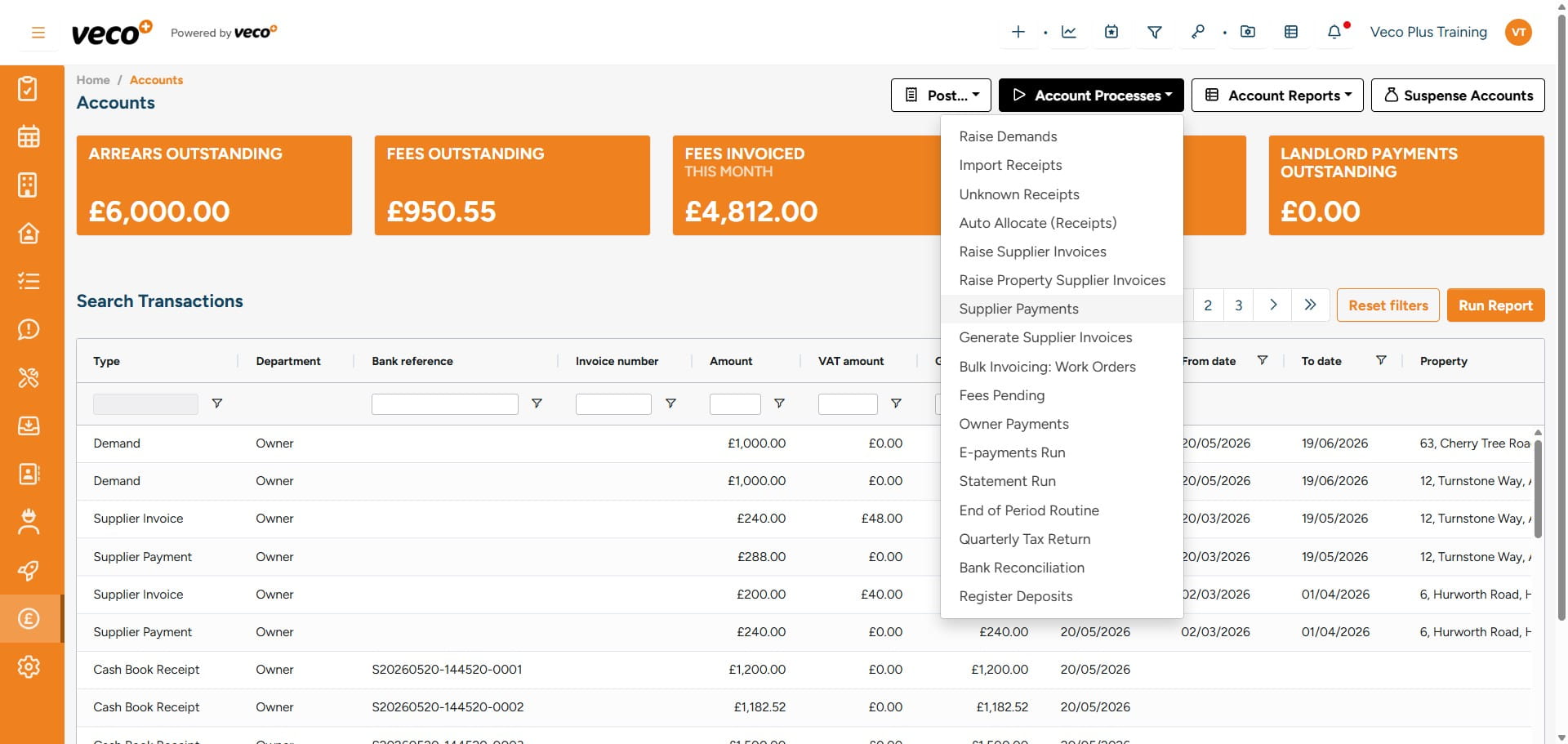
Select 'Supplier Payments'
4
Select 'Actions'
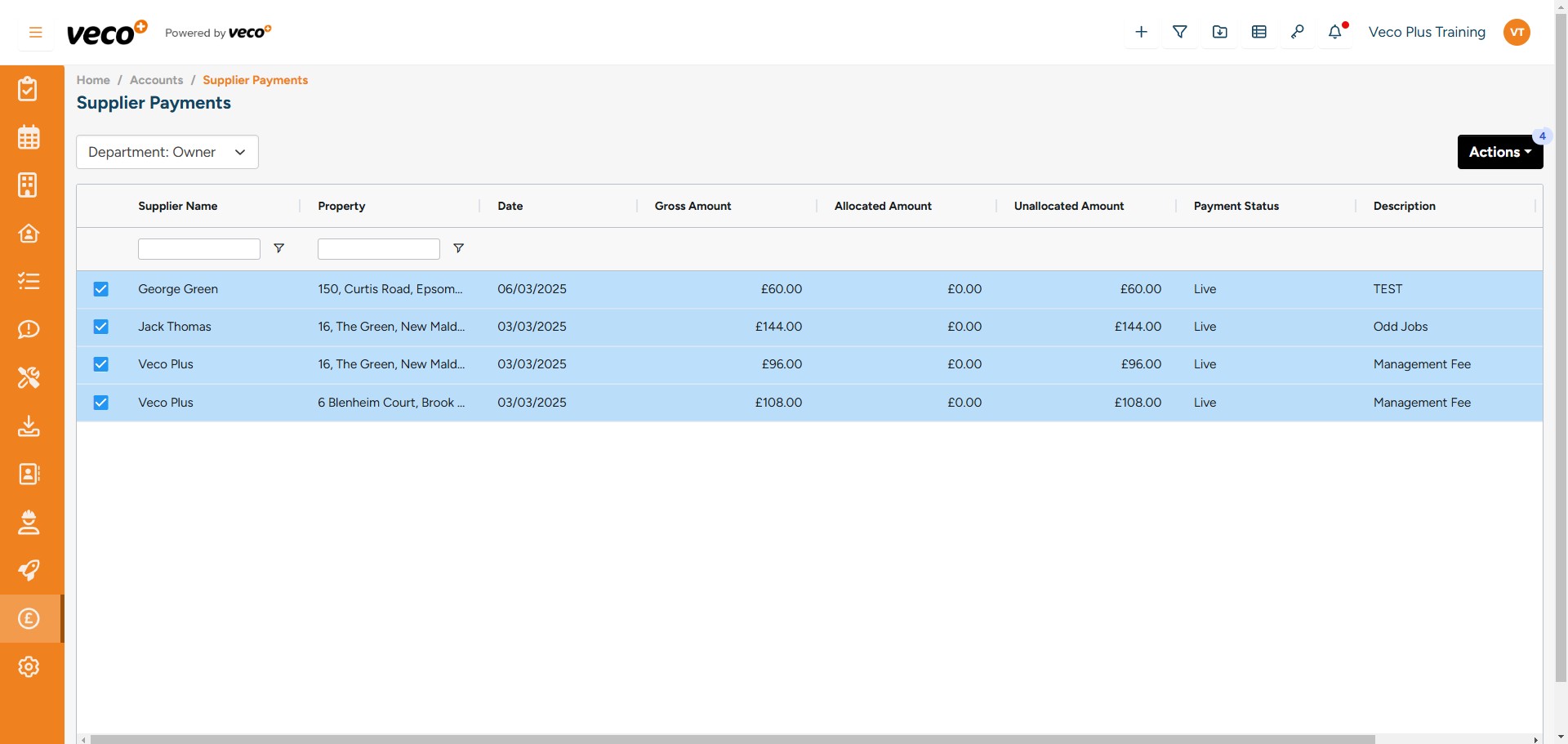
5
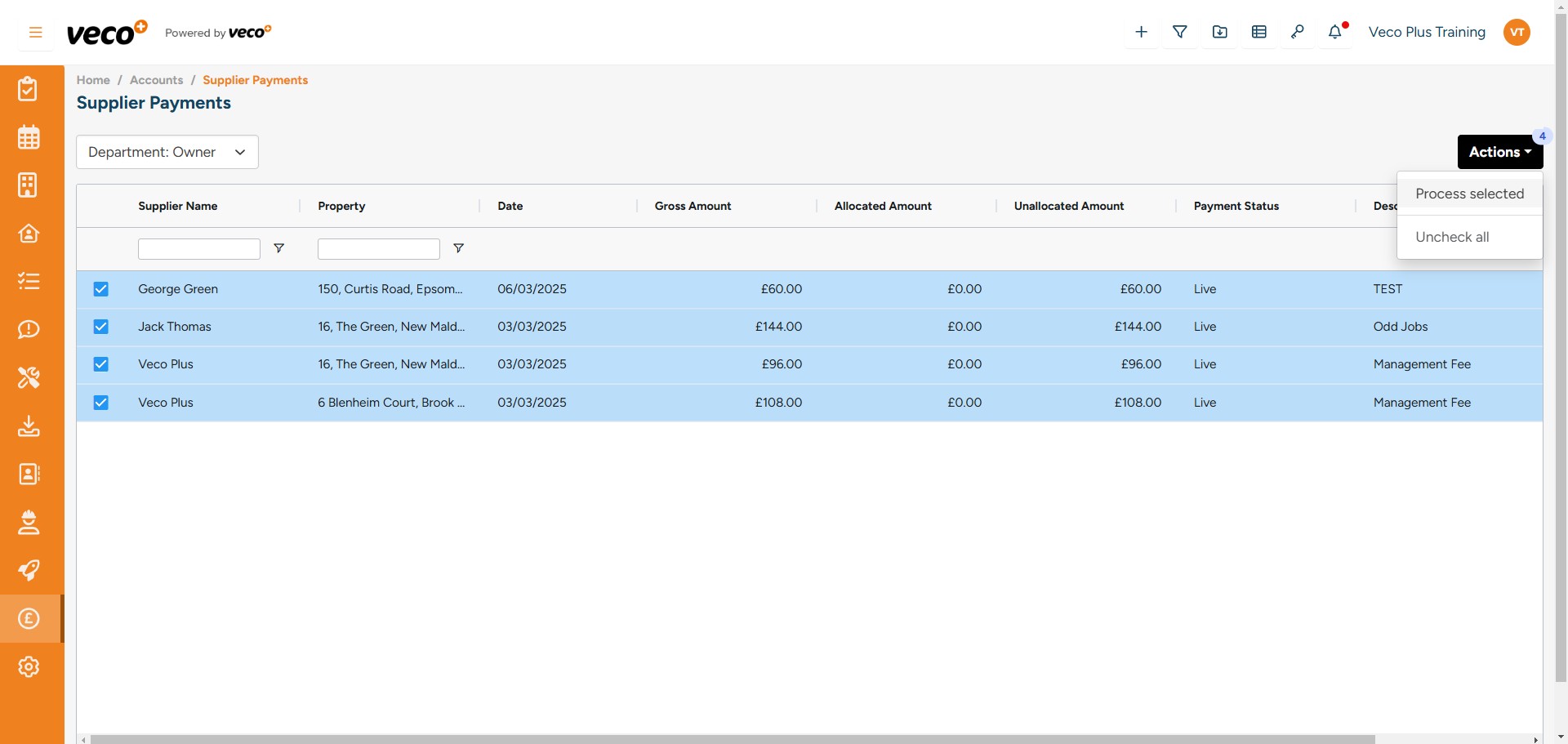
When you select 'Actions' you will have the option to 'Process selected' or 'Uncheck all'
6
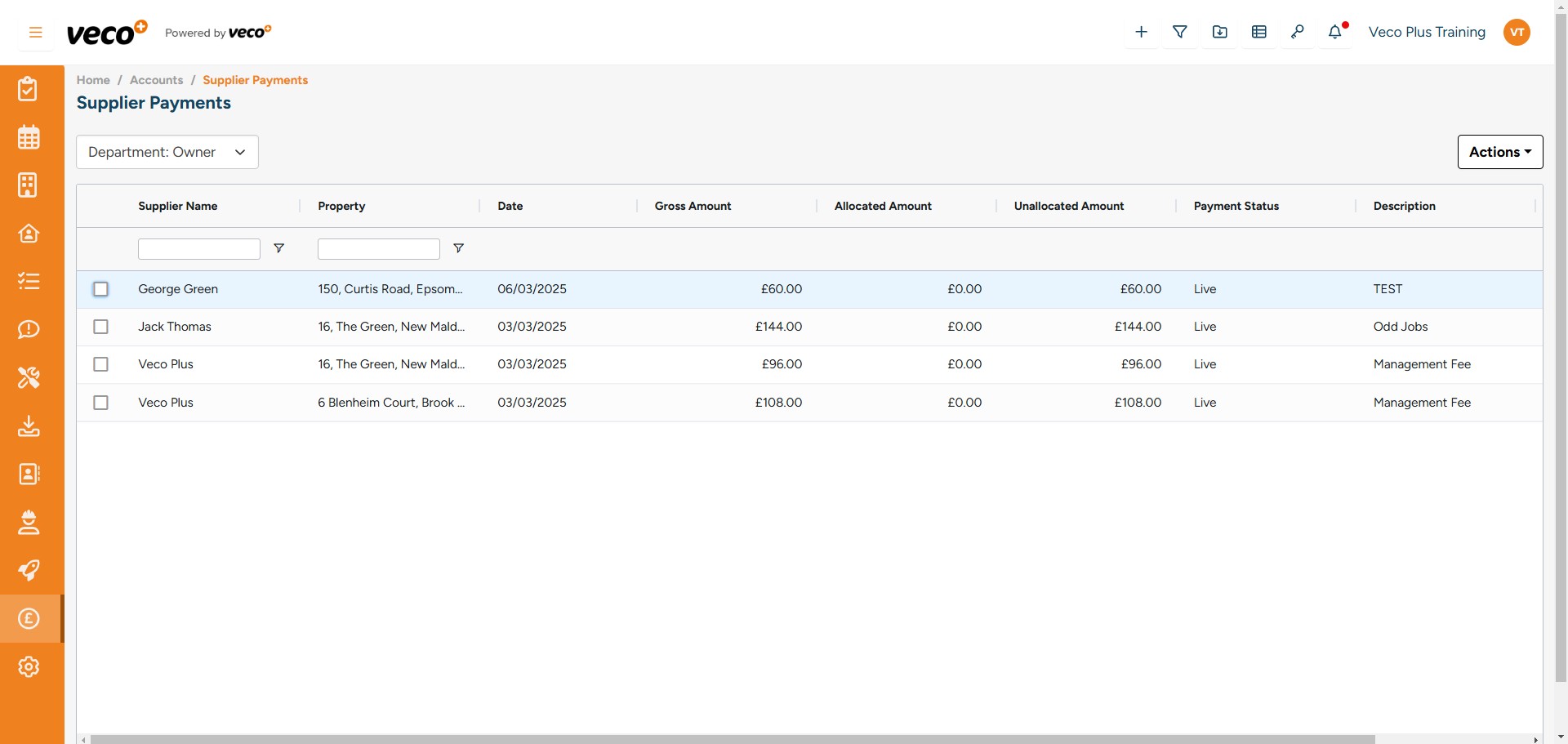
If you selected 'Uncheck all' you can instead select the individual payments you want to process
7
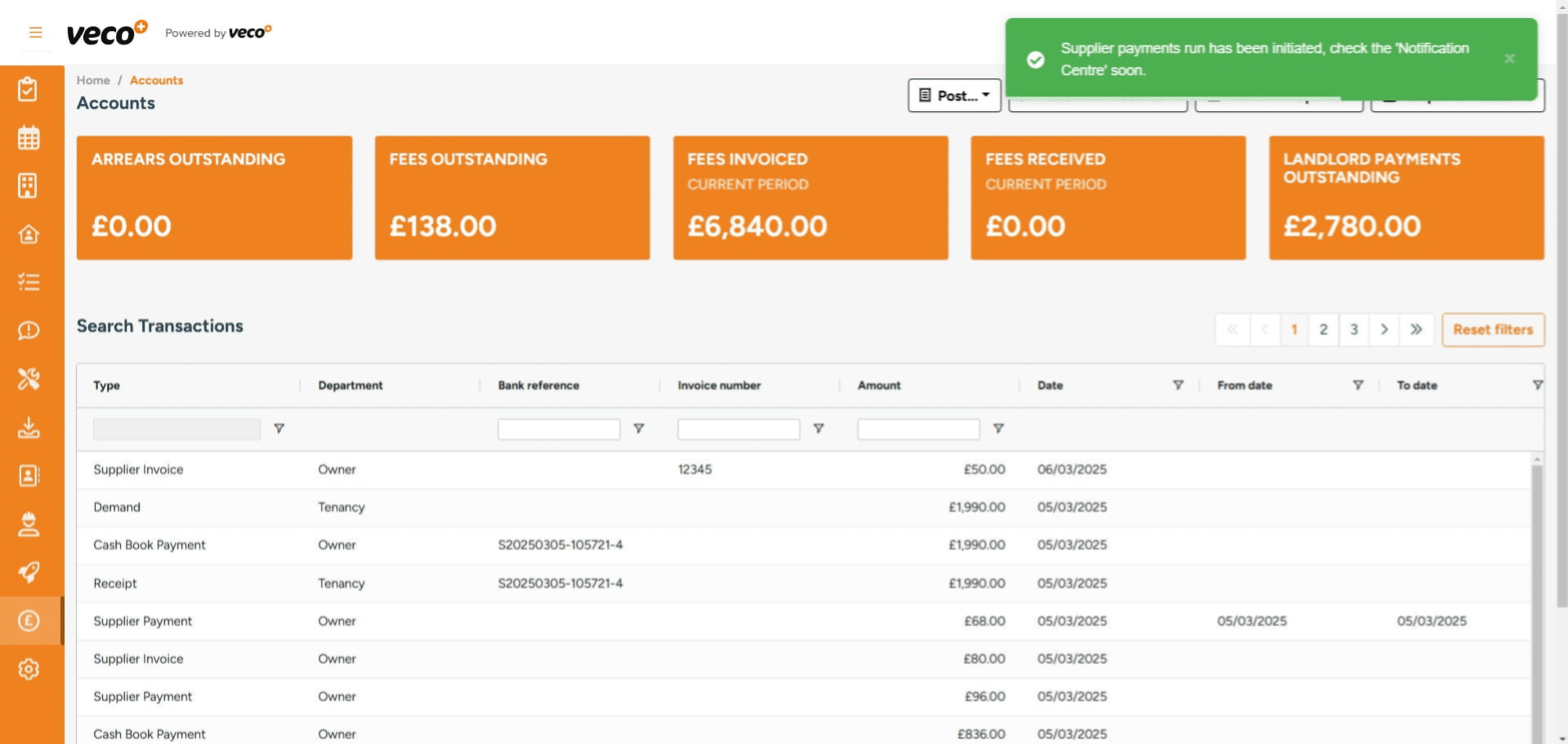
When selecting 'Process selected', a notification will appear to inform you that the process has been initiated. Once completed, a notification will show in the notification centre